Security rating tooltip controls New
Security Rating tooltips include a footer button to view all insights for a configuration object, plus individual controls to hide specific insights directly from the tooltip. Hidden insights are still indicated, improving visibility and user control.
In the Security Rating Insight, tooltips to allow actions for the individual insights so they can be hidden directly from the tooltip.
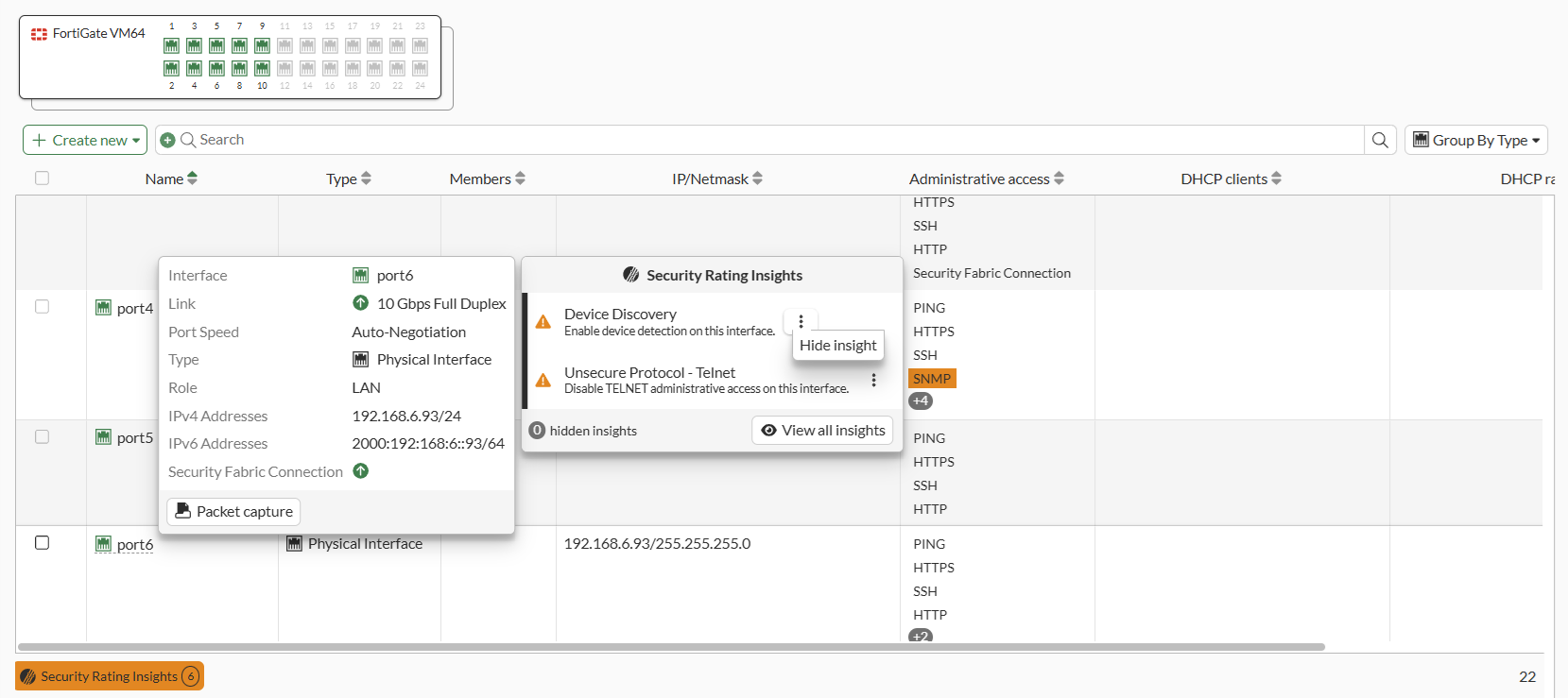
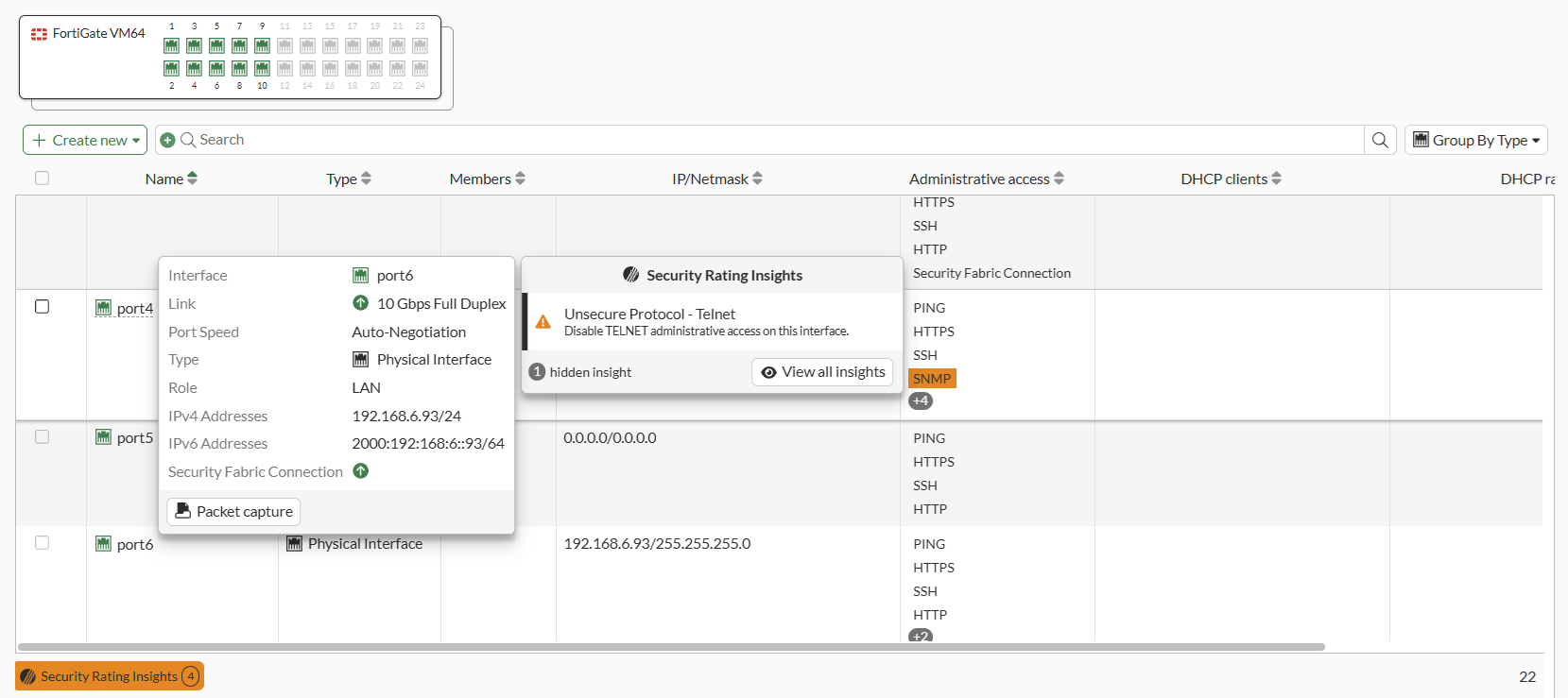
The insights can also be hidden or unhidden using the CLI:
config system security-rating controls
    edit "DeviceDiscovery"
        set display-insight {enable | disable}
    next
end
In the tooltip, the View all insights button will open the Security Rating page, where a special filter is pre-applied that shows all the insights (hidden or not) for the specific entry.
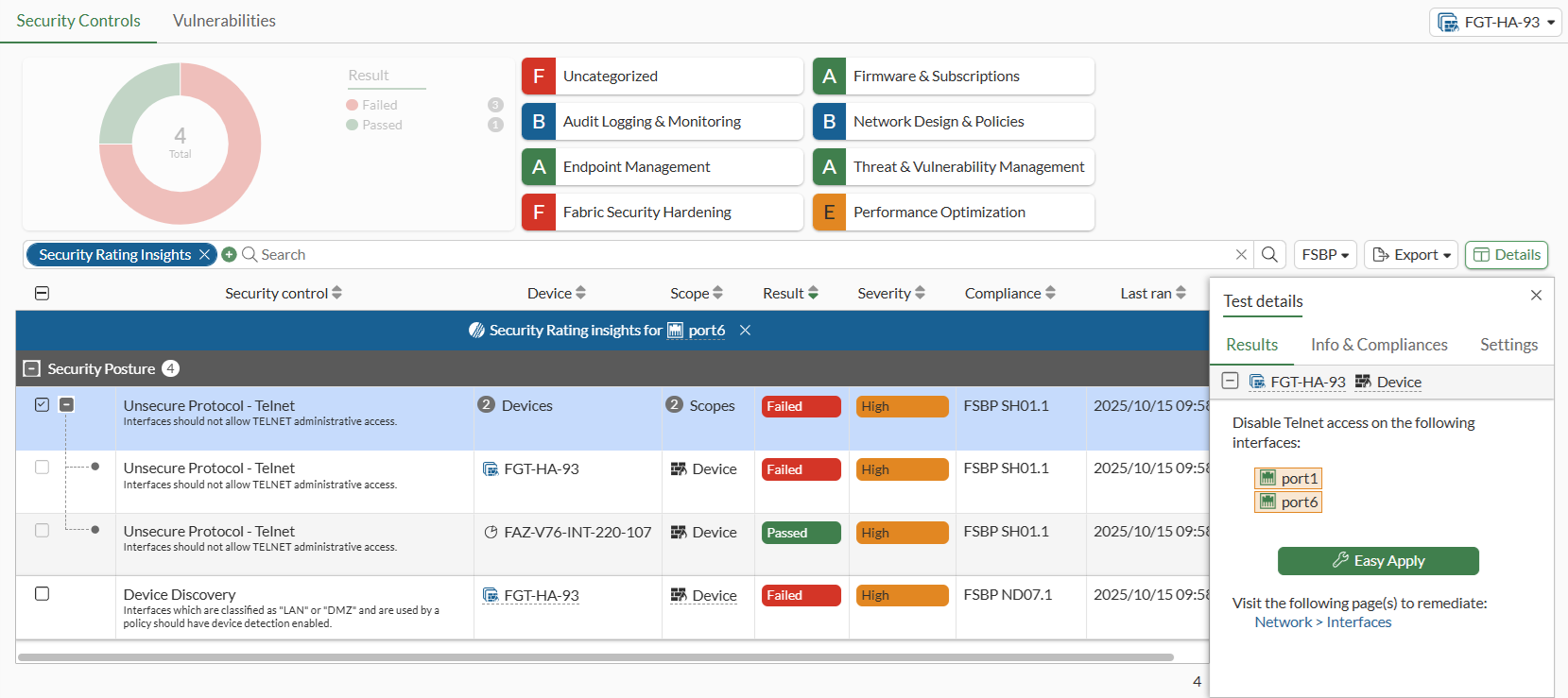
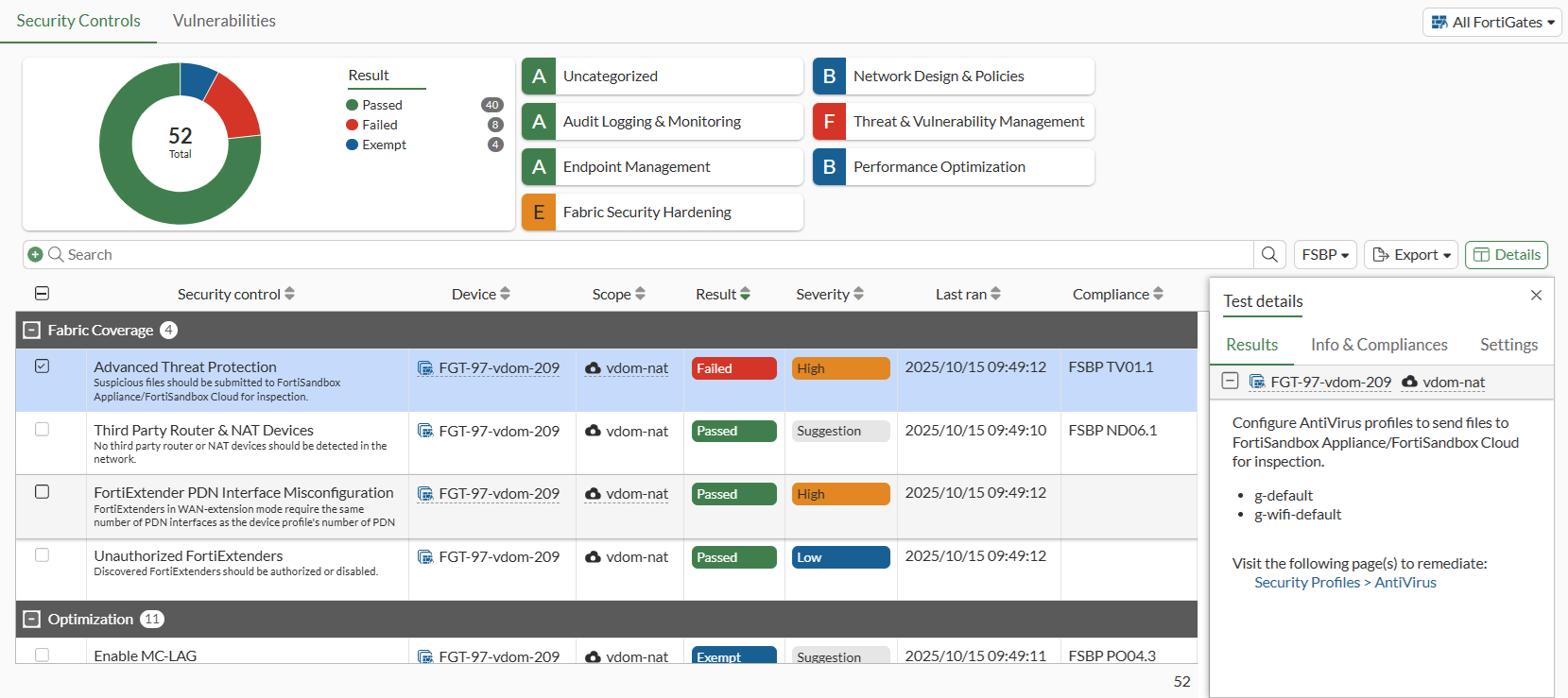
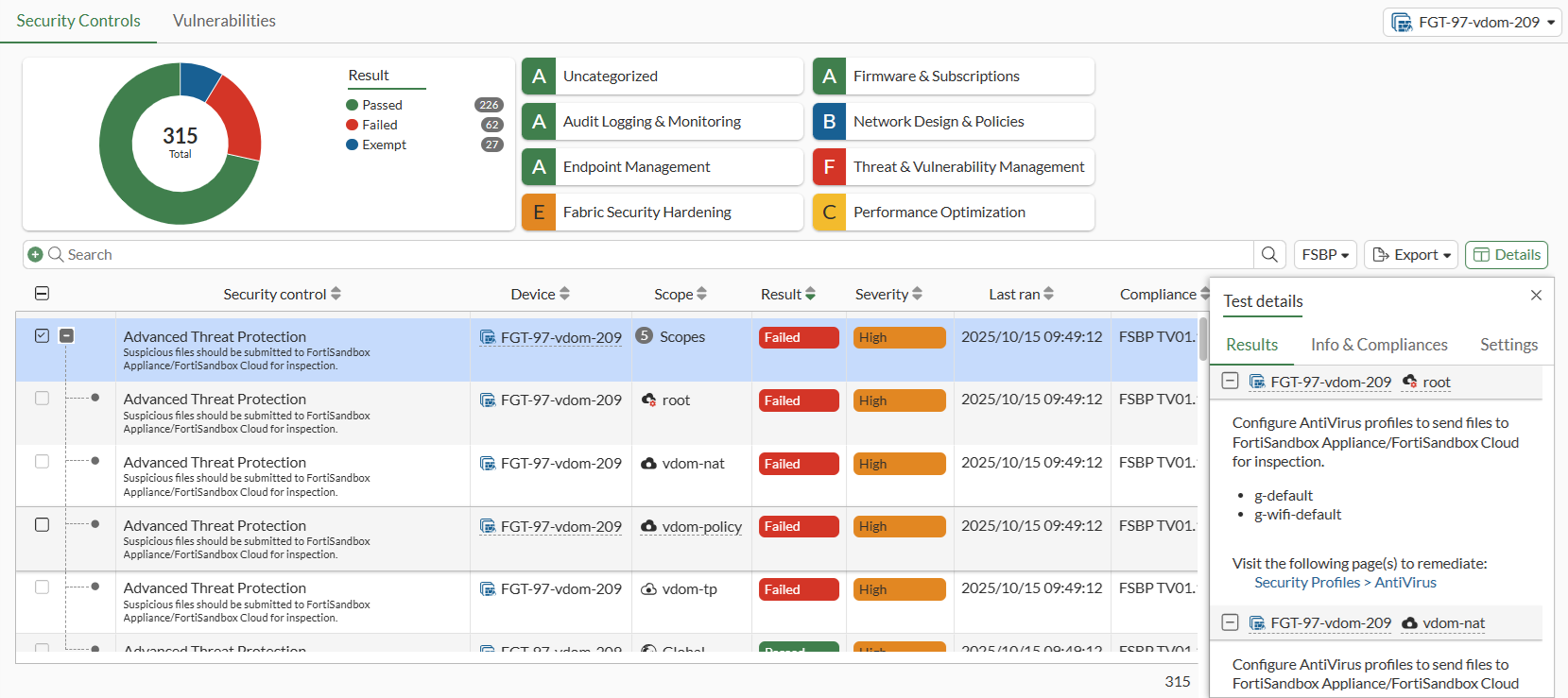
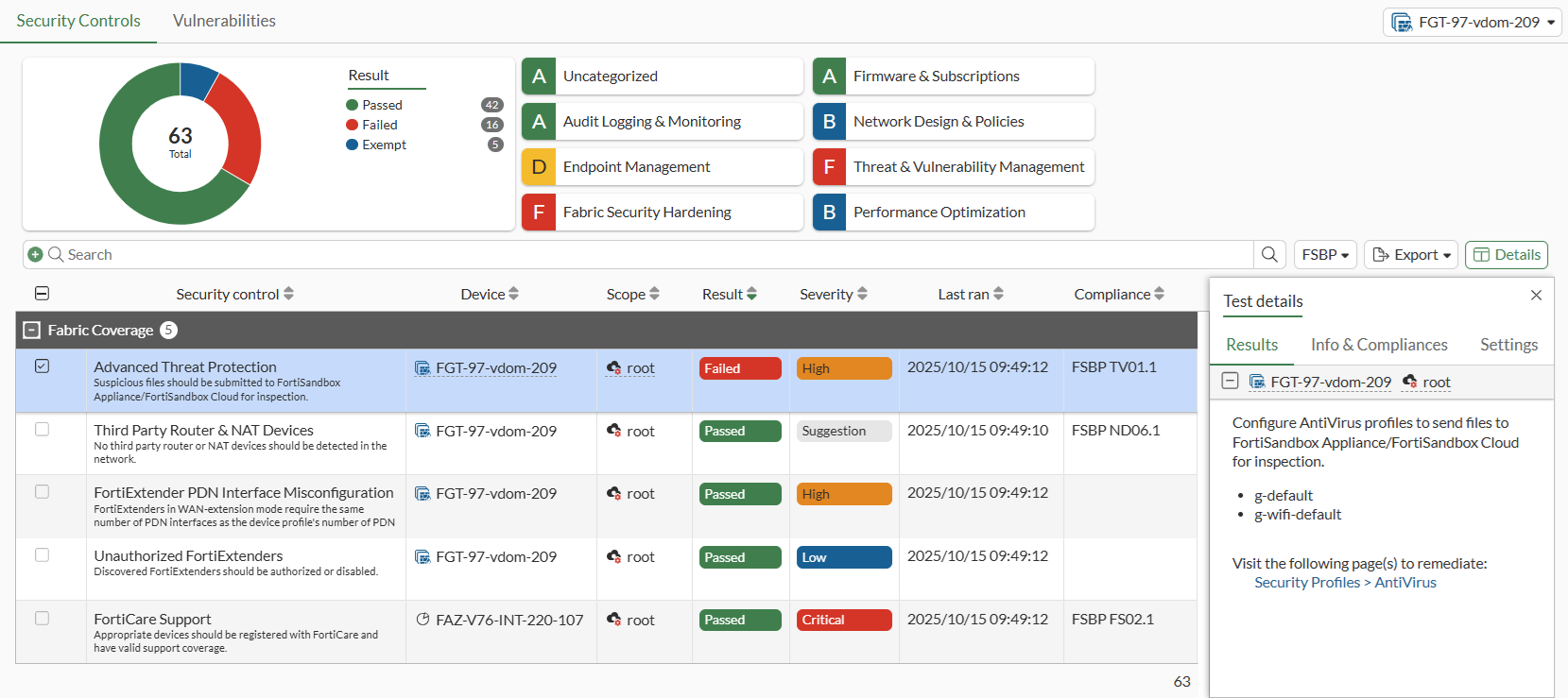
Security Rating is visible in the VDOM scope for global administrators, and is displayed in both the Global and VDOM scopes.
-
Global
-
Root VDOM
-
VDOM