

Fabric Overlay Orchestrator Topology dashboard widget for hub FortiGates
The Fabric Overlay Orchestrator Topology dashboard widget provides an interactive view of hub and spoke devices previously configured using the Fabric Overlay Orchestrator feature. It can display health-check status, multiple tunnels, resource usage, shortcuts, and so on.

|
This dashboard widget is only available on the hub or root FortiGate device. |
To enable the Fabric Overlay Orchestrator Topology widget:
-
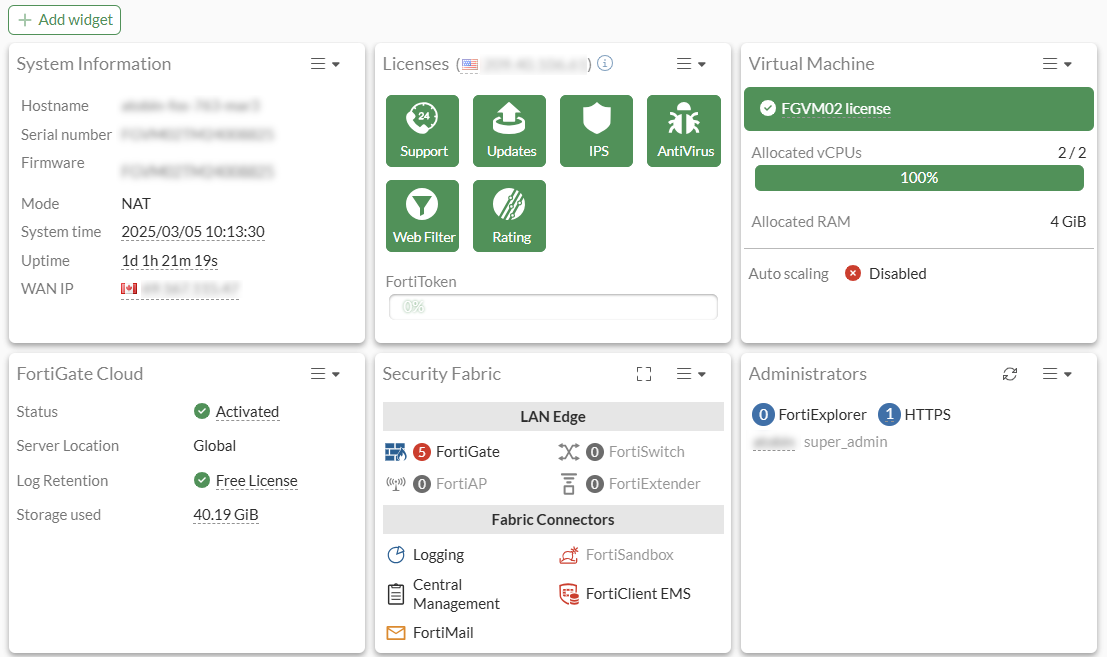
Go to Dashboard > Status.
-
Click Add widget.
-
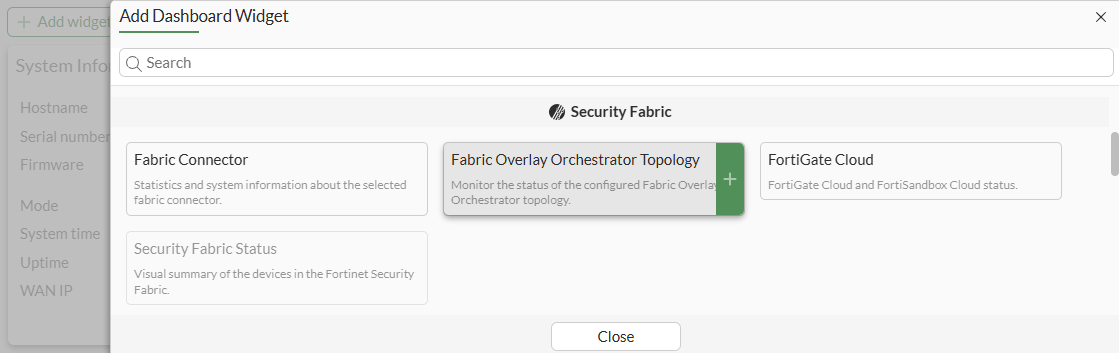
Select Fabric Overlay Orchestrator Topology under Security Fabric.
-
Enter the Auto-play speed.

-
Click OK.
-
Click Close.
To review hub and spoke details in the Fabric Overlay Orchestrator Topology widget:
-
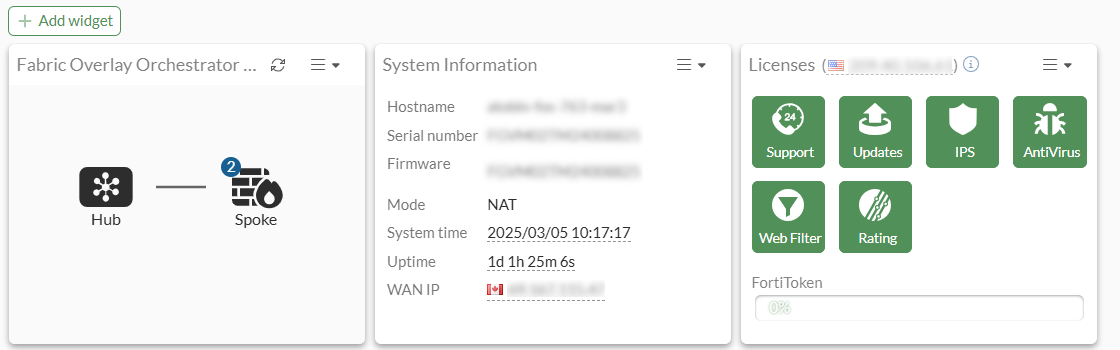
Go to Dashboard > Status.
-
Click the Fabric Overlay Orchestrator Topology widget to expand it.
-
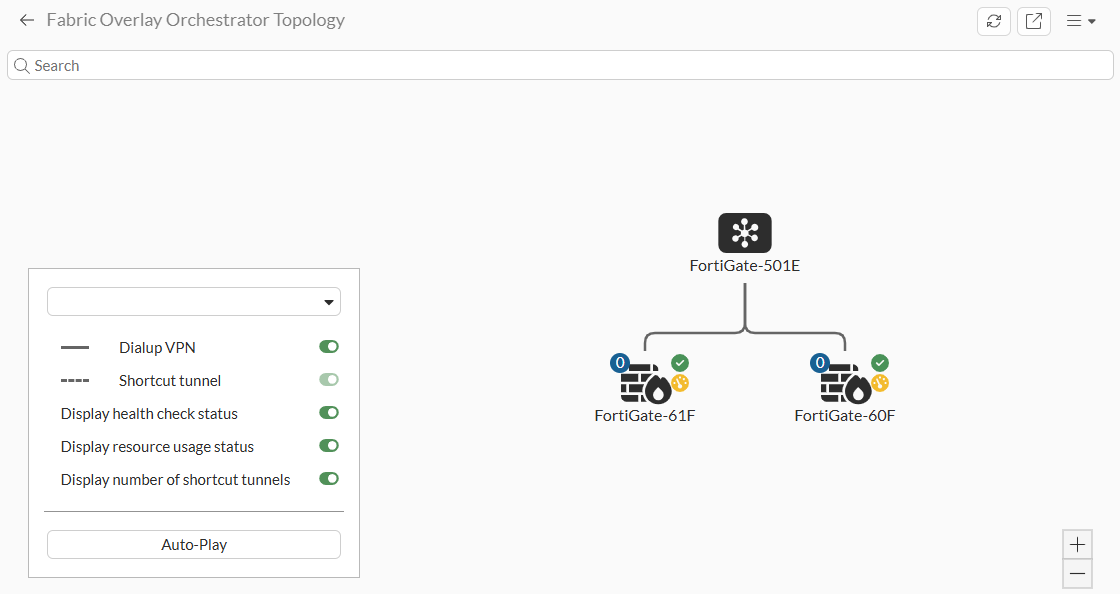
Review the topology:
-
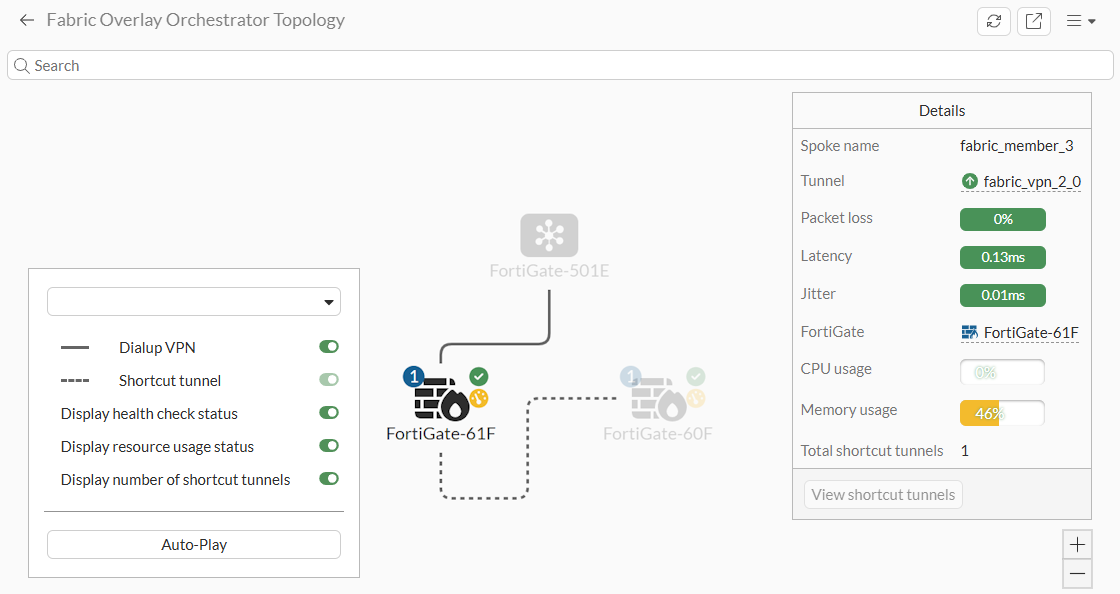
Select a hub or spoke in the topology to view Details, such as Latency, Jitter, and usage information.
-
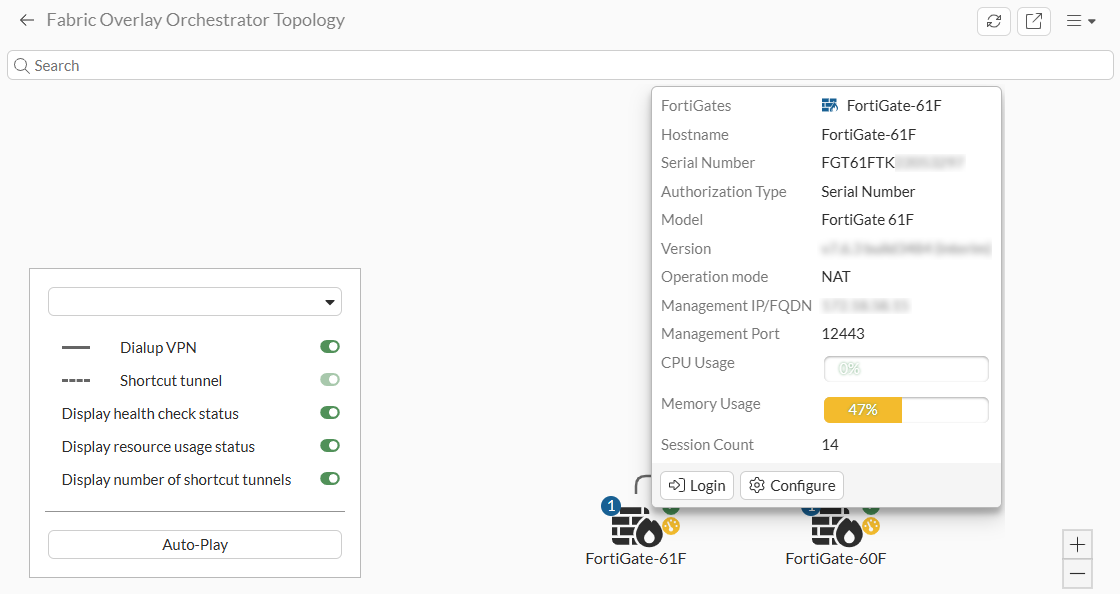
Hover over a hub or spoke in the topology to view device information, such as Serial Number, Model, and Version information.
-
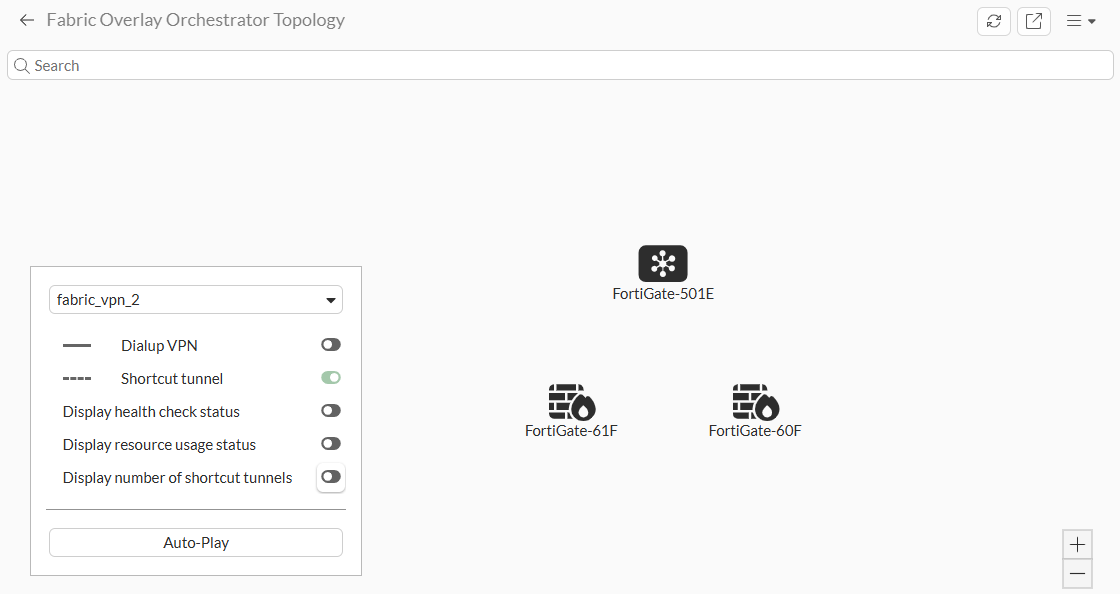
Toggle the display options to define what is displayed.
-
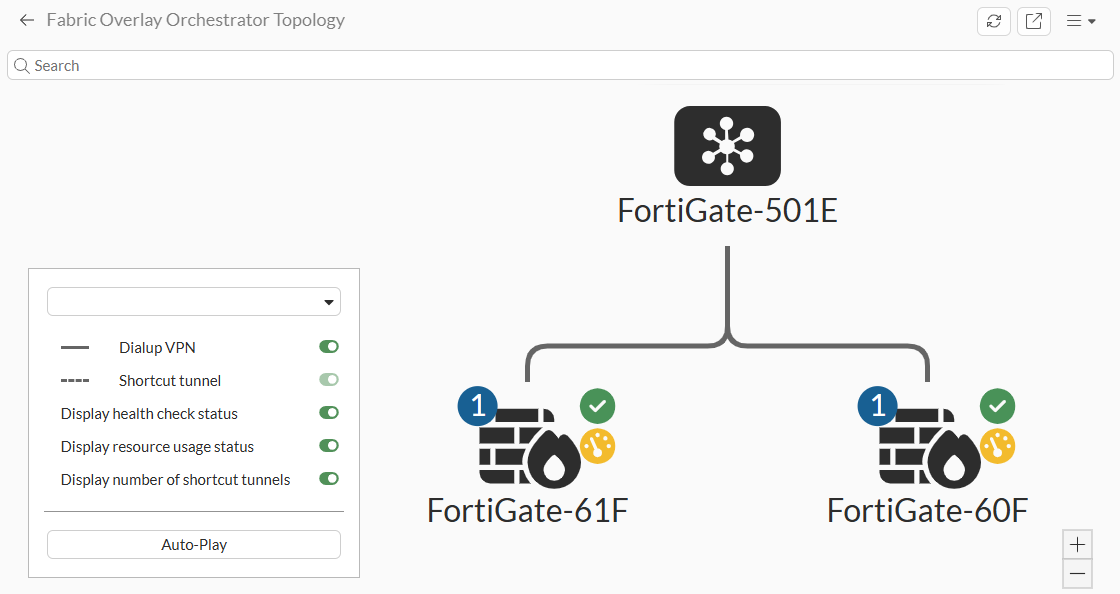
Use the + and - to zoom in and out of the topology.
-