FortiCloud SSO

|
This feature has been disabled from the server side due to a vulnerability described in FG-IR-26-060. Please upgrade to a patched version to resume secured functionality of this feature. |
FortiGate can be configured to allow administrators to log in using FortiCloud single sign-on. Both IAM and non-IAM users on the FortiCloud support portal are supported. Non‑IAM users must be the FortiCloud account that the FortiGate is registered to.

|
It is recommended to only allow administrative access through a non-public facing interface. In addition, use the principle of least privileges when determining user permissions. If a public interface must be used, apply local-in policy to allow only trusted hosts. |
To configure an IAM user in FortiCloud:
-
Log in to your FortiCloud account at support.fortinet.com.
-
Select Services > IAM.
-
See the FortiCloud Identity & Access Management (IAM) guide for more information.
To manually enable FortiCloud single sign-on in the GUI:
-
Log in to the FortiGate and go to System > Settings.
-
In the Administration Settings section, enable Allow administrative login using FortiCloud SSO.
-
Click Apply.
To manually enable FortiCloud single sign-on in the CLI:
config system global
    set admin-forticloud-sso-login {enable | disable}
end
To log in to the FortiGate with the FortiCloud user:
-
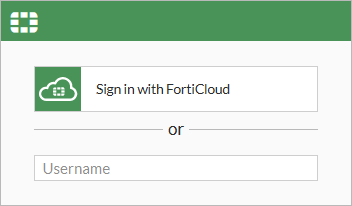
Go to the FortiGate log in screen.
-
Click Sign in with FortiCloud. The FortiCloud log in page opens.
-
Enter the FortiCloud account credentials and click Login.
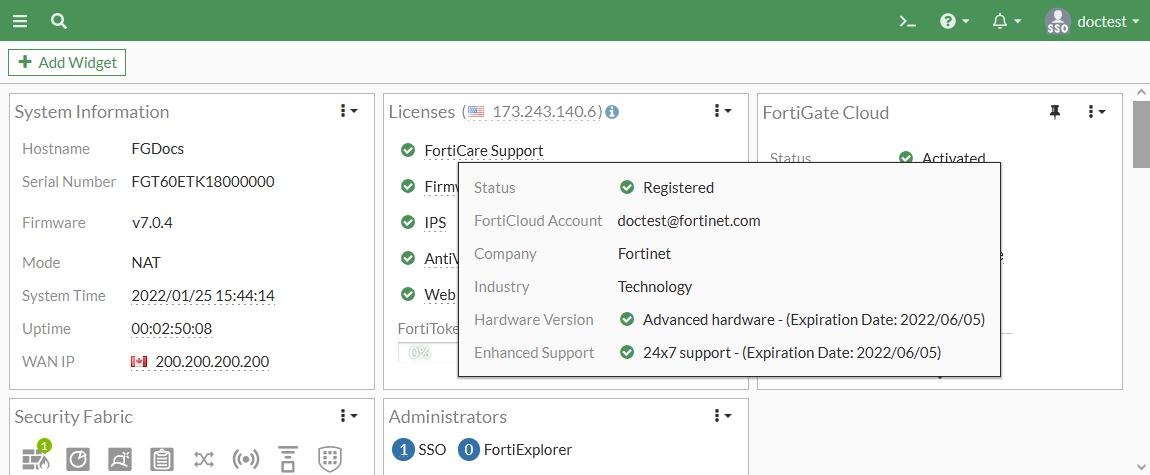
You are logged in to the FortiOS GUI. The SSO username is shown in the top right corner of the GUI.