
Fortinet white logo
Fortinet white logo

Administration Guide

Overview

Overview

After you select an incident in the Incidents pane and click Investigate, the Overview pane displays detailed information about the audit history, violated policies, and rules assigned to the FortiEDR Collector that triggered this security event.

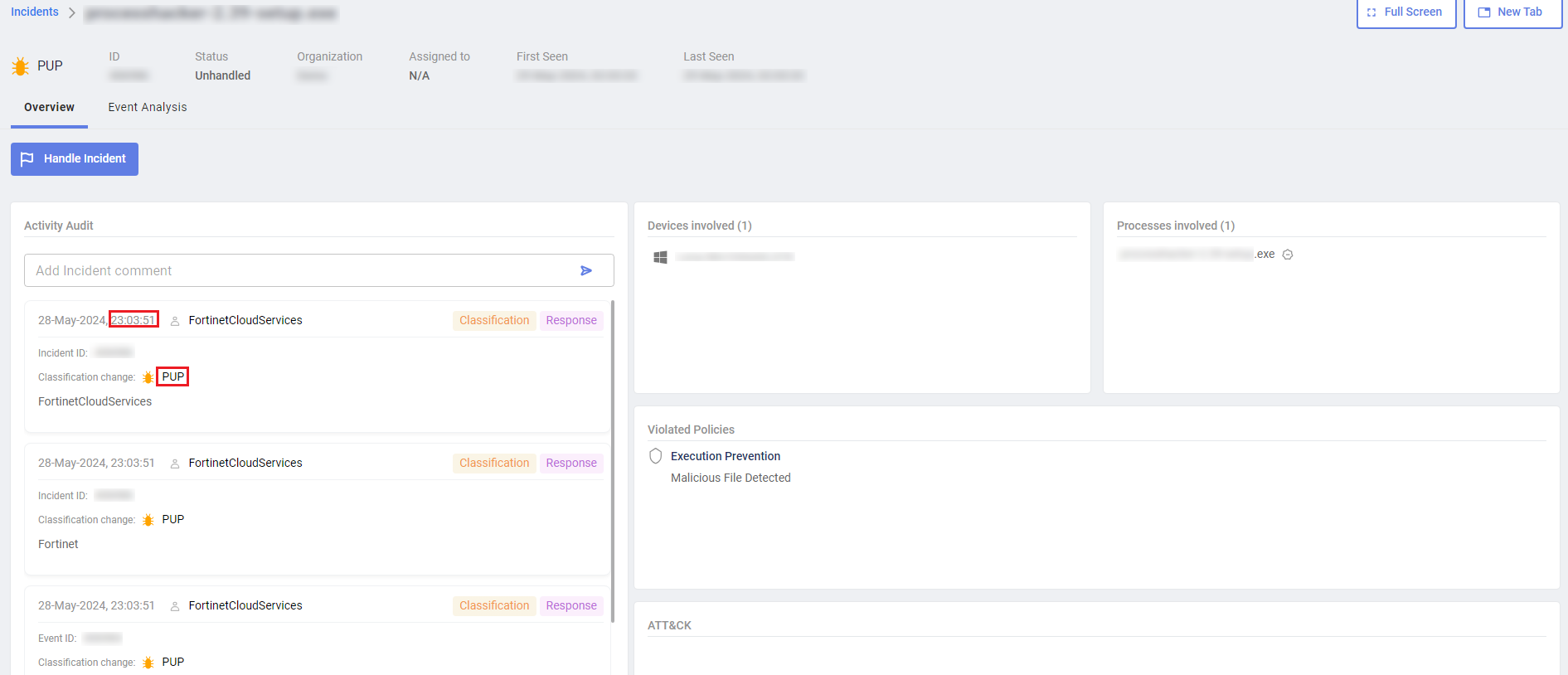
The audit history shows the chronology for classifying the security event, and the actions performed by FortiEDR for that event. This area also displays relevant details when the FortiEDR Cloud Service (FCS) reclassifies a security event after its initial classification by the Core. For example, the following example shows that the security event was reclassified by the FCS and given a notification status of PUP at 23:03:51.
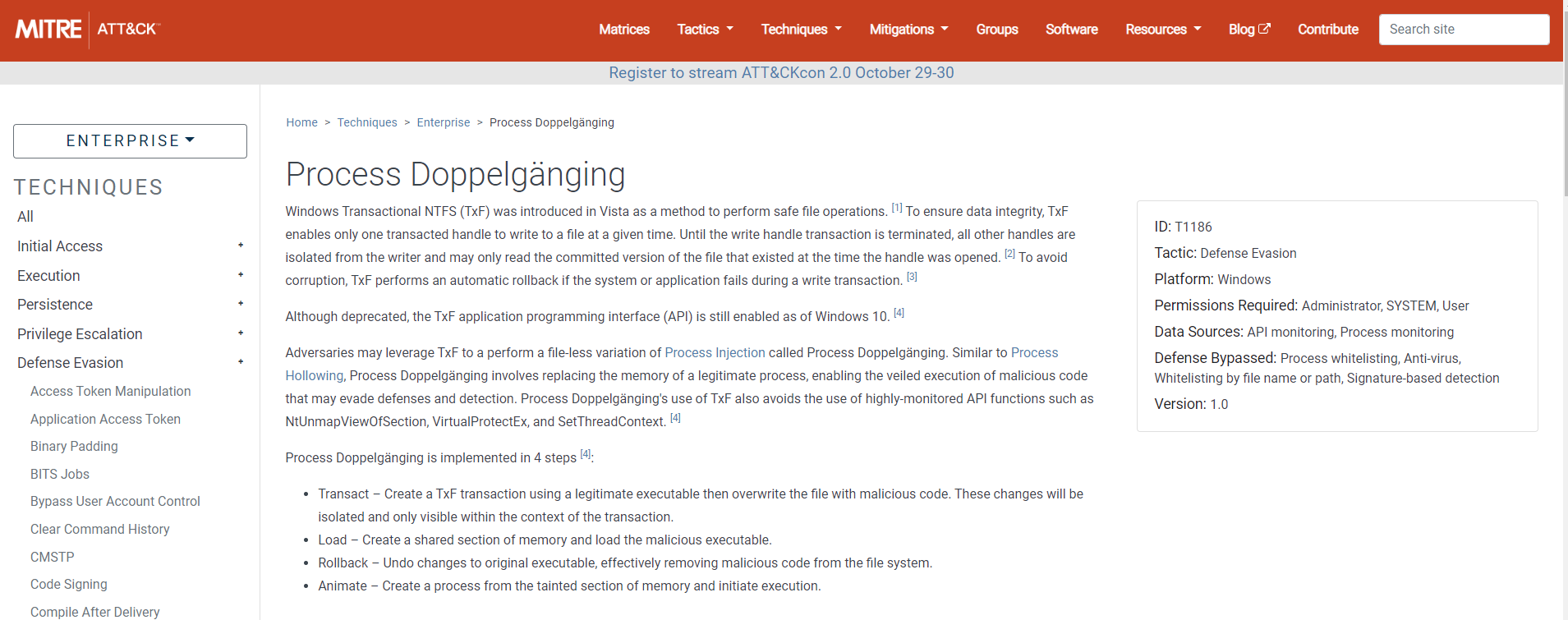
The ATT&CK section lists techniques that were used in this incident based on the MITRE ATT&CK common techniques scheme. Clicking the technique opens the MITRE web page, providing additional details, as shown below.
In the Violated Policies pane, only policies that were violated are displayed. The rule’s configured action is displayed for each rule, as defined in POLICIES. The Action that was actually executed is displayed in the action column of the Incidents pane of this window. The action taken is determined by the rule with the highest priority.

Overview

Overview

After you select an incident in the Incidents pane and click Investigate, the Overview pane displays detailed information about the audit history, violated policies, and rules assigned to the FortiEDR Collector that triggered this security event.

The audit history shows the chronology for classifying the security event, and the actions performed by FortiEDR for that event. This area also displays relevant details when the FortiEDR Cloud Service (FCS) reclassifies a security event after its initial classification by the Core. For example, the following example shows that the security event was reclassified by the FCS and given a notification status of PUP at 23:03:51.

The ATT&CK section lists techniques that were used in this incident based on the MITRE ATT&CK common techniques scheme. Clicking the technique opens the MITRE web page, providing additional details, as shown below.

In the Violated Policies pane, only policies that were violated are displayed. The rule’s configured action is displayed for each rule, as defined in POLICIES. The Action that was actually executed is displayed in the action column of the Incidents pane of this window. The action taken is determined by the rule with the highest priority.