

Terminating and deleting packet captures
To terminate a packet capture task:
- Go to Investigations > Packet Capture.
- Click the Actions menu at the right side of the task and click Terminate Task. A confirmation dialog opens.
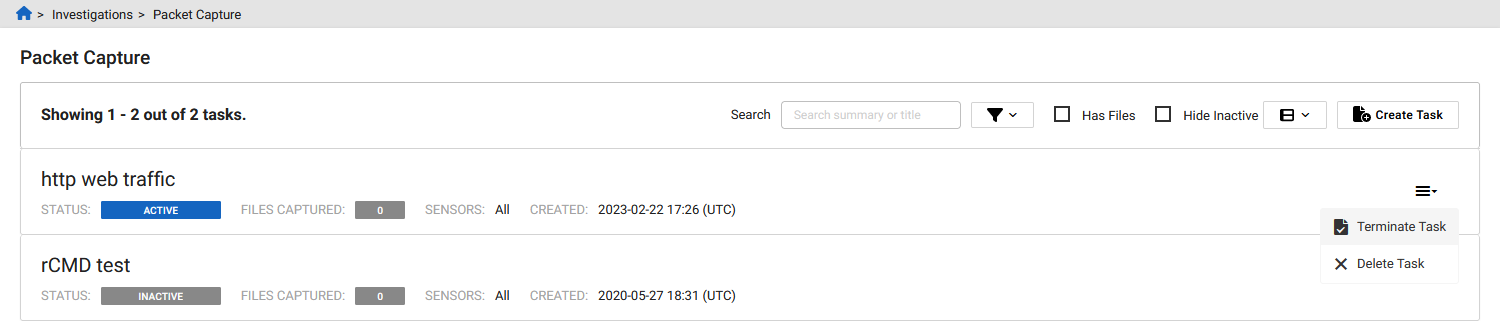
- Click Confirm. The task changes to Inactive.
To delete a packet capture:
-
Go to Investigate > Packet Capture.
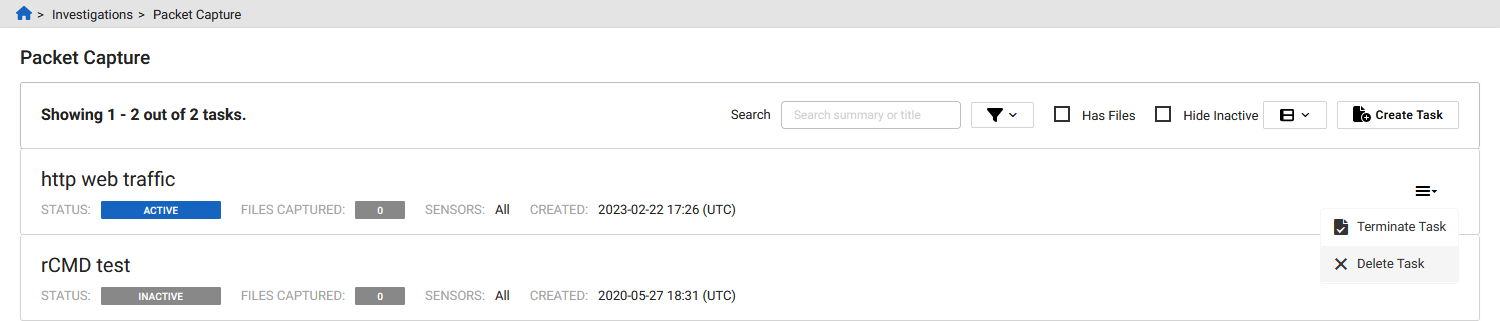
- Click the Actions menu at the right side of the task and click Delete. A confirmation dialog opens.
-
Click Confirm.