Viewing API Protection domain data
The API Protection > ML Based API Protection > ML Based API Protection page shows the API data collected by the API learning model.
Refer to the graphs below for button functions on this page.
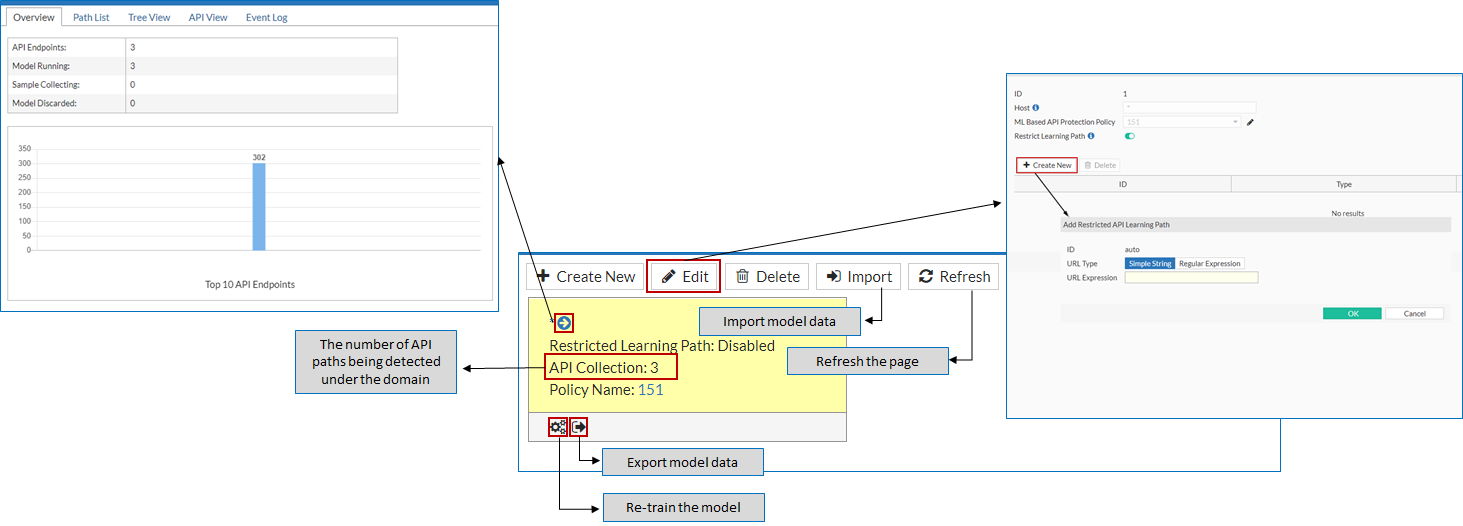
The system provides three dimensions to view the API Protection data:
- Overview
- Tree View
- API View
Overview
The Overview page displays a high level summary of data collected for the domain, including overview, Top 10 URLs by Hit, HTTP/HTTPS Request History, and Event Dashboard.
Domain overview
The top of the Overview page provides a high-level summary of the data that the machine-learning model has learned about the domain.
| Parameters | Description |
|---|---|
| API Endpoints |
Indicates how many API paths have been detected. |
| Model Running |
The number of models that are in the running state. |
| Sample collecting |
The number of samples that have been collected. |
| Model discarded |
The number of models that have been discarded. You can discard the model for a specific API in the Path List tab. Once discarded, FortiWeb won't learn the API data for the path, thus no actions will be taken upon the request to the path. |
Top 10 API Endpoints
The Top 10 API Endpoints chart displays the top 10 requested API path.
API Calls
The API Calls chart displays the number of API Calls over the last 24 hours.
Response Code History
The Response Code History chart displays the number of API response codes returned to the clients. For example, how many 2XX response codes are returned.
Tree View
The Tree View page displays the entire URL directory of the domain in a tree view. You can click on the URL path to view its API request parameters and body, and the response body.
Domain directory
The left panel of the Tree View page shows the directory structure of the domain. The / (backslash) indicates the root of the domain. You can click the + icon to unfold the directory and navigate to an API path. The API request parameters and body, and the response body will be on the right side of the Tree View page.
To edit the request parameter and body schema, see Editing and viewing API paths schema.
API View
The API View displays the API data structure learned by the API Protection model. You can click Export at the top right corner of the page to export the schema model to your local directory.
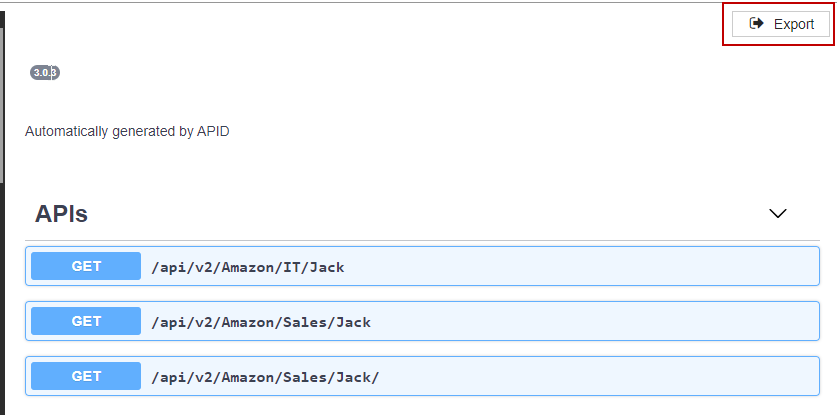
If you want to export the schema model as well as the configuration data, you can either:
-
Go to Policy > Server Policy, find the Machine Learning section on the server policy configuration page, select the API Protection tab, then click Export. The schema model and the configuration data for all the domains in this policy will be exported.
-
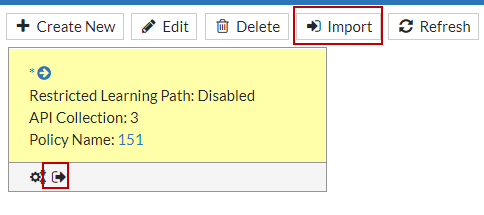
Go to API Protection > ML Based API Protection > ML Based API Protection, click Export icon to export the schema model and the configuration data for this specific domain; To import the schema model and the configuration data stored in your local directory, click Import.