

ZTNA traffic
Go to ZTNA traffic in Log & Report to see ZTNA related logs.
The ZTNA log keeps track of ZTNA related traffics. This can include when a ZTNA rule cannot be matched, an API gateway cannot be matched, or when a secret configured with device permission fails to connect.
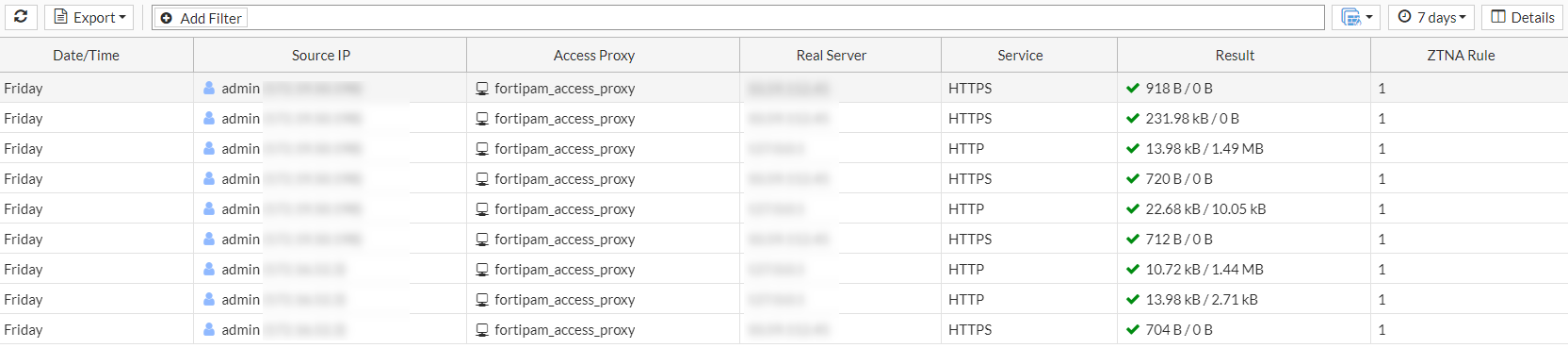
The following options are available in the ZTNA traffic tab:
|
Refresh |
To refresh the contents, click the refresh icon. |
| Export |
From the Export dropdown, select to export the ZTNA logs in the following three formats:
|
|
+Add Filter |
From the dropdown, select a filter, select or add additional details about the filter to be used and hit Note: Logs can be filtered by date and time. The log viewer can be filtered with a custom range or with specific time frames. |
|
Log location |
Select a source from where to retrieve logs:
|
|
Time frame |
From the dropdown, select from the following time filters:
See System event, for an example on how to set up custom filters. |
|
Details |
Select to see details for the selected log entry. |