

Configure the system time
You can change the FortiDeceptor system time in the Dashboard. You can configure the FortiDeceptor system time manually or synchronize with an NTP server.
To configure the system time zone:
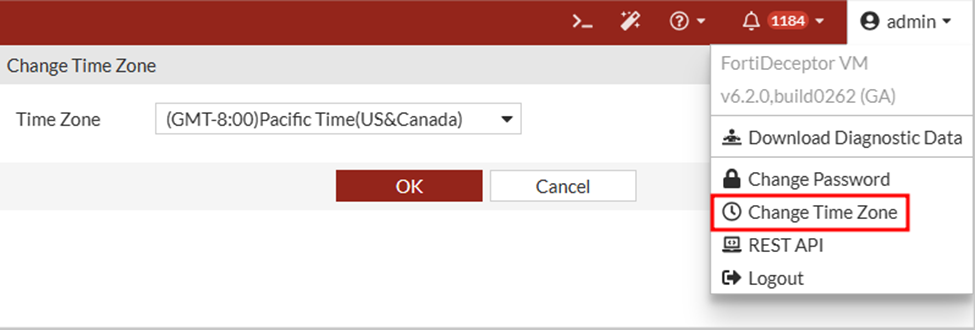
Go to Admin > Change Time Zone and select the Time Zone.
To configure the system time:
- Go to Dashboard > System Information widget and click Change beside System Time.
- Verify the System Time is correct. If necessary, click Manual Settings to manually set the time and date.
- Click OK. You may need to log in again.
If the time is not correct, we recommend configuring the NTP server for time synchronization.