

Agentless mode
In the new Agentless mode, FortiPAM provides the ability to all the web based launchers (except Web Browsing) to launch web based secrets without requiring the assistance of either FortiClient or the Fortinet Privileged Access Agent browser extension to be installed locally.
For information on the GUI options, see Banner.
Supported web based launchers include the following:
-
Web SSH
-
Web RDP
-
Web VNC
-
Web SFTP
-
Web SMB
-
Web Telnet
Supported web browsers include the following:
-
Google Chrome
-
Microsoft Edge
The feature reduces dependency on environment resources and maintenance costs. Additionally, it enhances FortiPAM security, portability, and the overall efficiency.
When in the Agentless mode:
-
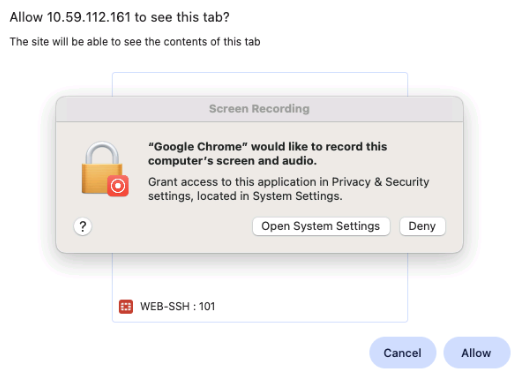
A warning tab appears asking you to:
Allow <FortiPAM_URL> to see this tab?After launching the secret, you must select Allow in the
Allow <FortiPAM_URL> to see this tab?to let secret video recordings work.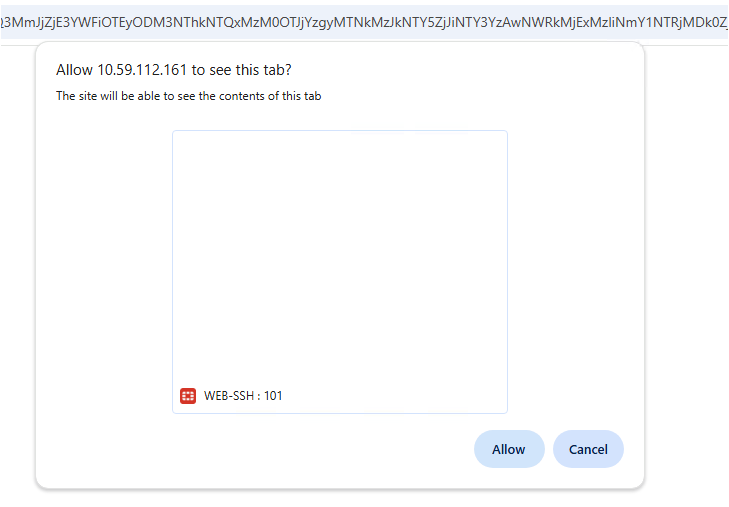
-
Once the secret session is launched, there is a header with Stop sharing button on top of the browser. The session lifetime is also displayed.
By clicking Stop sharing, the secret session is closed and the video is uploaded.
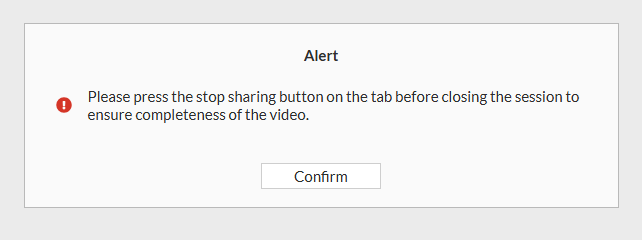
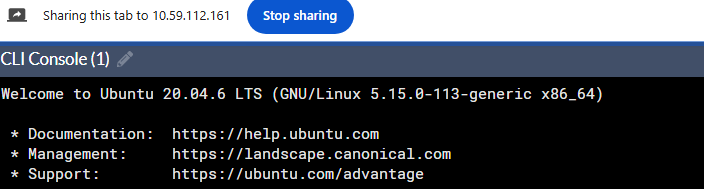

You can terminate the secret session by closing the browser tab.
-
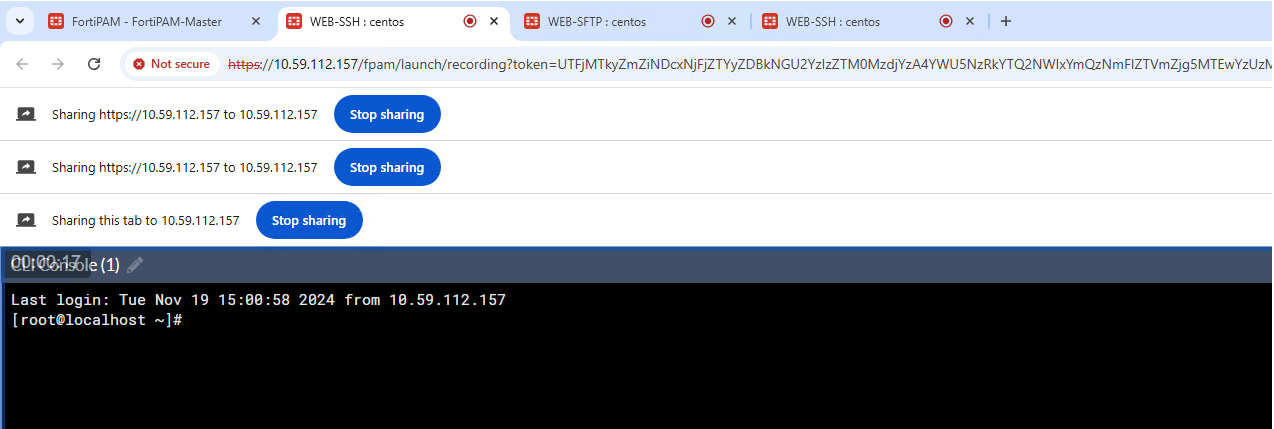
Multiple headers show up when there are multiple ongoing secret launch sessions.
When you terminate a secret launch session using the Stop sharing button, the message on the header changes to
Sharing this tab to....You must click Stop sharing to terminate this session.
-
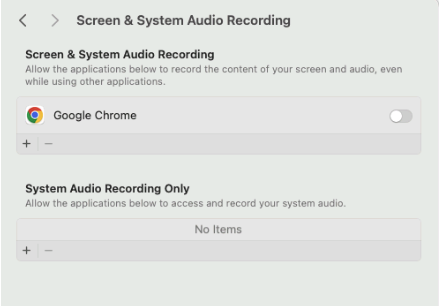
On the macOS, you must provide Screen & System Audio Recording permission to the browser for the Agentless mode to work.
|
|
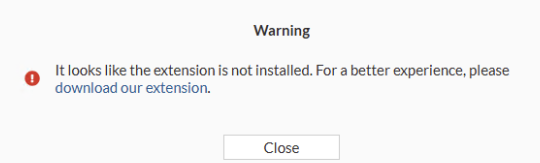
When the browser extension is not installed, a warning appears.
|
Limitations
Currently, the Agentless mode has the following two limitations:
-
The feature does not work with the Mozilla Firefox browser.
-
The feature does not work with the Web Browsing launcher.