

Local authentication
By default, FortiGate has one super admin named admin. You can create more administrator accounts with different privileges.
To create an administrator account in the GUI:
-
Go to System > Administrators.
-
Select Create New > Administrator.
-
Specify the Username.

-
Usernames can include lower and upper case letters (a-z, A-Z), numbers (0-9), underscores (_), and dashes (-)
-
Usernames cannot start with a dash (-)
-
Usernames can end with dollar symbol ($)
-
Usernames must not use the following characters:
< > ( ) # " '. Using these characters in an administrator username might have a cross site scripting (XSS) vulnerability.
-
-
Set Type to Local User.
-
Set the password.
-
Set Administrator profile to a profile.
-
Set other fields as needed.
-
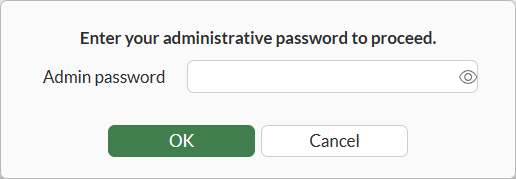
Click OK. The Enter your administrative password to proceed dialog box displays.
 .
. -
Enter your password and click OK.
To create an administrator account in the CLI:
config system admin
    edit <admin_name>
        set accprofile <profile_name>
        set vdom <vdom_name>
        set password <password for this admin>
        Please enter current administrator password: <your password>
    next
end