

Event Monitor
After event handlers start generating events, the events display on Event Monitor.
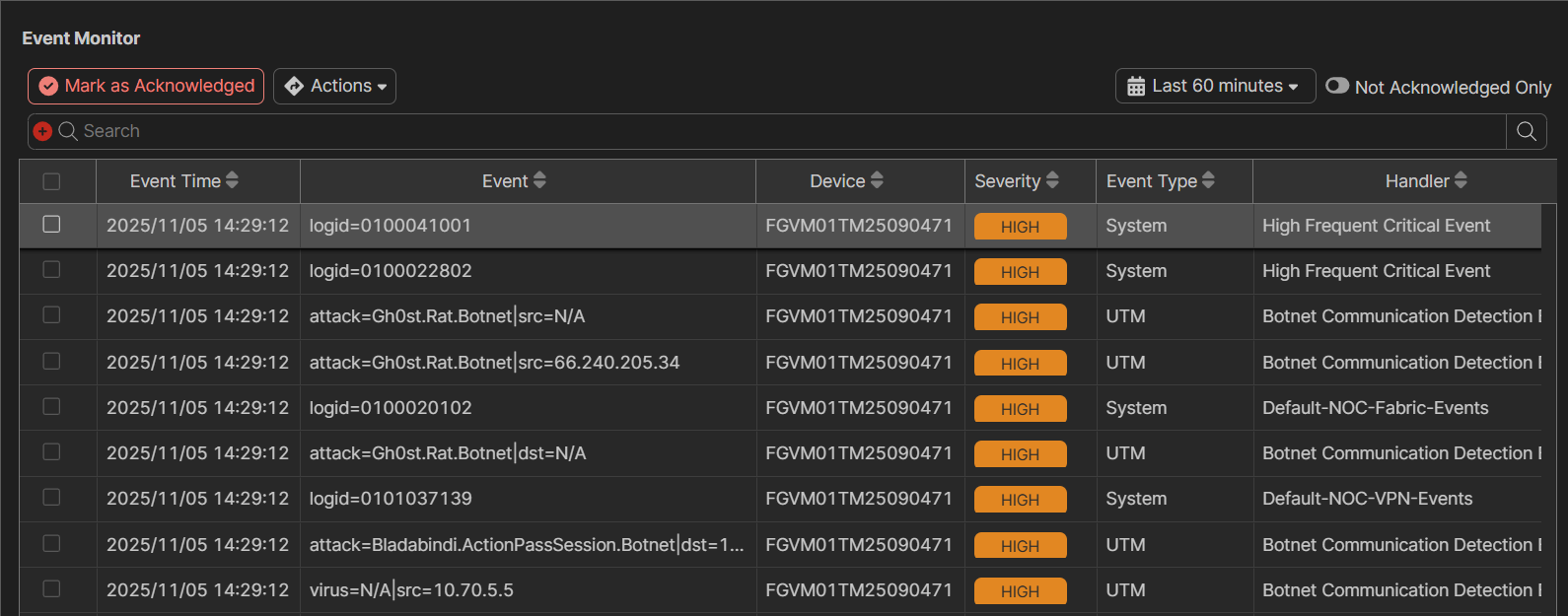
To create an incident:
-
Go to Analytics > Incidents & Events > Event Monitor.
-
Select one or more incidents, and click Actions.
-
Choose one of the following options:
-
Create New Incident
-
Add to Existing Incident
-
To acknowledge an event:
-
Go to Analytics > Incidents & Events > Event Monitor.
-
Select one or more incidents and click Acknowledge. A confirmation dialog box displays.
-
Click OK.
To clone a preconfigured event handler:
-
Go to Analytics > Incidents & Events > Event Monitor.
-
Select one or more incidents and click Clone. A confirmation dialog box displays.
-
Click OK.