

Dashboard
You see the Dashboard > Status page when you first open the FortiGate Cloud interface. The widgets provide information about the devices that your FortiGate Cloud manages, such as how many FortiGates have subscriptions.
Within the widgets, you can enable the Use global filter toggle. When enabled, this toggle activates the Global filter at the top of the page, which can then be used to apply the same filters to multiple widgets on the same page.
For most widgets, you can click in to a section of the widget's displayed chart to view more details. For example, for the FortiGate subscription statuses widget, you can click the portion of the donut chart that represents FortiGates with a FortiGate Cloud Basic subscription or Standard subscription. FortiGate Cloud then displays the Devices and Provisioning > Device List > FortiGate page filtered to only display FortiGates with the Basic or Standard subscription.
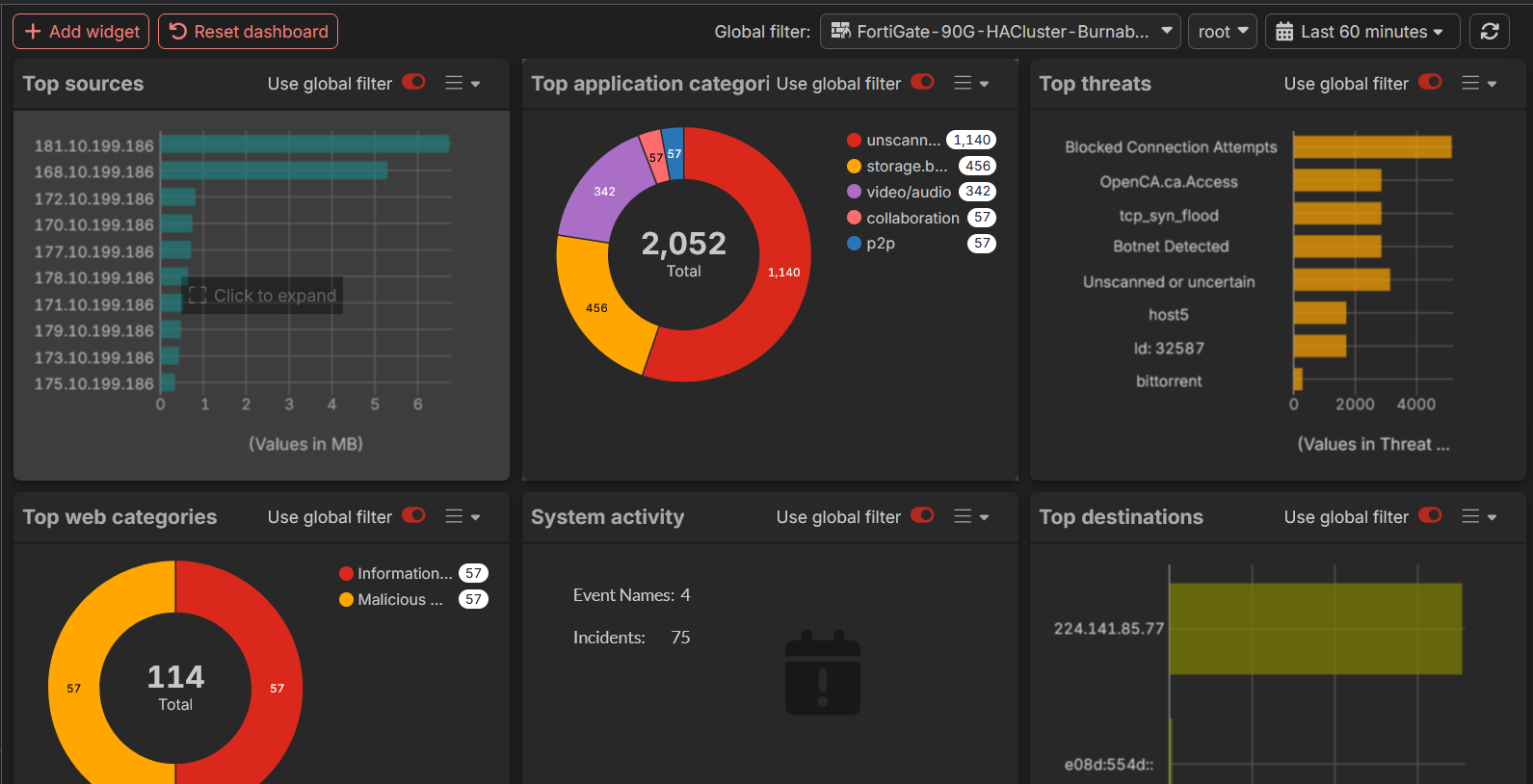
FortiGate Cloud contains the following dashboards:
You can also create a custom dashboard.