

Accessing the FortiSOC cloud portal
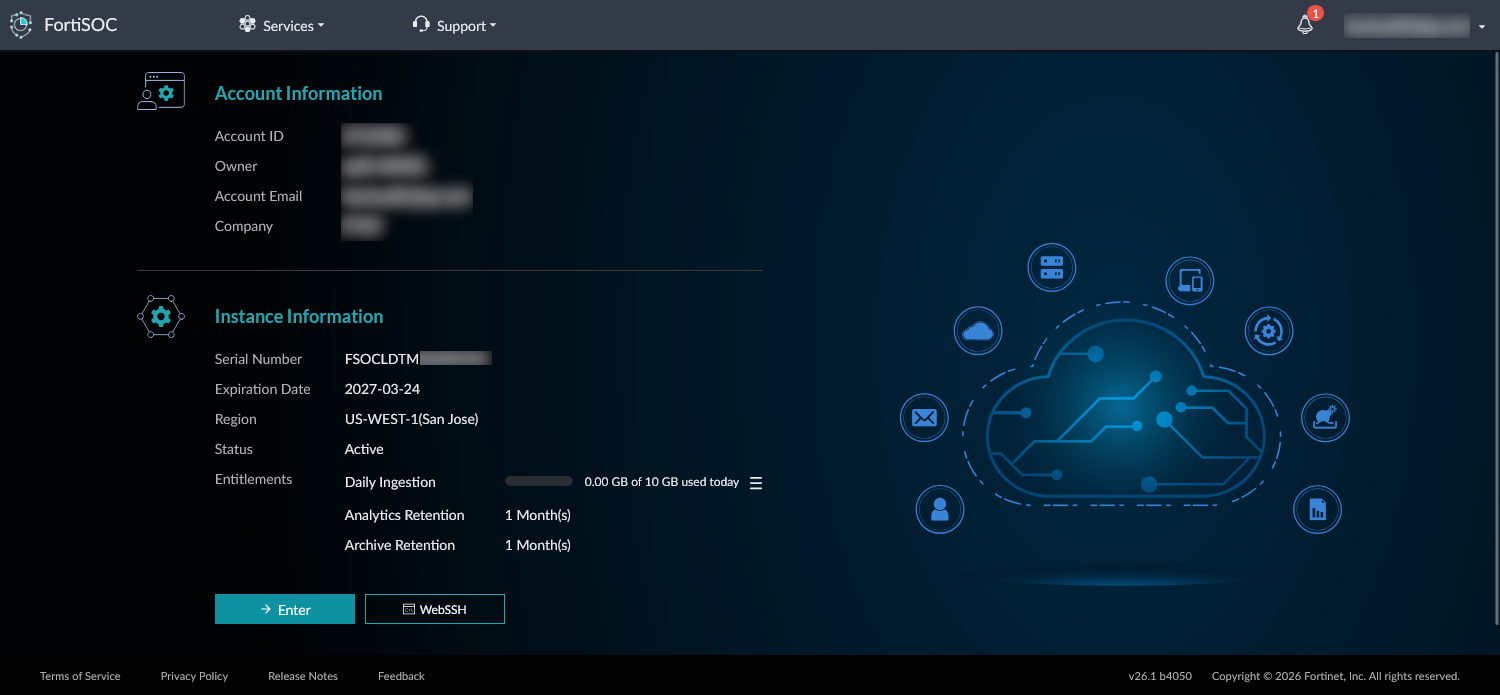
The FortiSOC cloud portal displays account and instance information, including serial number, expiration date, region, status, and entitlements. The entitlement details displayed in this portal includes daily ingestion as well as analytics and archive retention.
Visit the FortiCloud status page to find and subscribe to status information for FortiSOC.
A primary FortiCloud account is required to deploy FortiSOC. A primary FortiCloud account can invite other users to launch FortiSOC as sub users.
You can access the portal through one of the following methods:
-
Access FortiSOC through FortiCloud.
-
Go to https://fortisoc.forticloud.com. After authentication, you are redirected to your own FortiSOC instance.
-
Go directly to your instance using the specific URL for your instance (e.g. https:://{account_id}.{region}.fortisoc.forticloud.com). You can obtain your instance's URL from your browser's address bar once you have accessed FortiSOC through one of the previous methods.
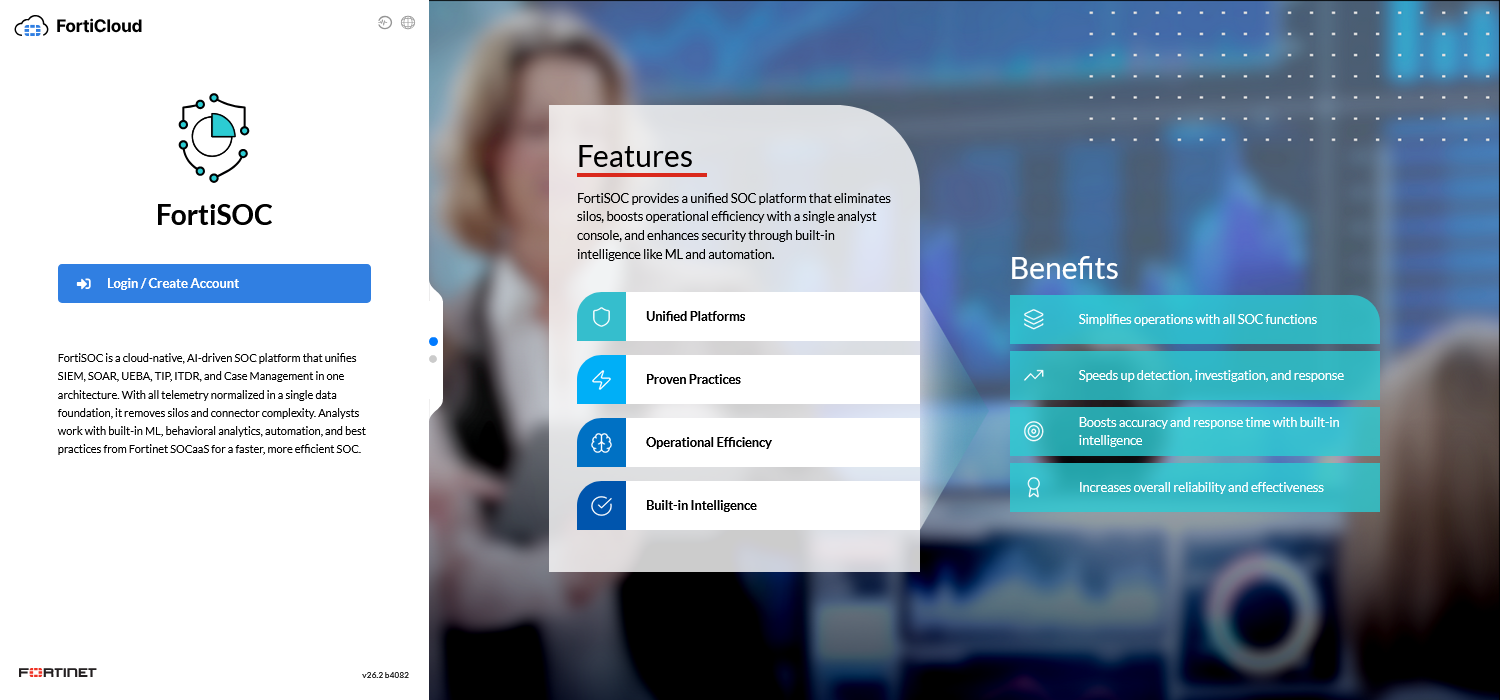
If there are multiple FortiCloud accounts, you must select which account to access when logging into the portal. The accounts are managed in FortiCloud. For more information, see the FortiCloud Services Organization Portal Guide.
Initial login to FortiSOC
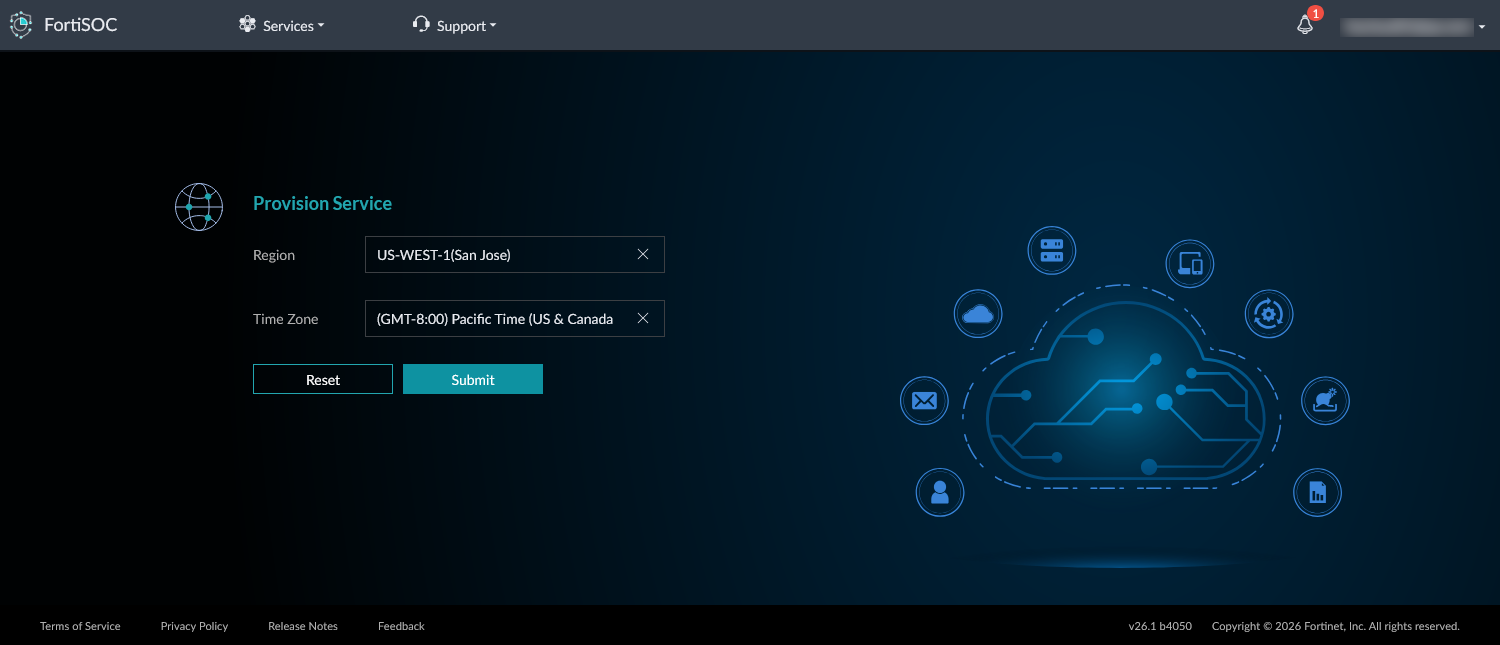
When initially accessing the FortiSOC portal, you must select a region and timezone to provision the FortiSOC cloud instance. You will be asked to agree to terms and conditions, and then the FortiSOC portal will display the progress as it is provisioned.
To complete the initial login to FortiSOC:
-
Access the FortiSOC portal using one of the methods above.
-
Log into FortiSOC using your FortiCloud credentials.
-
To provision the service, select a Region and Timezone and then click Submit.
-
Confirm your selections and click Next.
-
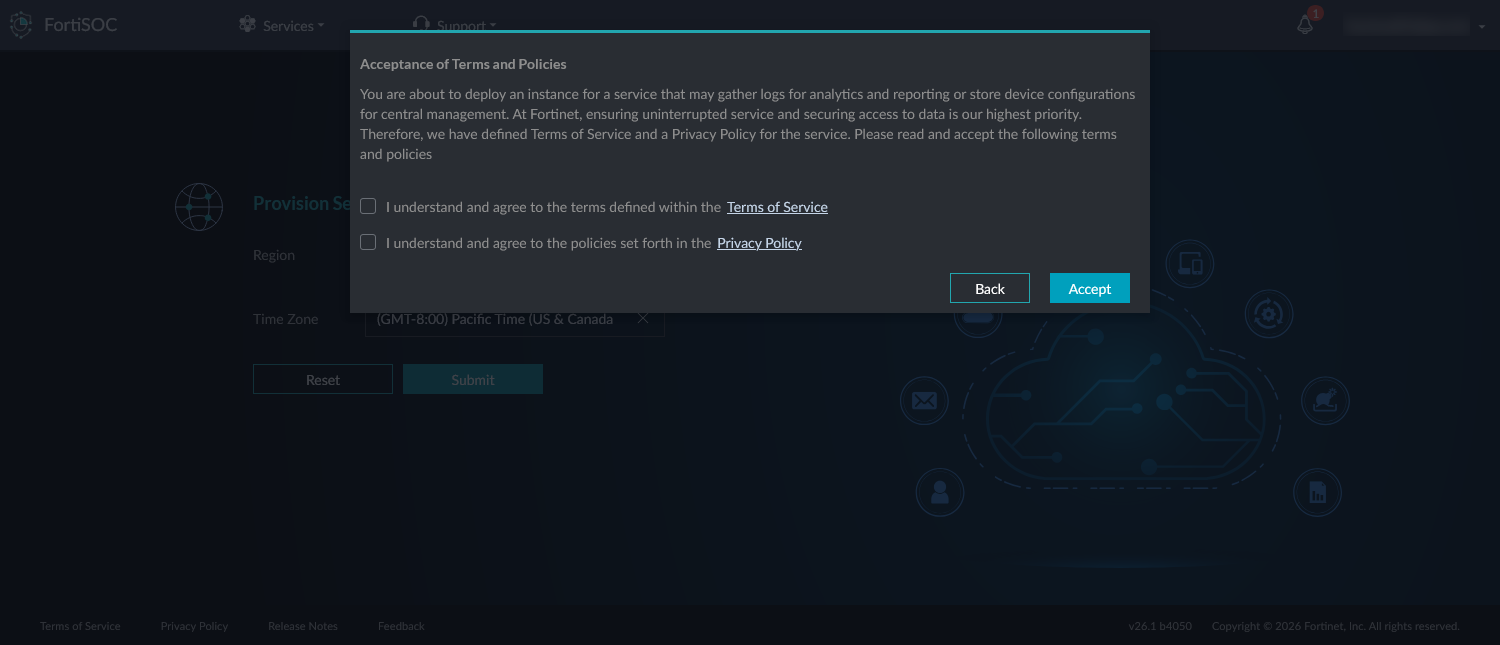
Review and Accept the terms and policies for provisioning the instance.
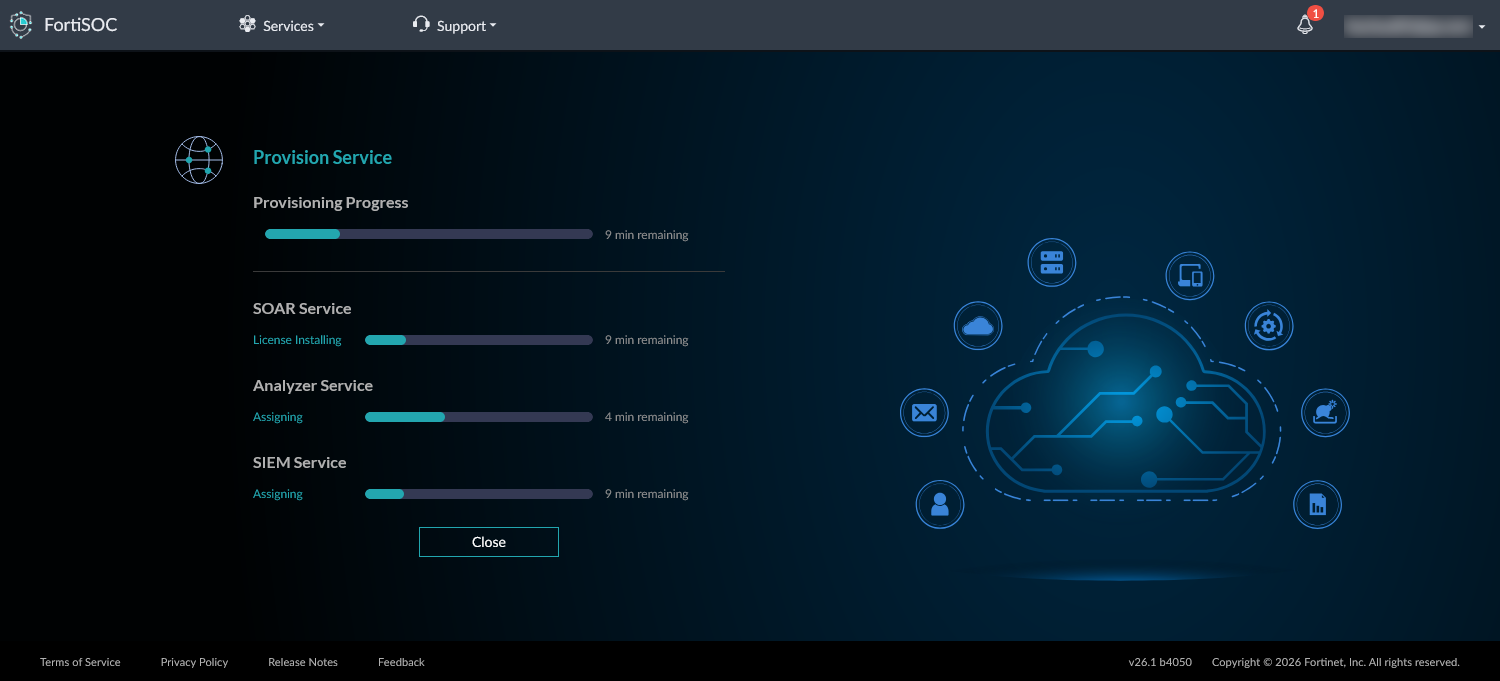
The service takes approximately 10 minutes to provision. The progress is displayed during provisioning.
Once provisioned, the Account Inofrmation and Instance Information displays.
-
To access the instance, click Enter.
-
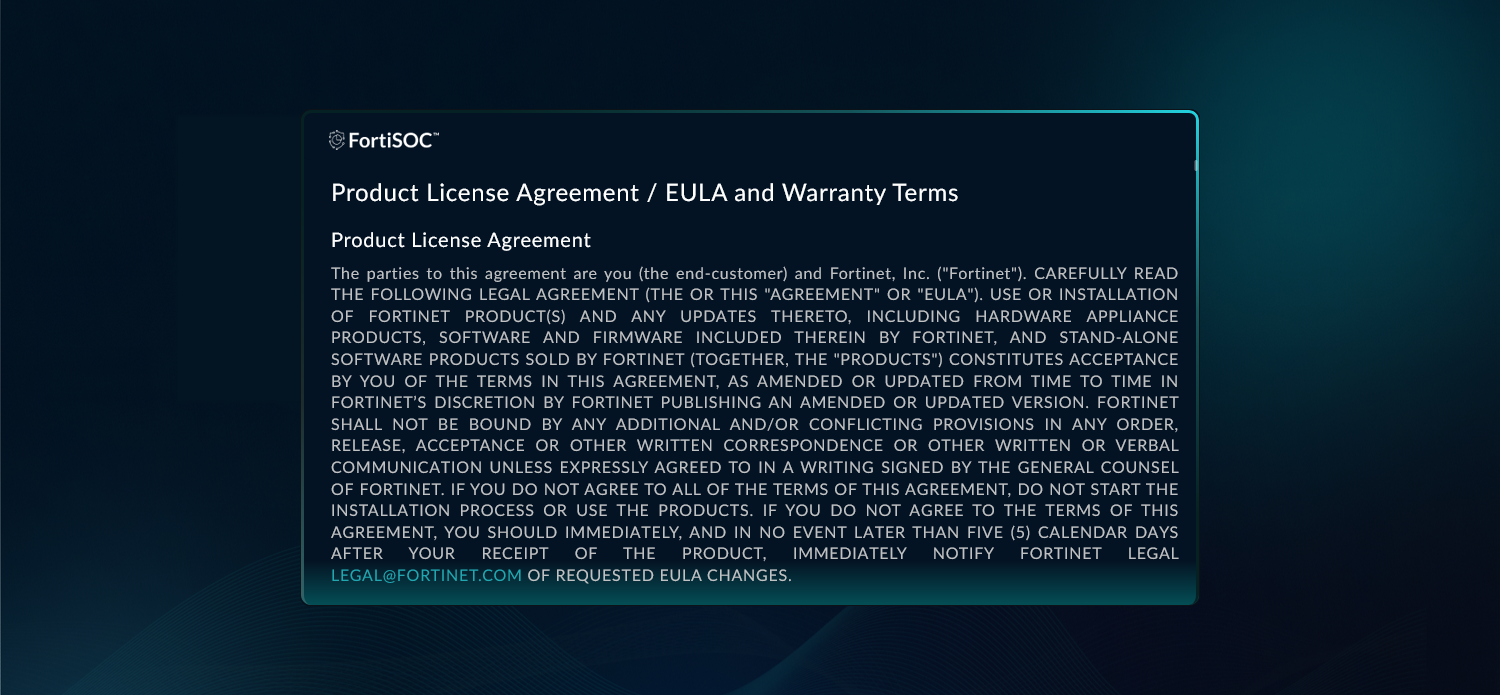
Review and accept the Product License Agreement.
The FortiSOC instance now displays in the default landing page.