FortiPhish portal
Use the FortiPhish portal to generate DNS tokens, create users and groups, and launch and monitor email campaigns.

|
For an optimal user experience, use a desktop computer to view the FortiPhish portal. |
Accessing the FortiPhish portal
To access the FortiPhish portal, use the URL: https://fortiphish.com.
Notifications
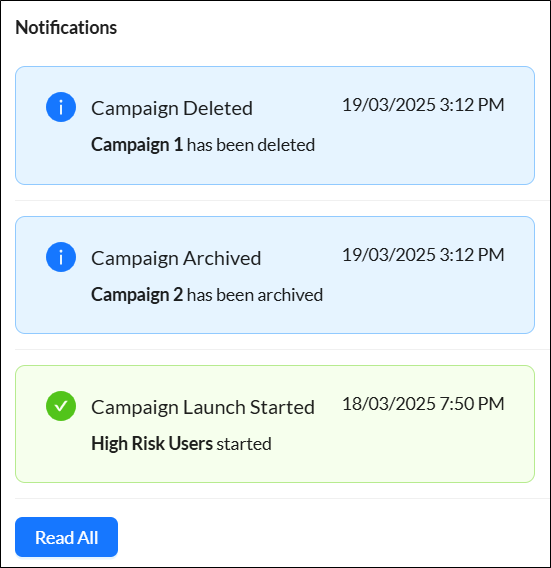
The Notifications icon  in the banner alerts you when there is activity in your account. The message background color indicates the importance of the message. The background color changes to gray when a message is viewed or acknowledged. Scroll down to view the notification history. Click Read All to acknowledge all the messages.
Customizing FortiPhish portal
You can customize the language and theme of the FortiPhish portal.
-
To customize the language, click the Language icon
 and select the desired language.
 -
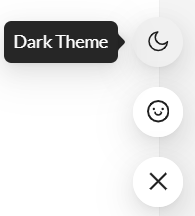
To change the portal's theme to dark mode, click the floating menu in the lower-right corner and select Dark theme.