

Upgrading firmware using images from FortiGuard
FortiManager retrieves firmware for managed devices from FortiGuard, and you can choose to use the images to upgrade firmware on managed devices.
To upgrade firmware using images retrieved from FortiGuard:
-
Configure the firmware upgrade for the device in the Device Manager. See Upgrading firmware and Firmware templates.
-
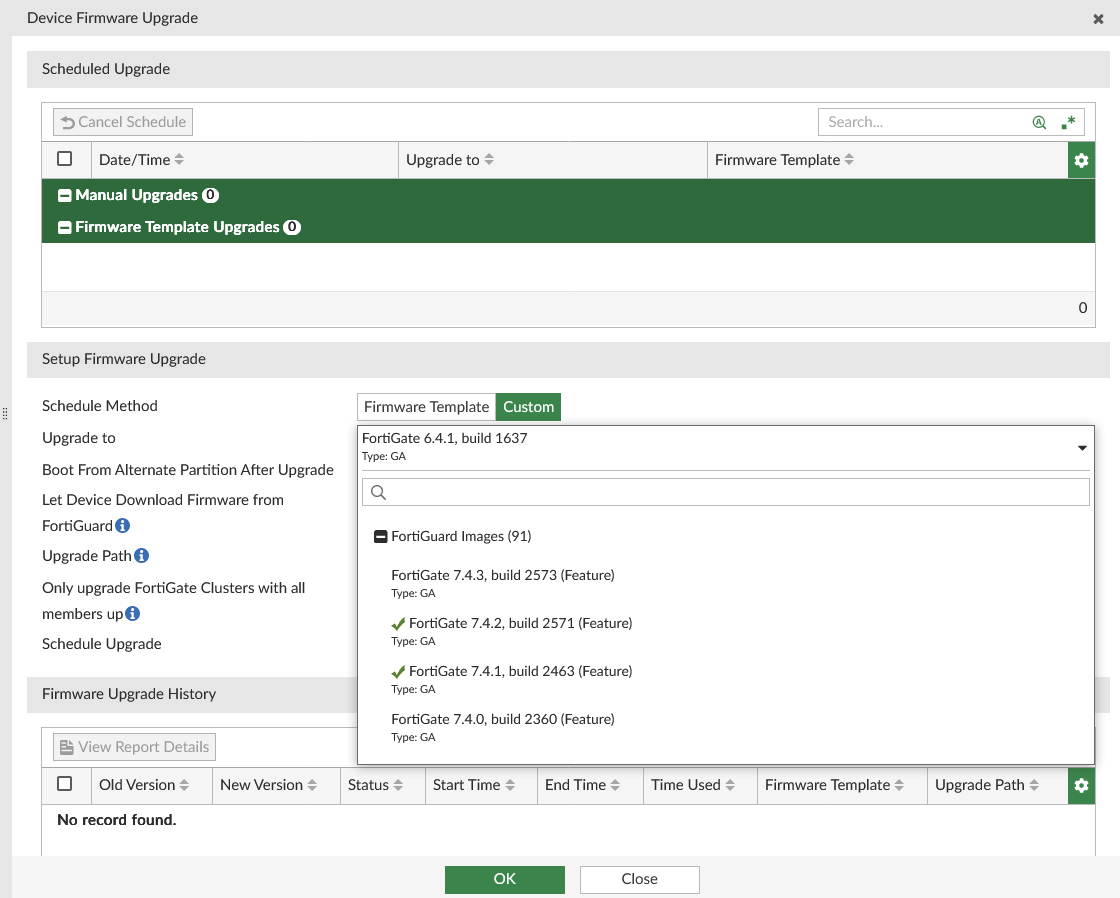
When selecting a version to upgrade to, the Device Firmware Upgrade dialog box displays a list of available firmware releases from FortiGuard.
-
Under Upgrade Options, enable Let Device Download Firmware from FortiGuard.
-
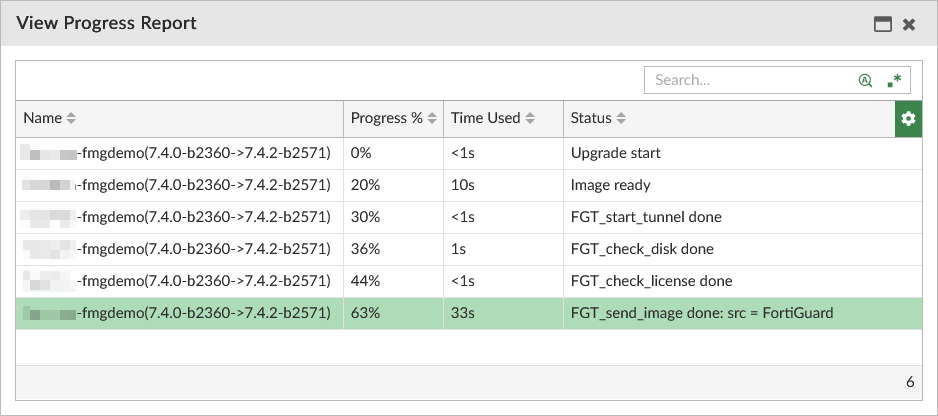
Click OK. When the upgrade process begins, the upgrading device will download the firmware image directly from FortiGuard.
-
Click Close.