

FIC account lockout (2FA)
You may find yourself unable to log in as an FortiGate (FGT) admin. For example, Jack is an FIC admin and manages two FortiGates: FGT1 and FGT2. He has enabled MFA for FGT admin login. When the FIC account is validated, everything is working fine. However, because he did not renew his license after receiving the account disablement email notification sent by FIC, Jack’s FIC account is disabled. In this situation, the MFA login function is blocked. Jack can’t log into the FGT admin portal to see users who are enabled for MFA login authentication. Jack is allowed to log into his FIC account and perform some limited activities, including enable bypass, setup bypass for users, and delete auth devices.
-
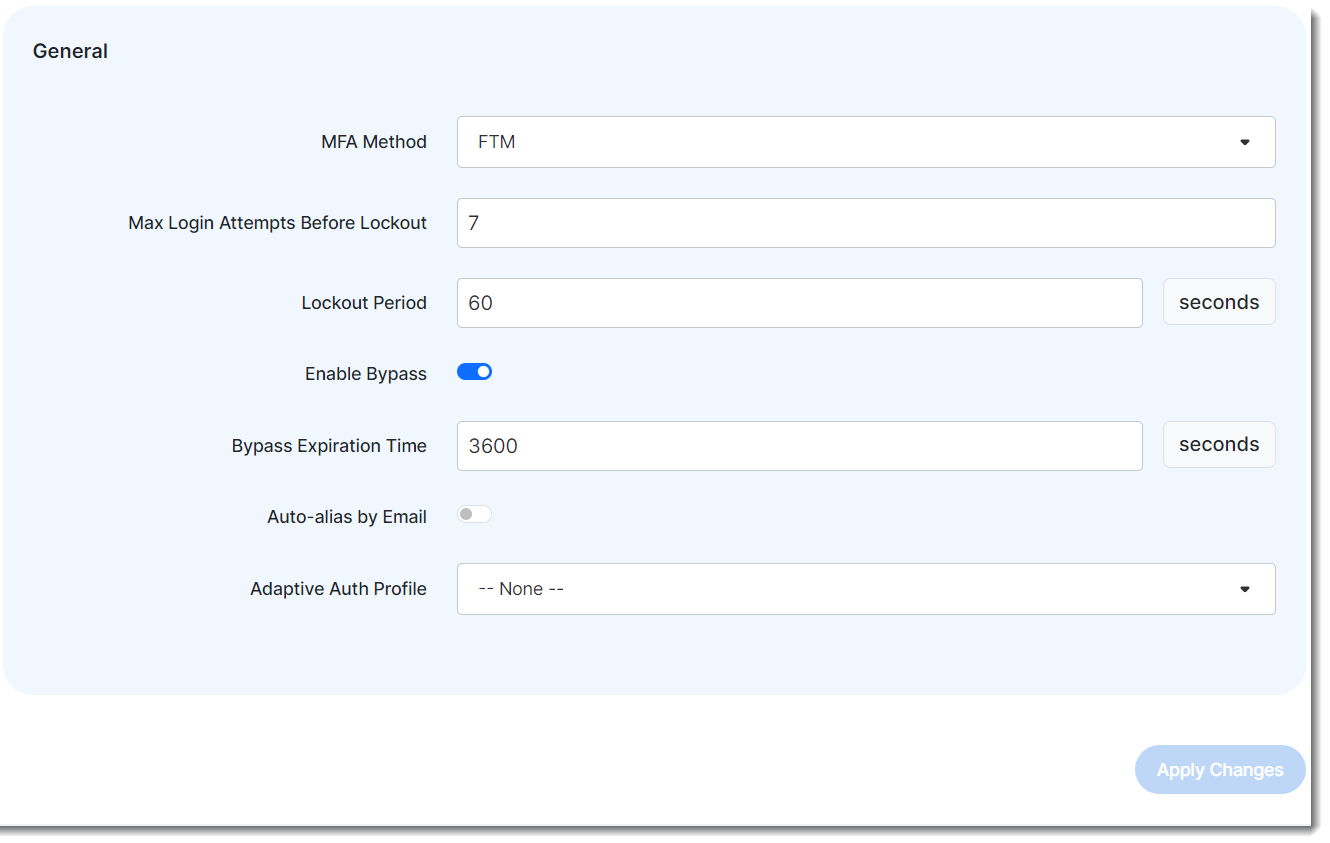
Log into the FIC portal, fic.fortinet.com, navigate to Settings>Realm, find the realm which contains the users for whom Jack wants to set up bypass, select Enable Bypass, and click Apply Changes.
-
Navigate to User Management > Users, find the FGT admin user, click Edit, and click bypass in the Status row.
-
Now, the FGT admin is not required to use MFA to log into FIC anymore. Jack can log into the FGT admin portal and remove the FIC setup in the admin user until he renews the license.