

What's new
The FortiEDR 7.2.0 GA build includes the following features, enhancements, and changes:
Host firewall policies on Collector groups Collector 6.1 or later
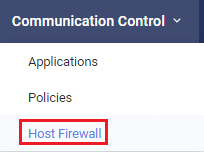
Use the new Communications Control > Host Firewall page to configure host firewall policies to control incoming and outgoing network traffic to protect endpoints against unwanted connections based on remote addresses, protocols, or applications in use to reflect the organization’s network policies. Host firewall policies reduce the attack surface by protecting the host while working outside the enterprise network (public Internet, home, or other networks).
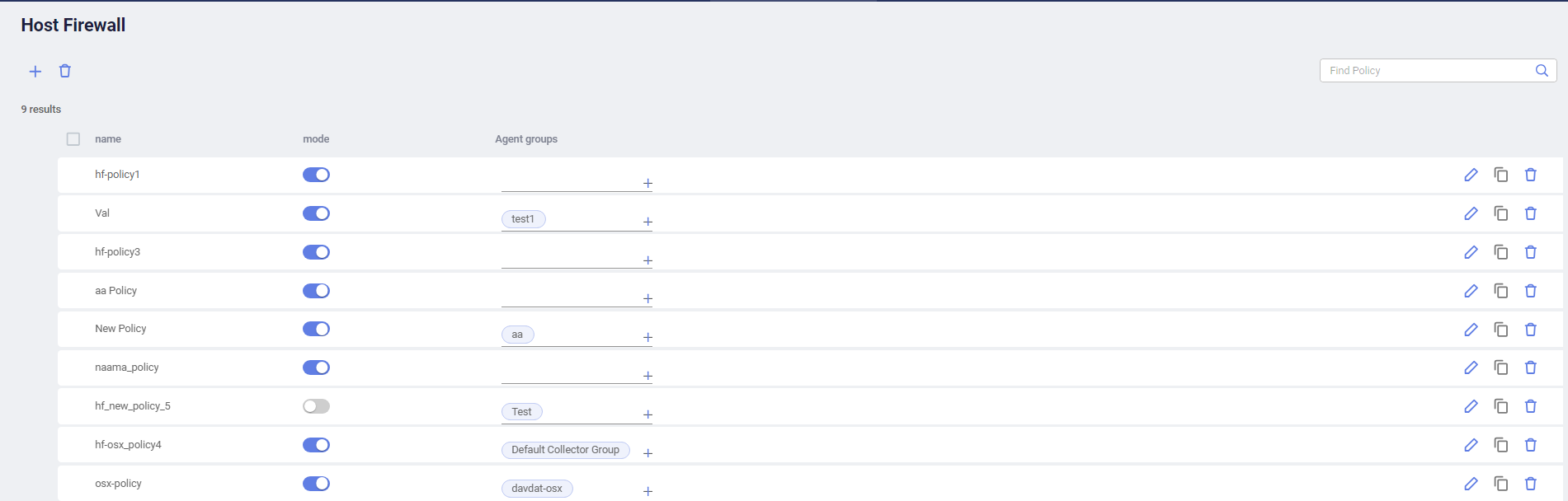
For Windows and macOS endpoints, host firewall status is used for compliance check in the Device Security column of the endpoint in Assets > Inventory.

|
Host firewall policies work side by side with existing Communication Control policies. In case of contradictions, FortiEDR applies the more restrictive out of the two. For example, if a group is assigned to a host firewall policy that allows any connection to a specific remote address but the Communication Control policy assigned to the group restricts connections to low reputation applications, connections to the remote address will be blocked if the connection goes to low reputation applications. |
Disk encryption management for Windows and macOS endpoints Collector 6.1 or later
Use the new Security Settings > Disk Encryption page to configure disk encryption policies to enforce disk encryption on Windows 7 or later (using BitLocker, TPM is required) and macOS (using FileVault) endpoints to ensure consistent security configurations and compliance with regulatory requirements.
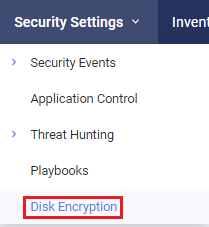

For Windows and macOS endpoints, disk encryption status is used for compliance check in the Device Security column of the endpoint in Assets > Inventory.
Generating reports
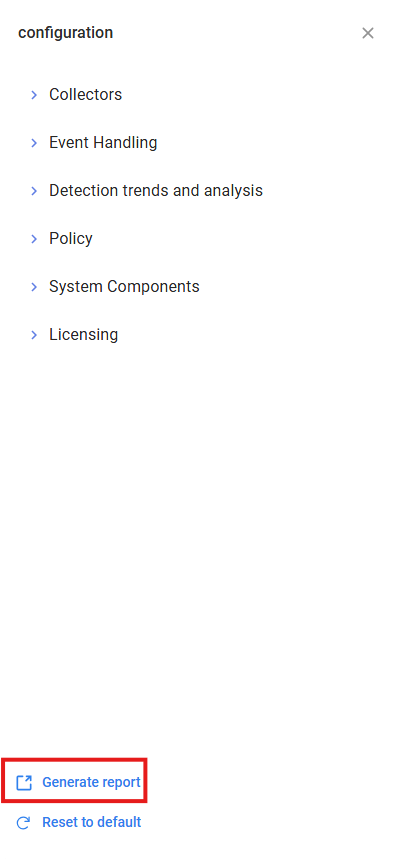
On the dashboard, click the Configuration icon ( ) on the top-right of the dashboard and click Generate report to download a PDF report with a summary of the security events and system health within the specified time range.
Usability improvements for exporting Communication Control applications
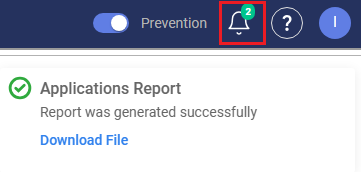
When you export Communication Control applications (as Excel or JSON), the progress bar is moved from a popup window to the notification center at the top-right corner so that you can still perform actions on the UI while waiting for the download to complete. You can view the reports that are being generated or have been generated and download them as needed.
Change to the filtered incidents view
In 7.0 and earlier, the top-level row in the filtered incidents view was purely a logical representational aggregation of all related events.
In 7.2, the top-level row now represents an incident entity with its own state independent from the associated child events. As a result, filters are applied to both the top-level incidents and their child events. An incident may appear on its own if it matches the filter criteria even if none of its child events do.
Localization - Chinese support
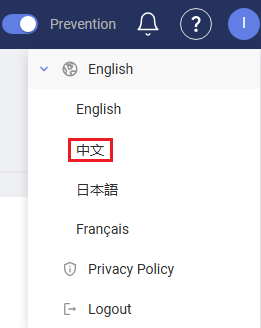
The FortiEDR Central Manager console adds support for Chinese. To switch the UI language to Chinese, click the user icon at the top-right corner and select the language.
New look and feel for some Central Manager console pages
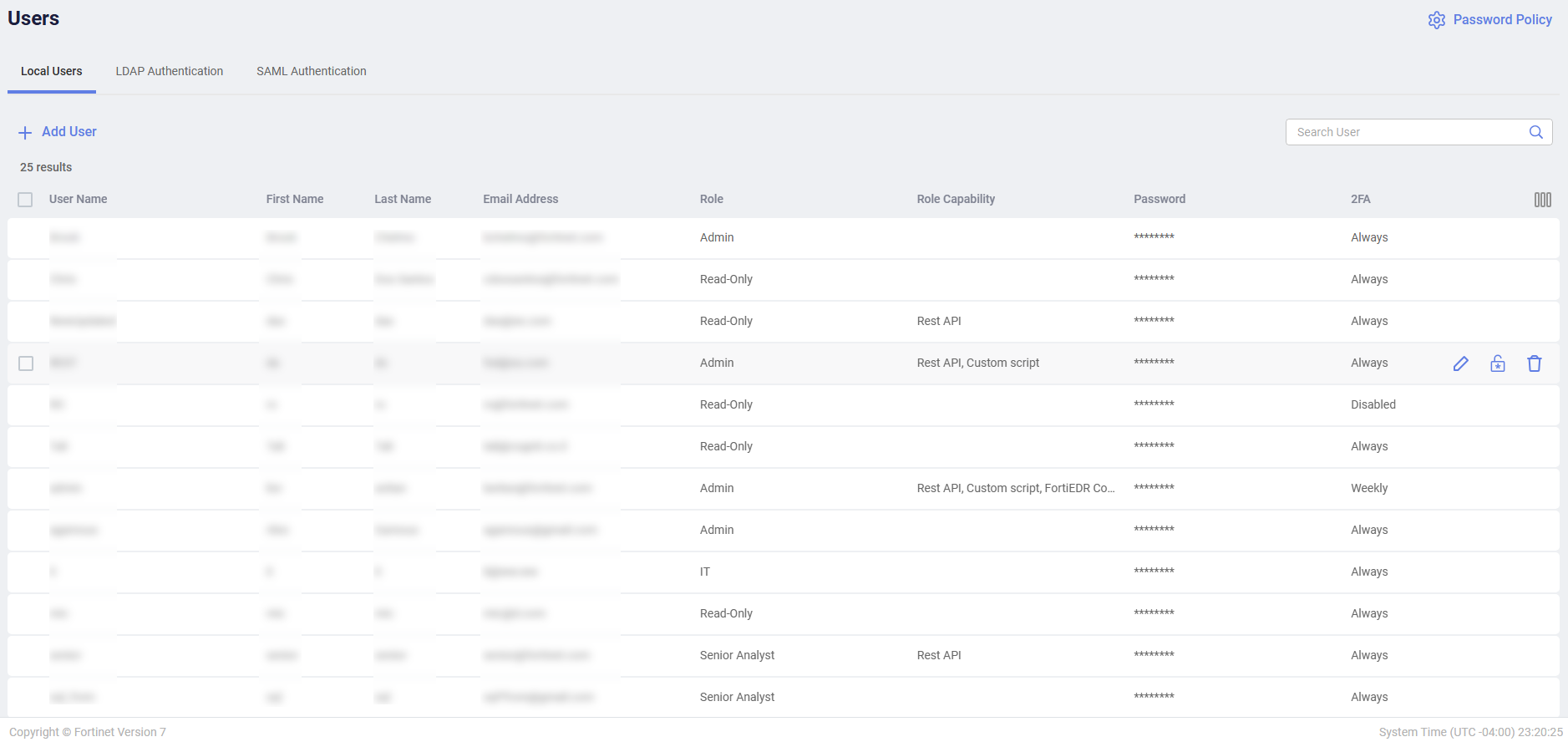
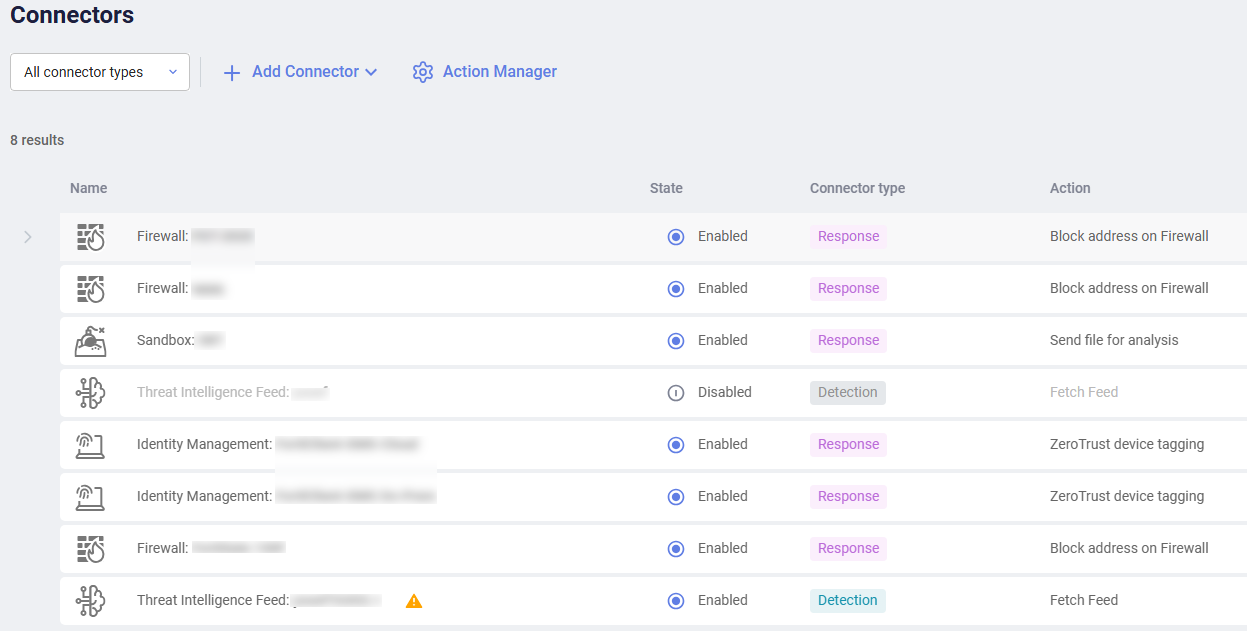
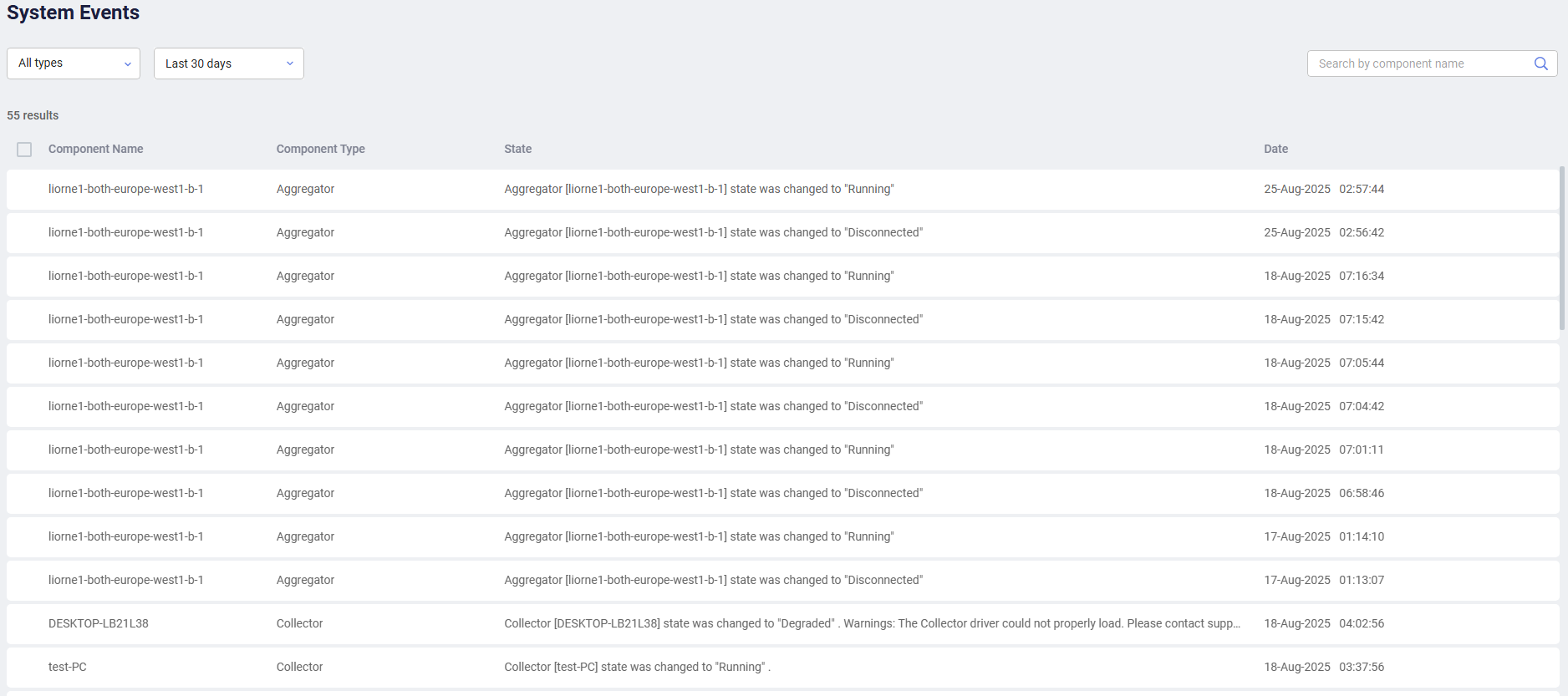
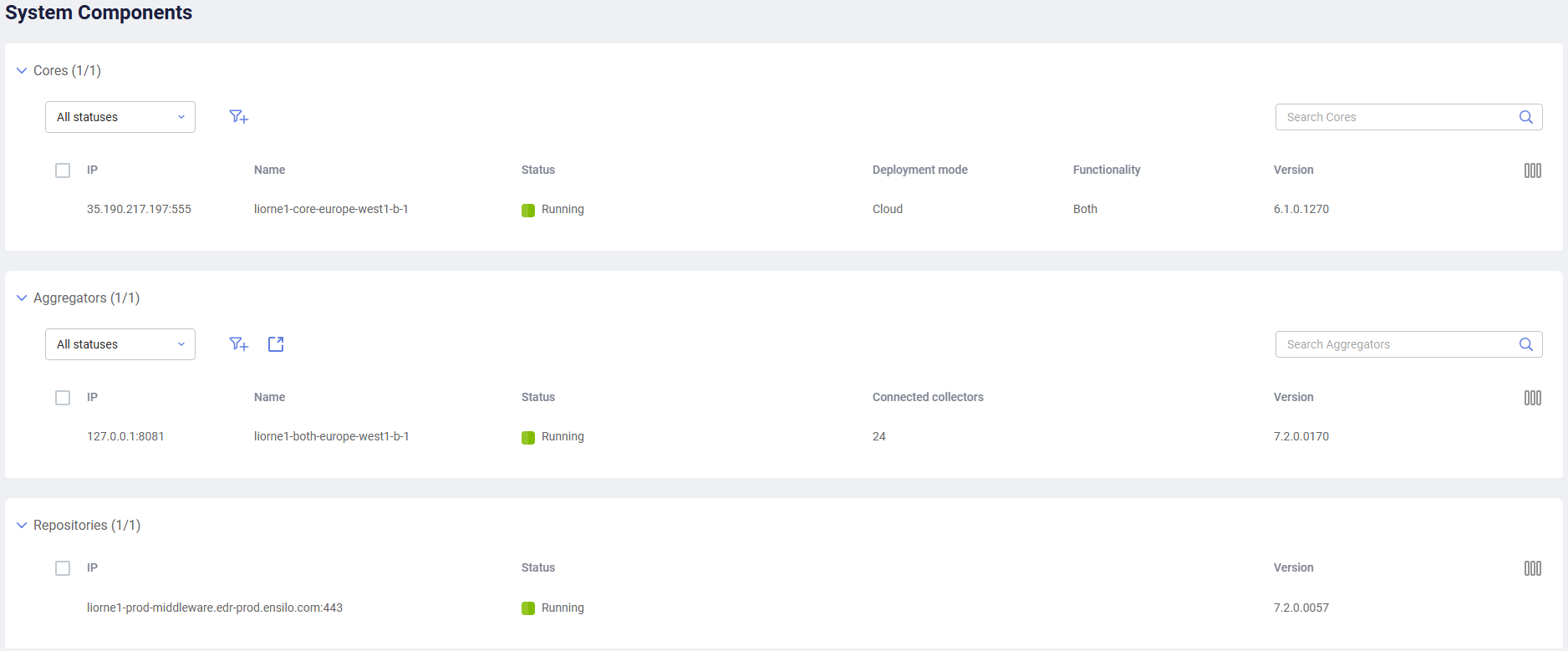
The following menus have adopted a sleeker and more modern look and feel with a new color scheme:
-
Administration > Users
-
Administration > Connectors
-
Administration > System Events
-
Administration > Deployment > System Components
Refer to Resolved issues for a list of resolved issues for this build.