

Basic Configuration
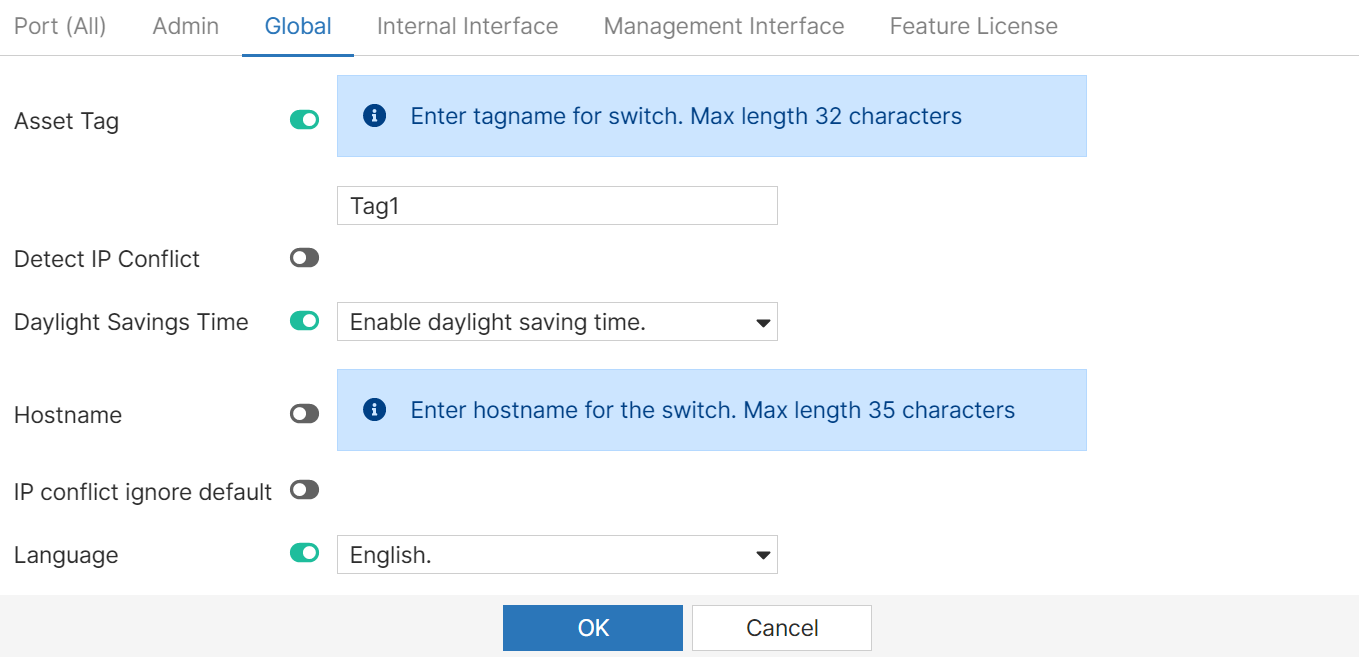
You can configure basic parameters for your FortiSwitch unit such as global and administrative settings, ports, and internal and management interfaces. Select Basic Config.
In each of the tabs, select the parameter and enter a value, when you un-select an option, the default value is applied. In the Admin tab, you can enable/disable the console port from the FortiEdge Cloud GUI via the Console Port Login option.
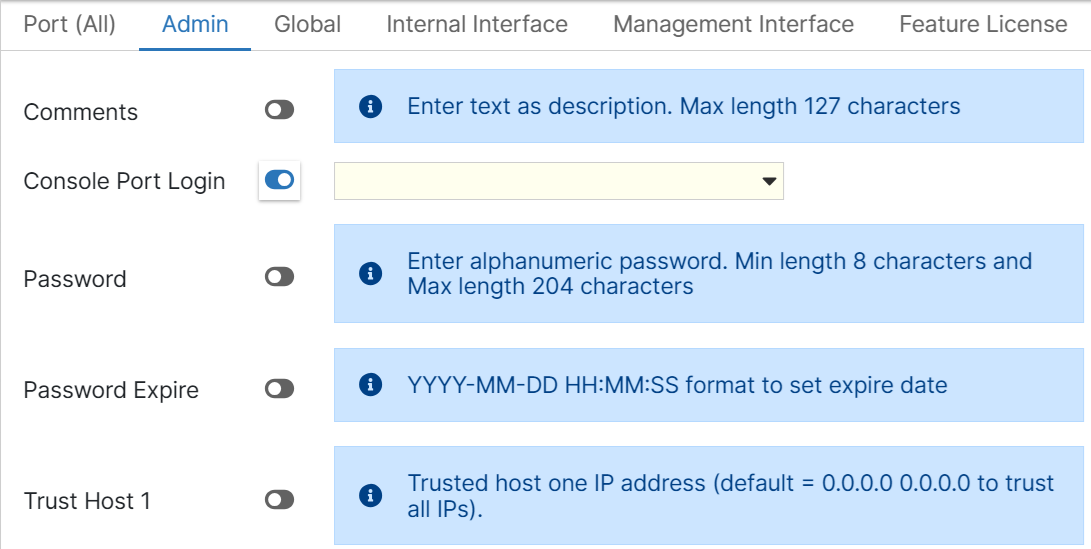
You can now add and remove the FortiSwitch feature license from the FortiEdge Cloud GUI. This operation is supported in the Feature License tab.
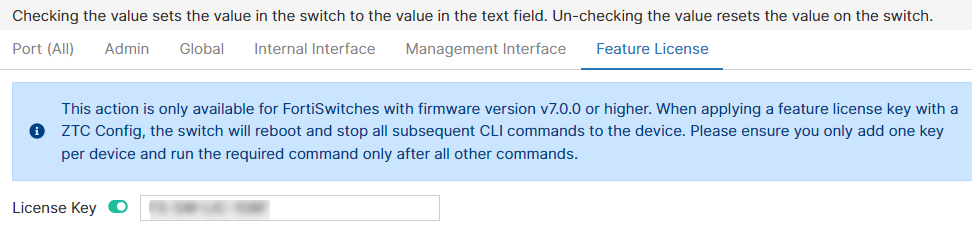
Note: The feature license management option is supported only on firmware version 7.0 and above.