

Dashboard
Use the Dashboard to view information of the system, such as scanned or sensitive file distribution by platform, file compliance and sensitivity information, resource usage, and system information (hostname, serial number, system time, license status, firmware version). You can also add a Risk Overview report using the Add Report button on the top-right corner. The report will then be available in the Logs & Reports > Reports page.
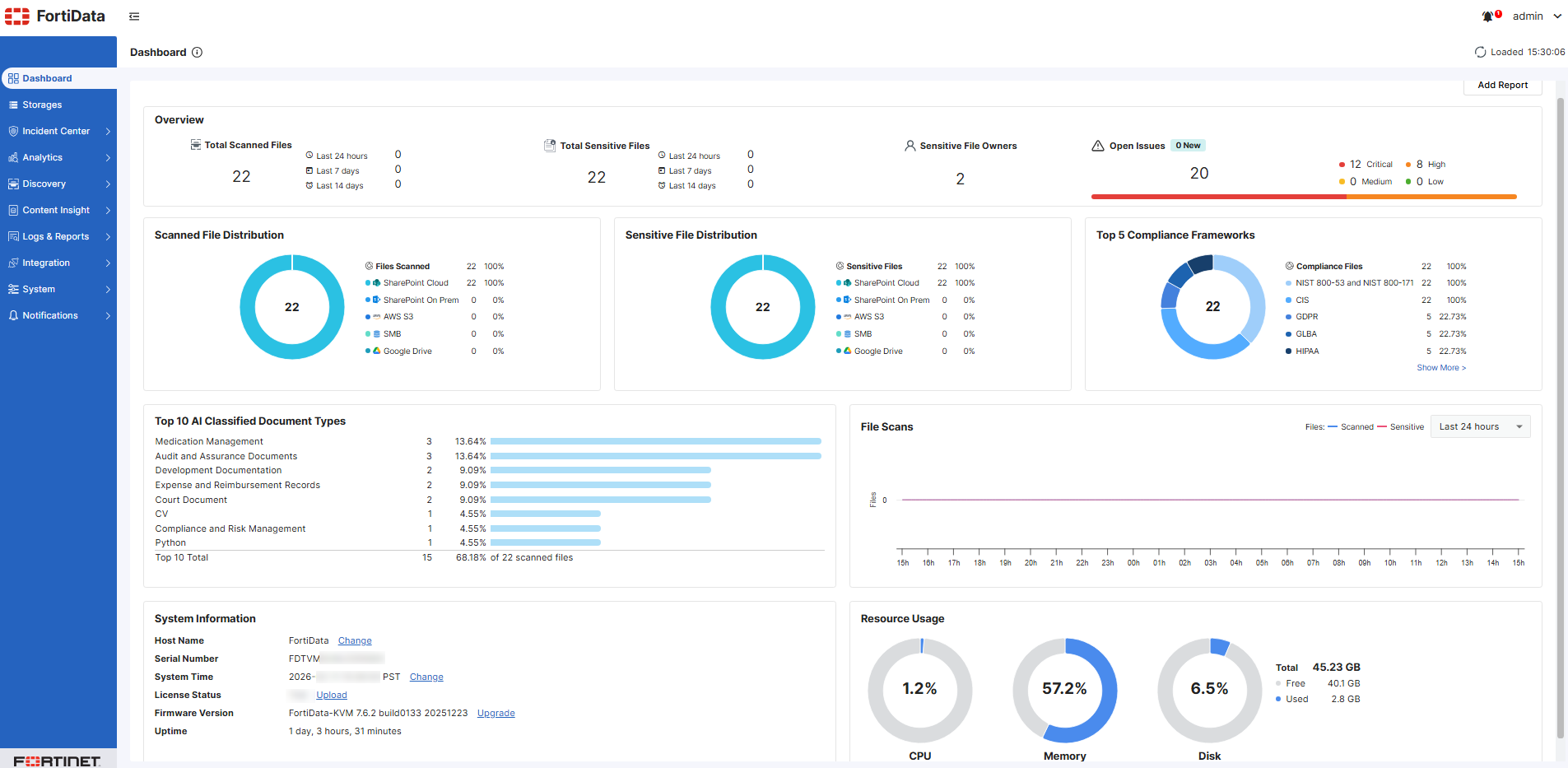
Hover your mouse over a graph or chart to view more details about the data points.
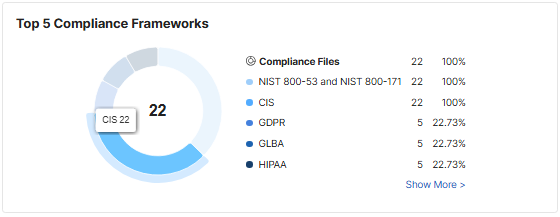
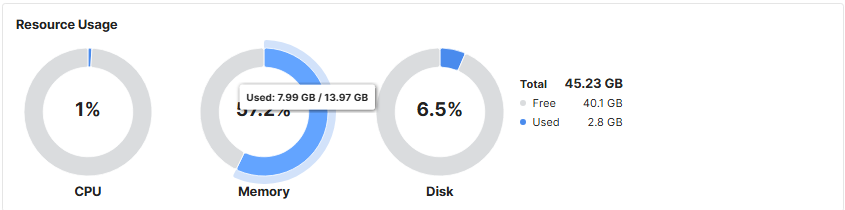
To change the hostname:
- Go to the Dashboard > System Information widget.
-
Click Change at the end of the Host Name field. The following page appears.

-
Specify the desired hostname and click APPLY.
To change the system time:
- Go to the Dashboard > System Information widget.
-
Click Change at the end of the System Time field.
-
Configure the system time in the System > Settings tab.
To upload or change the license:
- Go to the Dashboard > System Information widget.
-
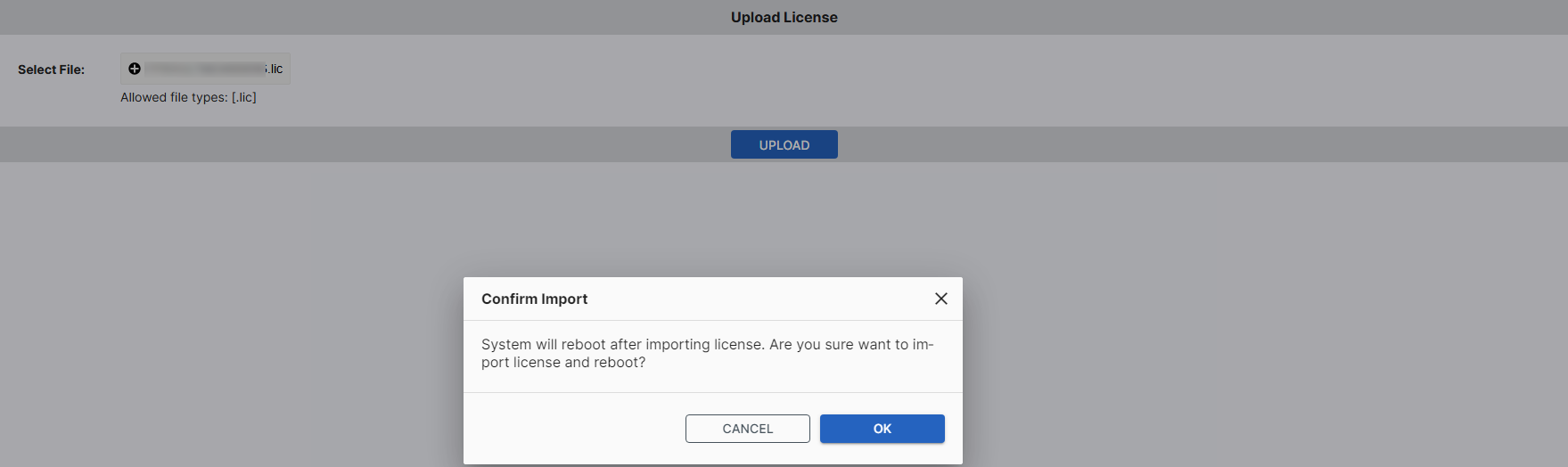
Click Upload or Upgrade at the end of the License field.
- Click Browse to locate the license file on your local disk.
- Click UPLOAD.
- Click OK when prompted.
To upgrade the firmware:

|
FortiData does not support downgrading to previous firmware versions. You can back up configurations before upgrade or restore older firmware and configurations in System > Backup & Restore. |
-
Download the firmware file from the Fortinet support website. See the FortiData KVM or ESXi guide for more details.
-
Go to Dashboard > System Information.
- Click Upgrade at the end of Firmware Version. The following window displays.

- Click Browse to select the downloaded firmware.
- Click UPGRADE.
- Wait for the upgrade to complete, which might take a few minutes.
The system replaces the firmware on the active partition and reboots.
To reboot the system:
- Go to the Dashboard .
- On the top-right corner, click admin > Reboot.
Alternatively, run the execute reboot command via the CLI.
To shut down the system:
- Go to the Dashboard .
- On the top-right corner, click admin > Shutdown.
Alternatively, run the execute shutdown command via the CLI.