

Configuring Exploit Engine
To configure exploit engine, perform the following steps:
-
Navigate to Scans Policy page.
-
Click Exploit Engine.

-
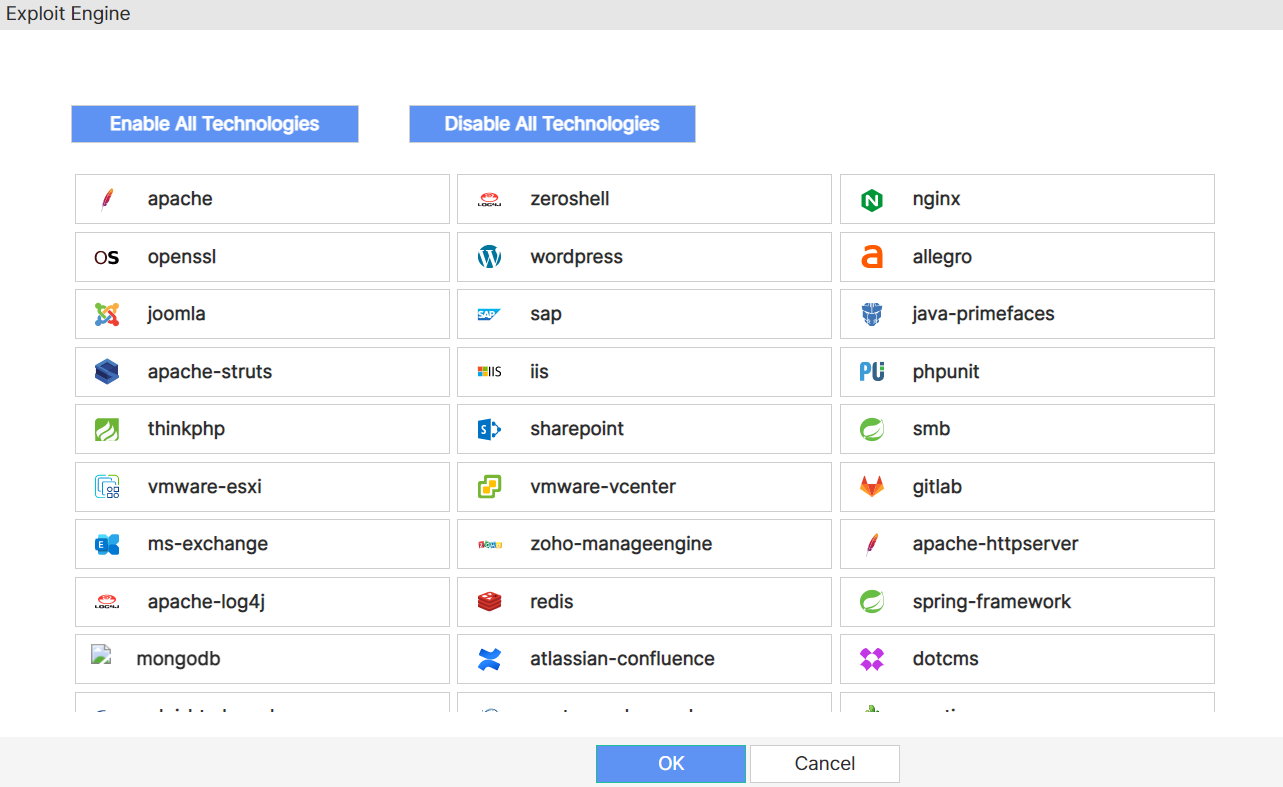
Click the desired technology or to select all the available technologies click Enable All Technologies. To clear your selection, click Disable All Technologies.
-
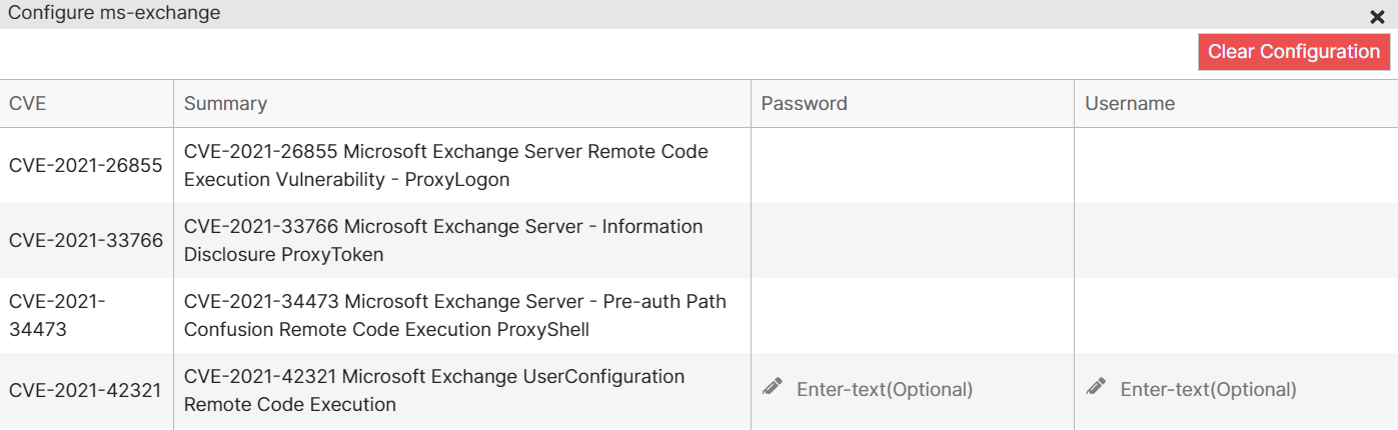
Configure additional parameters, if available.
-
Click Save. A green tick is displayed next to the selected technology.
-
Click OK.