

FQDN Analytics
View traffic by fully qualified domain name, helping you understand which application domains receive the most resolution requests.
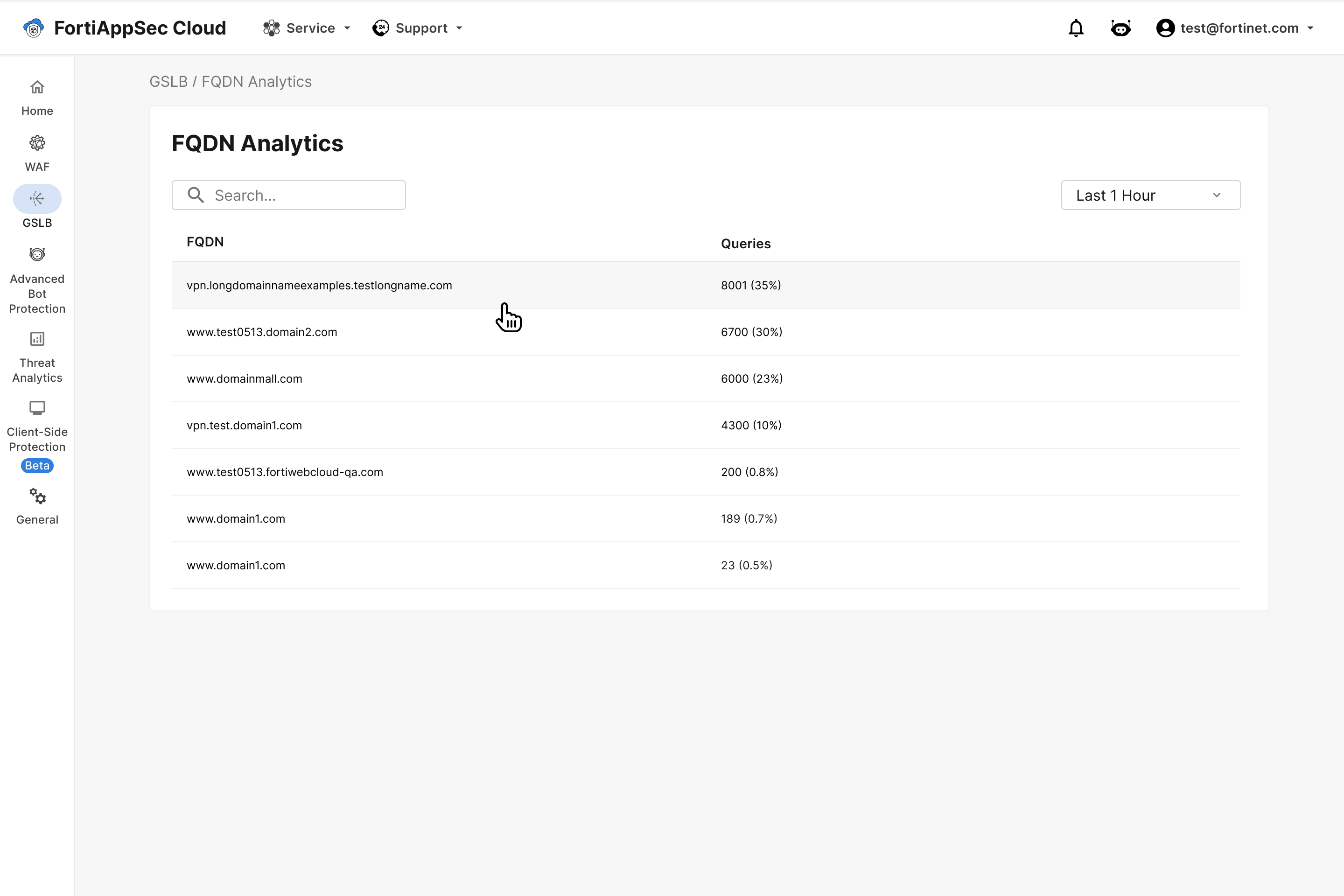
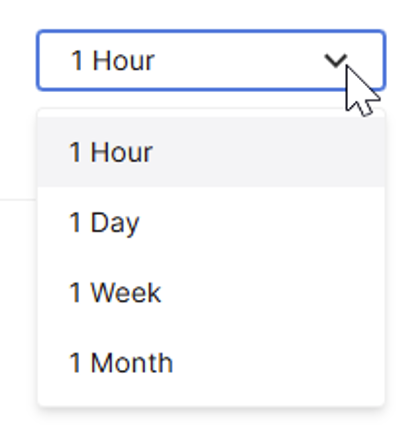
Set time frame
Click the time-frame dropdown above the analytics table (default: 1 Hour) and select the desired time range.
View FQDN details
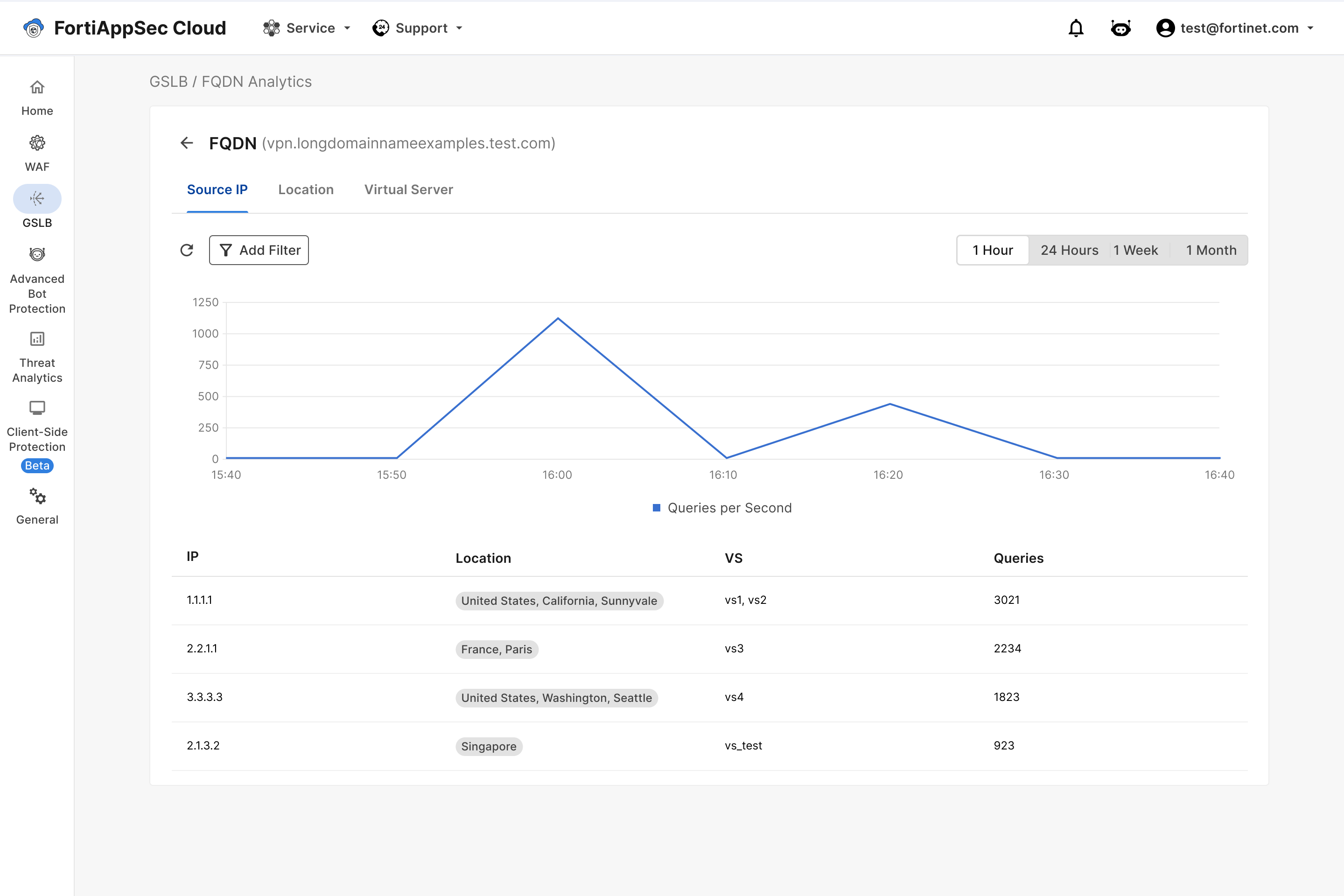
Click an FQDN in the table to view detailed insights on its traffic.
The graph displays Queries per Second over the selected time frame. To only view queries from specific locations or IPs, click Add Filter.
Select Source IP, Location, or Virtual Server to display different information in the table under the graph.
Source IP
View traffic insights by Source IP.
|
IP |
The IP address of the client or resolver sending teh DNS query. |
|
Location |
The Country associated with the Source IP |
|
VS |
Virtual Server(s) in your GSLB configuration that receives and handles queries. |
|
Queries |
The number of queries from the source IP. |
Location
View traffic insights by Country.
|
Country |
Country associated with the traffic on your FQDN. |
|
Queries |
The number of queries from the Country. |
Virtual Server
View query load per virtual server.
|
Virtual Server |
The GSLB virtual server processing queries for this domain. Click its name to filter the graph and view its traffic exclusively. |
|
Connector |
The connector attached to the virtual server. |
|
Data Center |
The physical or logical data center location associated with this virtual server. |
|
Queries |
The number of queries processed by the virtual sever. |