Contracts
On this page, you can view your active licenses, license history, and query usage.
For information on different types of contract options and instructions on purchasing the different license types, please refer to License & Contract.
View contracts
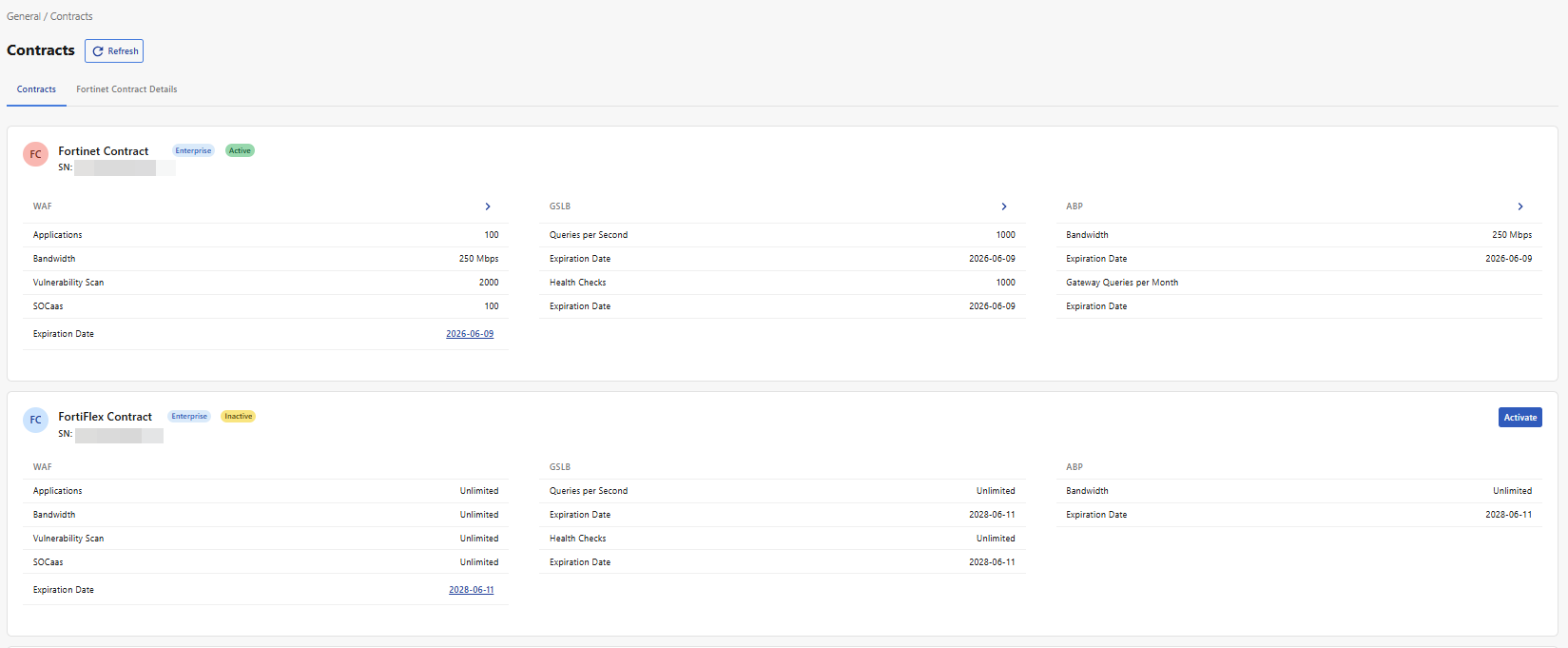
The values on this page correspond to the maximum allowances in each category defined in the purchased contract.
|
Applications |
Maximum number of WAF Applications allowed under this account. |
|
Bandwidth |
Maximum bandwidth used by the applicable service. |
|
Queries per second |
Maximum number of queries per second. |
|
Health Checks |
Maximum number of health checks used. |
|
Vulnerability Scan |
Maximum number of vulnerability scan assets, calculated based on the WAF application seats. Each application can have up to 10 domains, and each domain is scanned on 2 ports (HTTP/HTTPS). Therefore, the number of vulnerability scan assets = the number of applications × 10 × 2. |
|
SOCaaS |
Maximum number of applications you can use the SOCaaS on. This number should match the Applications value. |
Change Contract
-
Purchase a FortiAppSec Cloud contract by contacting your Fortinet reseller.
-
After purchasing the new contract, please log into your FortiAppSec Cloud portal and navigate to General > Contracts.
Only one contract can be active at a time. Before activating your new contract, your previous contract will remain active.
-
Click Activate in the new contract to activate it.
Upgrade or downgrade plan
To switch between Standard, Advanced, and Enterprise plan options for your existing contract, the process depends on your contract type.
To see the differences between Standard, Advanced, and Enterprise plan feature offerings, please refer to License & Contract.
-
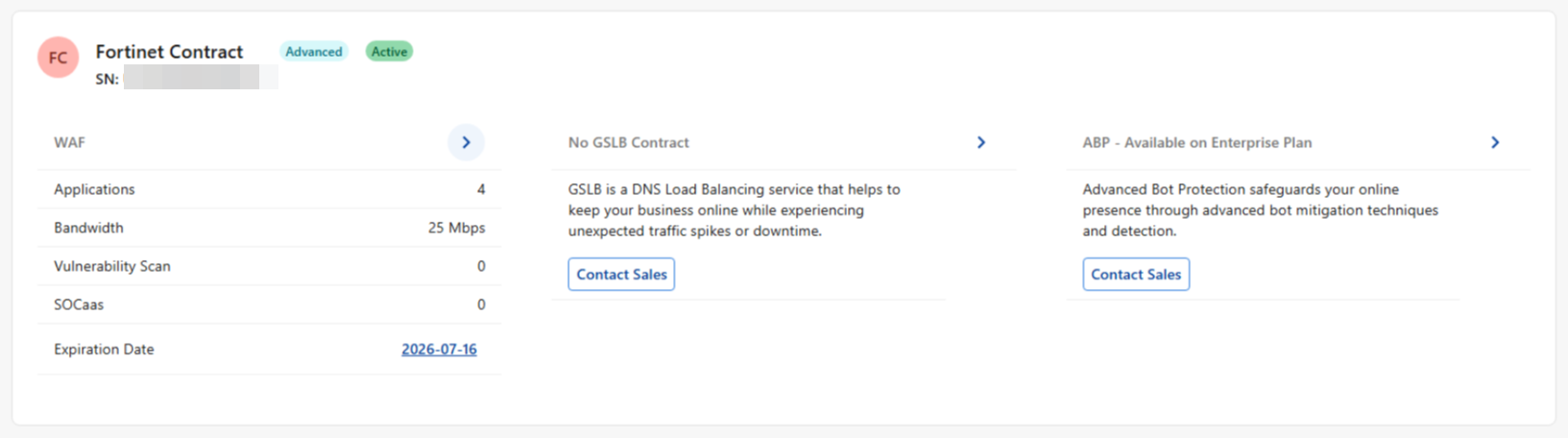
If you are using a license purchased from Fortinet, you must contact Fortinet Sales.
-
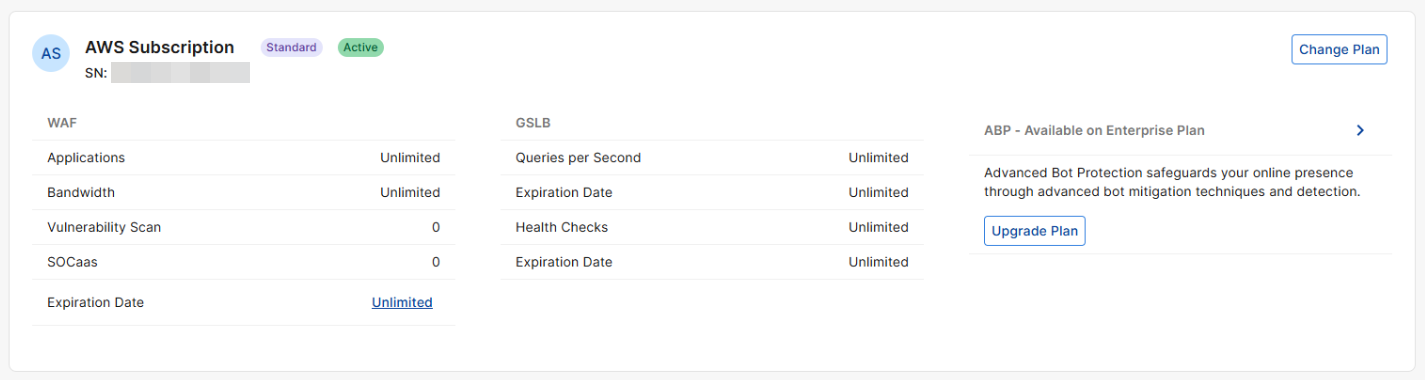
If you are using a Public Cloud marketplace subscription, you have options to upgrade and downgrade your plan from the FortiAppSec Cloud web portal.
-
If you are using a FortiFlex subscription, you can make changes to your plan via the FortiFlex portal.
-
If you are using a Legacy Contract, you do not have the option to make changes to your plan. Please purchase a FortiAppSec Cloud Plan.
For details on the offerings available for your contract type, please refer to its dedicated page.
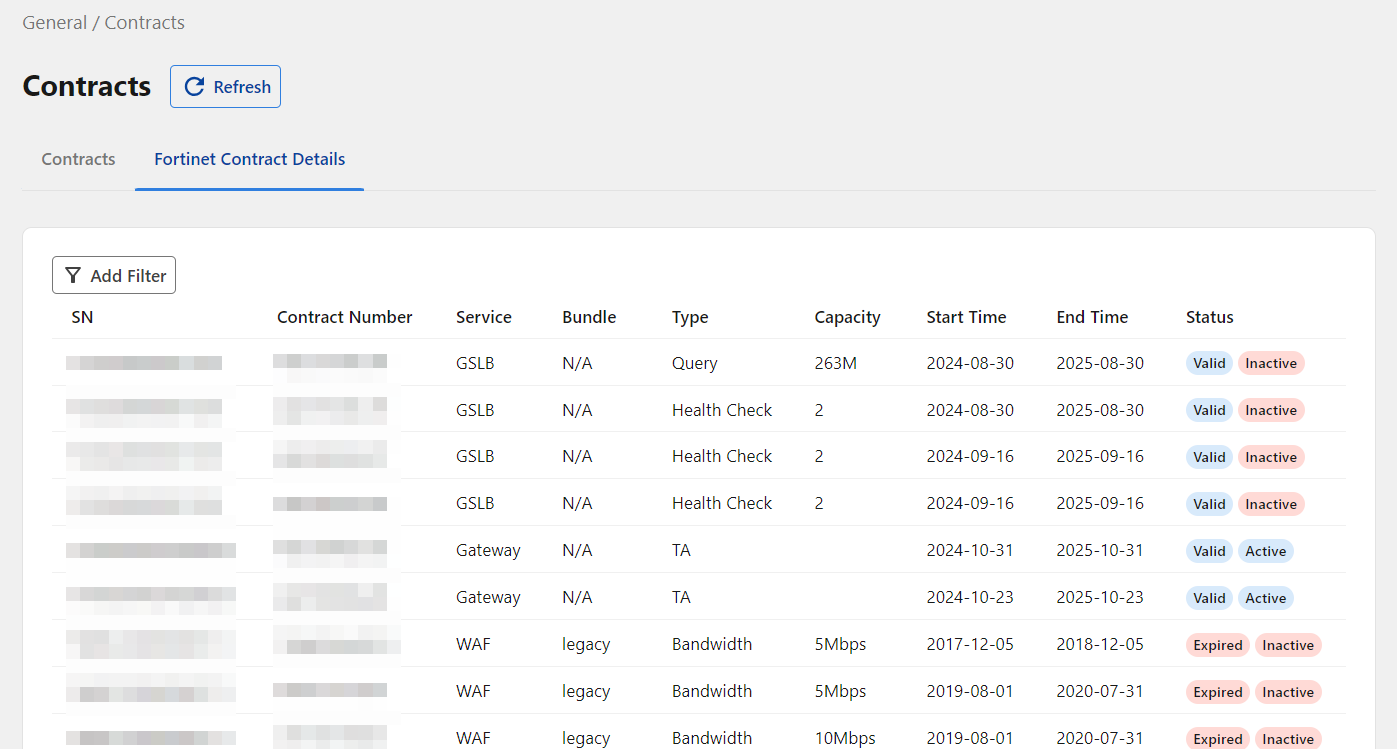
Fortinet Contract Details
View the serial numbers, contract numbers, capacity, and additional details for all individual services associated with your license.