

Diagnostics and Tools
The Diagnostics and Tools window provides detailed status information and allows you to run diagnostic tests for a selected Access Point. For information, see Access Points Diagnostics and Tools.
To access the Diagnostics and Tools window, click on the required Access Point on the map and select Diagnostics and Tools from the options displayed.
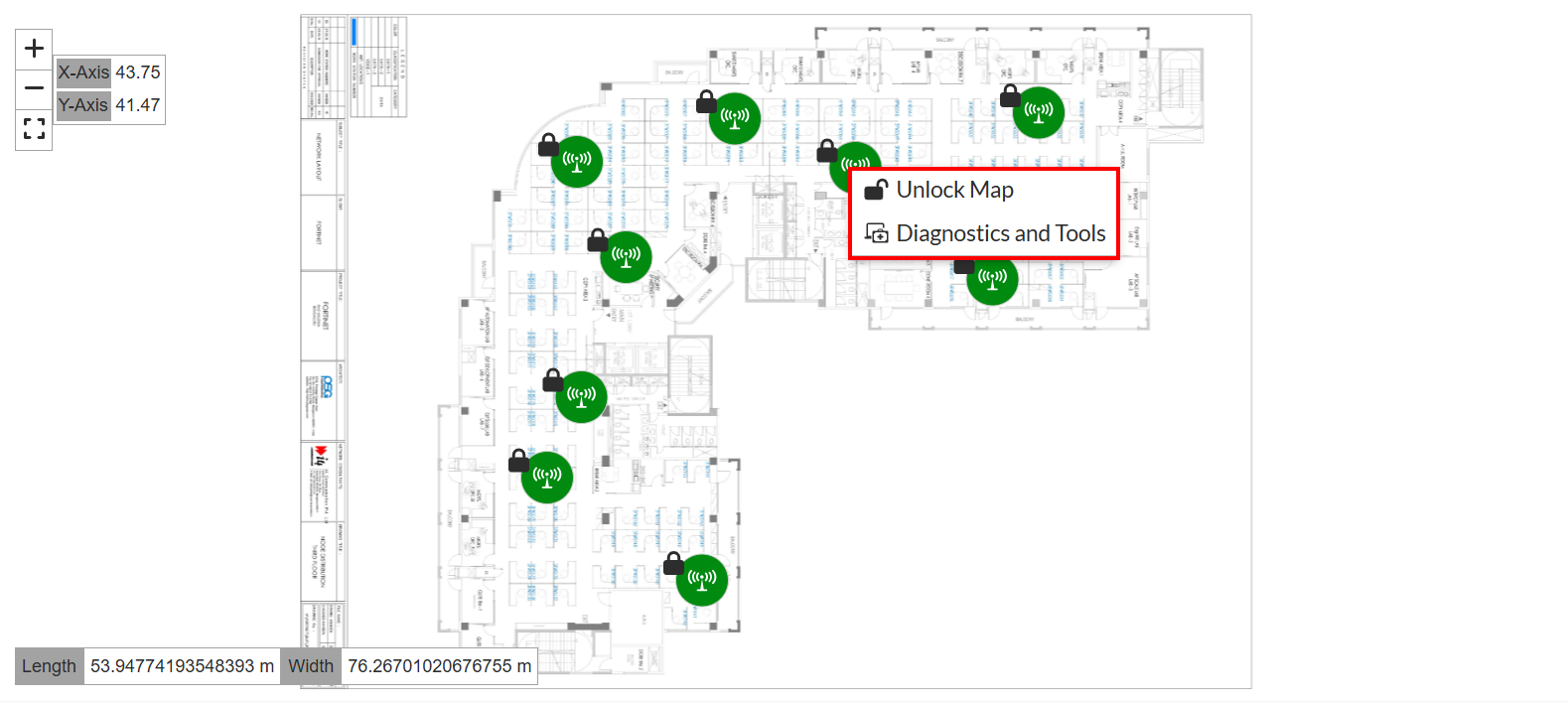
The Diagnostics and Tools pane is displayed.
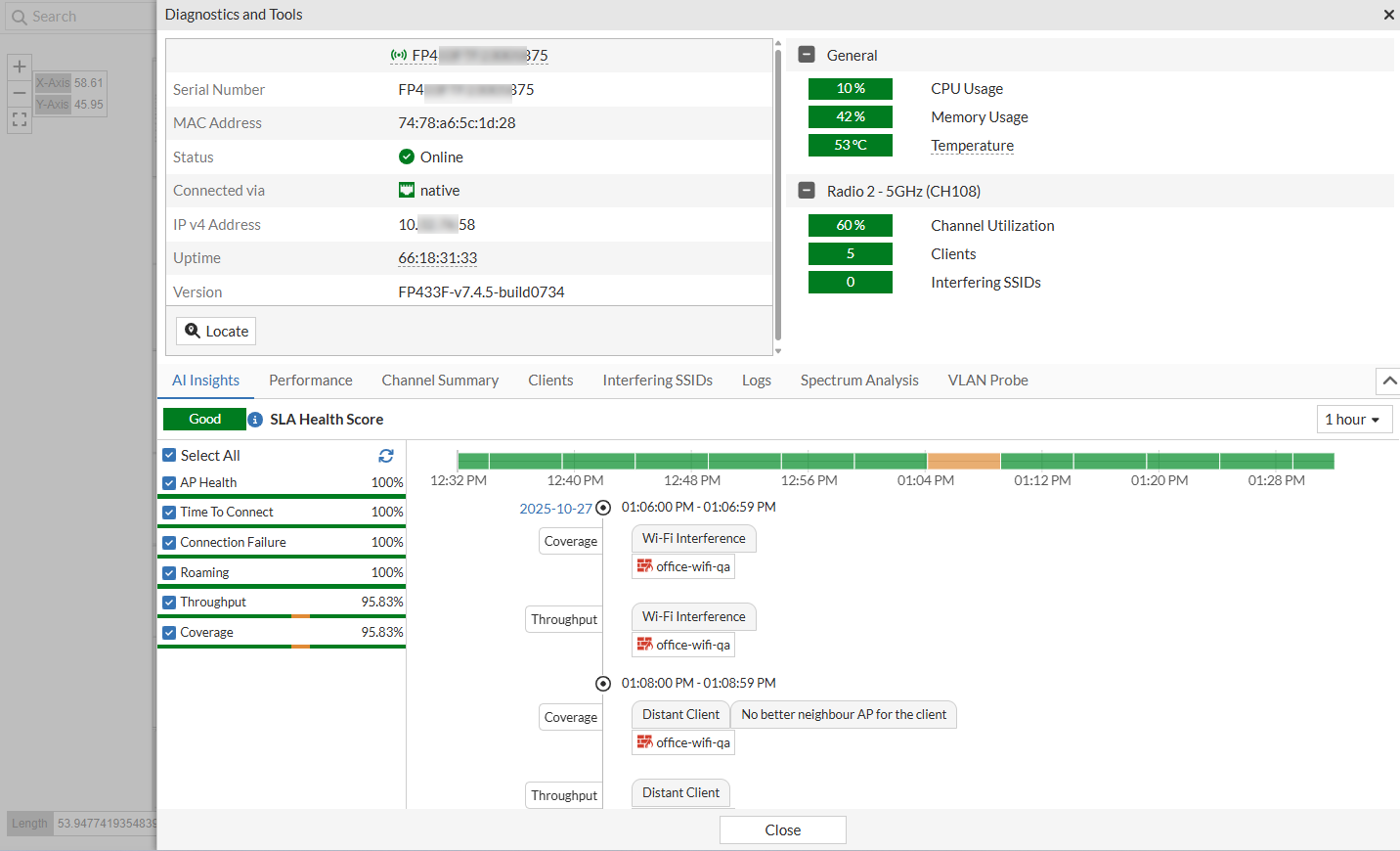
Note: The Diagnostics and Tools window is available in both Unlock Map and Lock Map modes.