

FortiWeb Maximum Value Tool
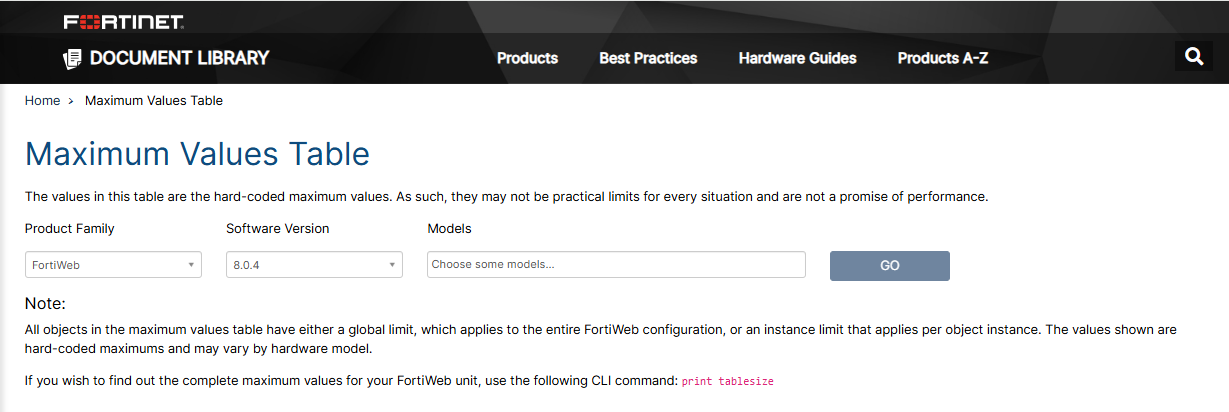
FortiWeb now offers a dedicated Maximum Value Tool to help administrators and architects determine the configuration limits for specific device models. This tool provides a centralized way to check the maximum supported values for various configuration parameters across the entire FortiWeb product line.
Key Features
-
Model-Specific Data: View exact limits for different FortiWeb hardware models and virtual appliances.
-
Comprehensive Parameter List: Check maximum values for a wide range of configuration items, such as the number of supported virtual servers, server policies, or protection profiles.
-
Simplified Planning: Use these metrics to ensure your deployment architecture stays within supported limits as your network scales.
Accessing the Tool
You can access the Maximum Value Table in either of the following ways:
-
Directly via the following link: https://docs.fortinet.com/max-value-table?product_family=fortiweb.
-
From the Fortinet Documentation site, click the Max Values Table button shown below.
