

Language support
The following languages are supported for the FortiSASE v7.4 portal:
-
English
-
Japanese (日本語)
-
French (Français)
To select the portal language:
-
Select the gear icon from the FortiSASE banner. The Edit Preferences pane is displayed.
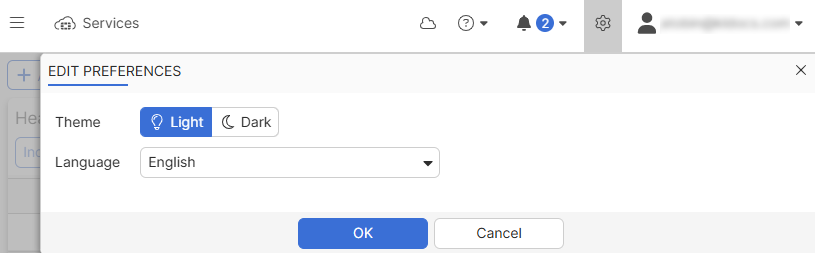
In the Edit Preferences pane, select a Theme to switch between Light and Dark mode.
-
Select the desired Language from the dropdown list.
-
Click OK. The portal will display in the selected language.