

Accessing FortiRecon portal
After you have subscribed to FortiRecon and received an email from the FortiRecon team, you are ready to access the FortiRecon portal.
To access FortiRecon:
- Go to FortiRecon at https://fortirecon.forticloud.com.
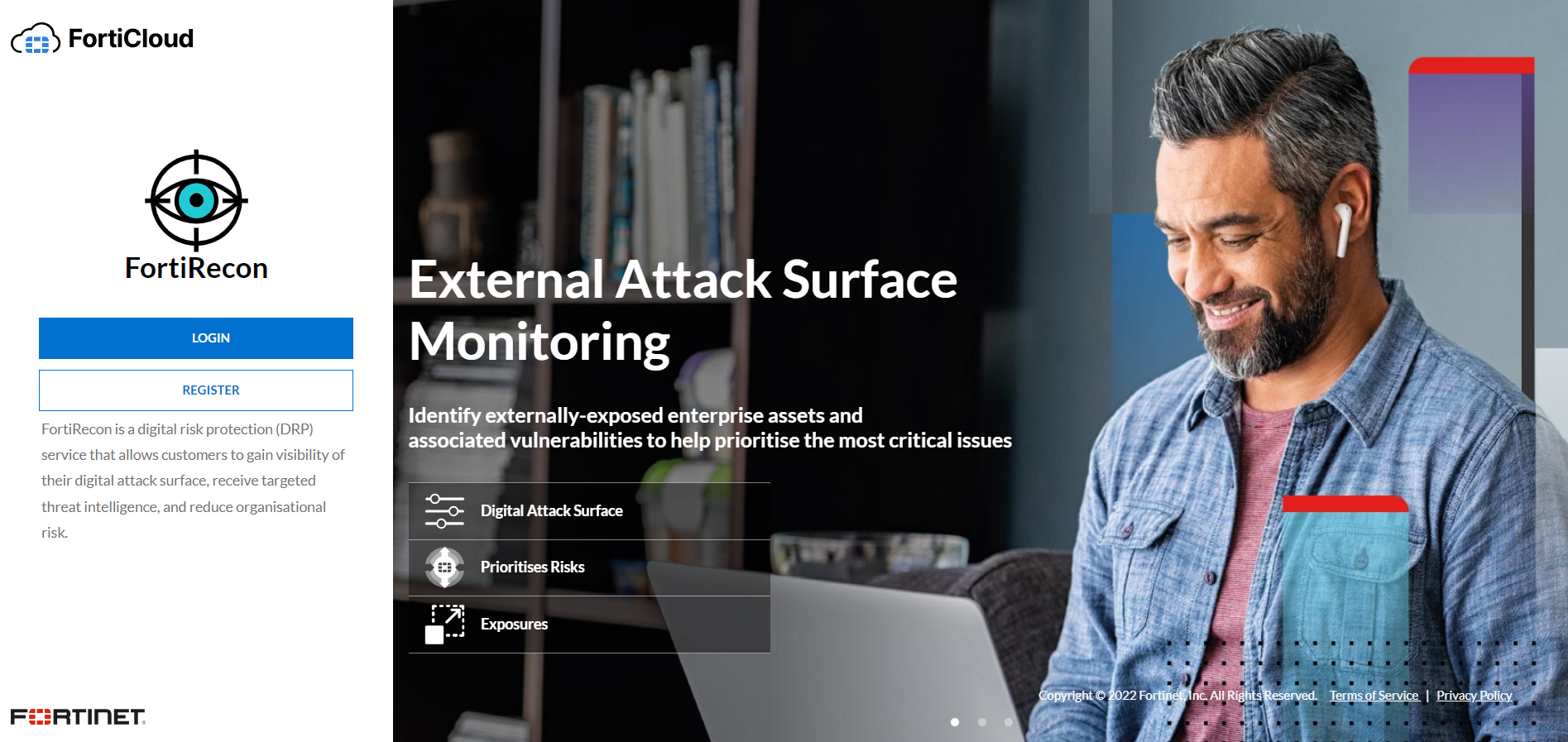
- Click Login. The FortiCloud login page is displayed.
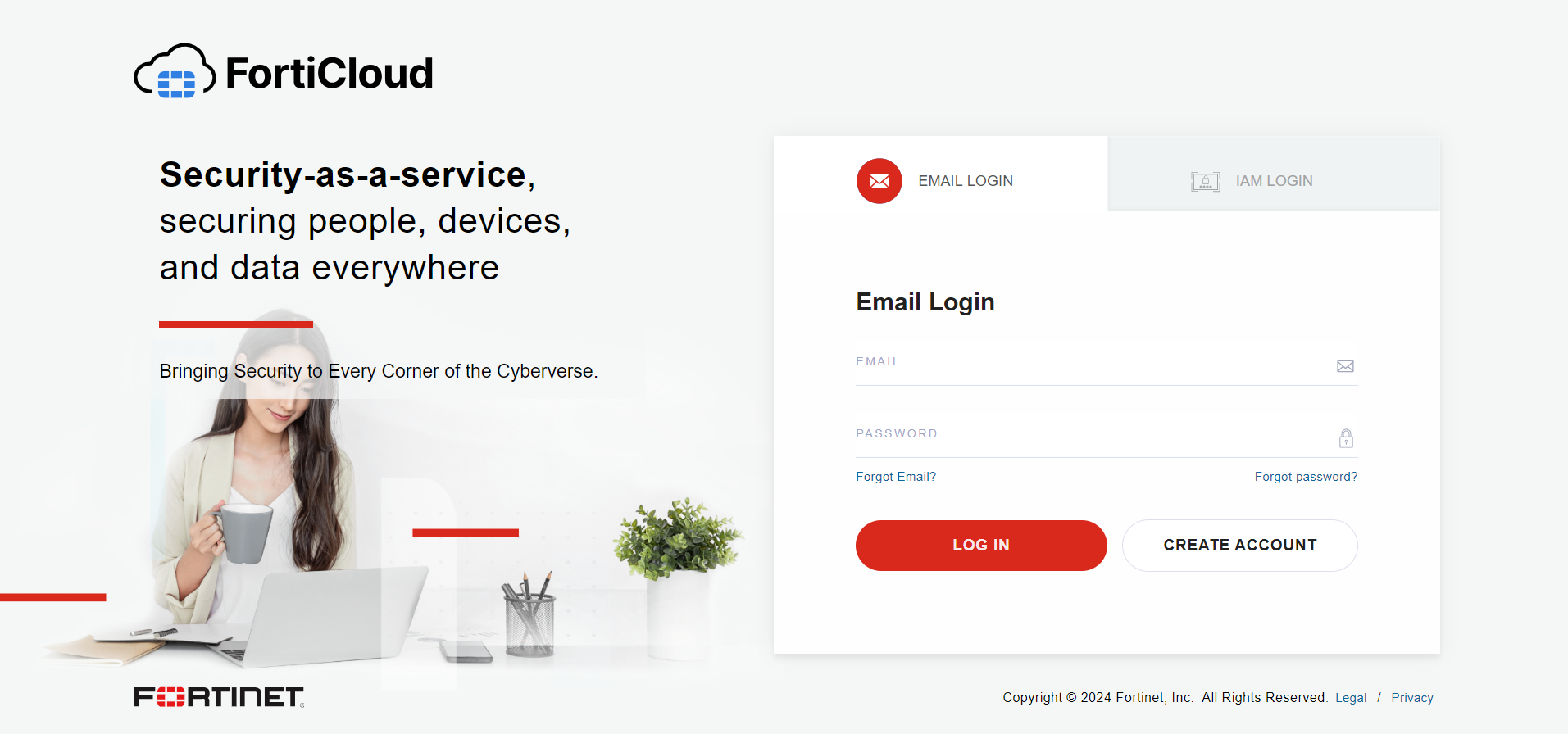
- Enter your FortiCloud credentials.
- Click Login.
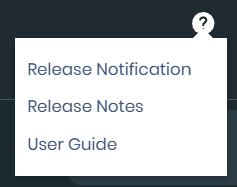
The Release Notification window displays the latest features upon login. You can also access this information, along with links to the User Guide and Release Notes, via the Help(question mark) icon in the top navigation bar.
If you are part of multiple organizations, the Organization dashboard page is displayed. Select the organization you want and click Login. See Organization Dashboard.
- Click Back. The Overview page is displayed. See Overview.