Enabling Organization Portal
To access Organization Portal in FortiCloud, perform the following steps:
-
Log in to https://support.fortinet.com/ using your FortiCloud account.
-
From the profile menu, select My Account.
-
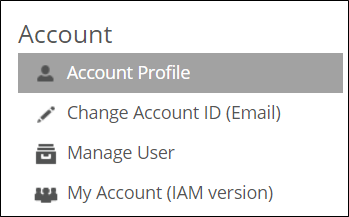
In the My Account page, click My Account (IAM Version).
-
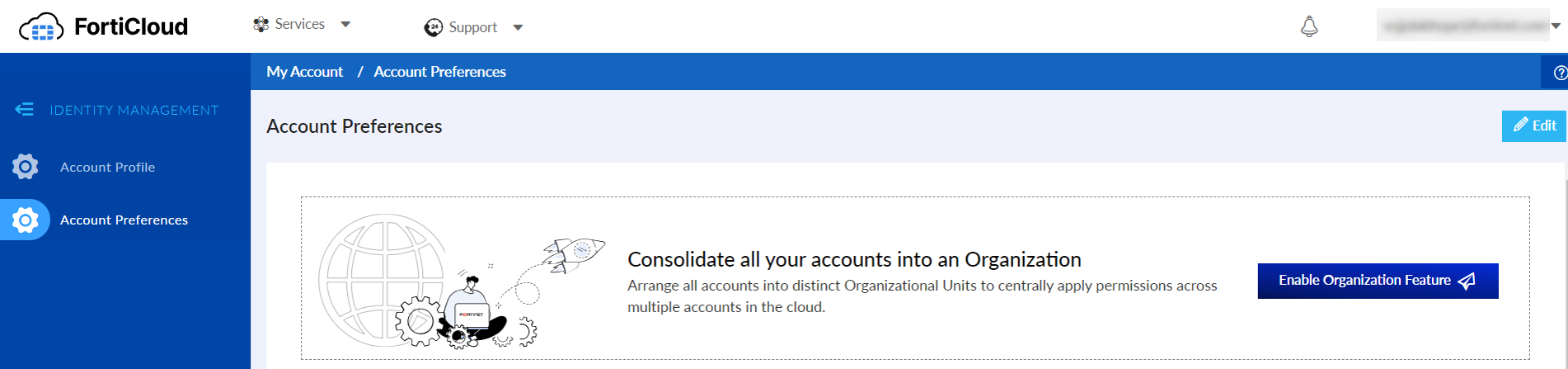
Navigate to Account Preferences tab.
-
Click Enable Organization Feature.