

Reviewing social media threats
You can review information about social media threats in the Brand Protection > Social Media Threats page. Information displayed about social media threats includes:
-
Profile name
-
Handle name
-
Location
-
Friends count
-
Followers count
-
Posts count
To review social media threats:
-
Go to Brand Protection > Social Media Threats.
-
Review the high level threat information:
-
Review the distribution of profile types and the total number of discovered profiles in the Alert Summary.
-
Review the distribution of threat profiles based on the social media platforms in Threats by Social Media.
-
Review the number of takedown credits available in Takedown Credits.
-
-
Click
 icon next to a discovered threat profile to open the profile in a new tab. A warning message is displayed.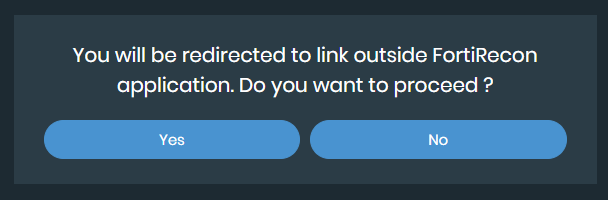
-
Click Yes.