

Installing policies
You can install or reinstall policy packages from Policy > Install.
To install a policy package:
- Go to the Policy tab.
- Select the policy package in the Policy Package dropdown and select Install.
-
The Policy Install dialog opens.
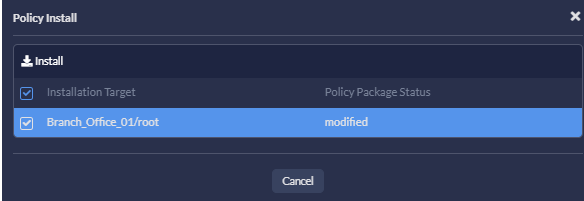
- Select one or more devices from the list.
- Click Install.
The progress bar on the Policy Install dialog shows the status of the installation.
- Once the policy package is installed, click Finish.