

Landing page
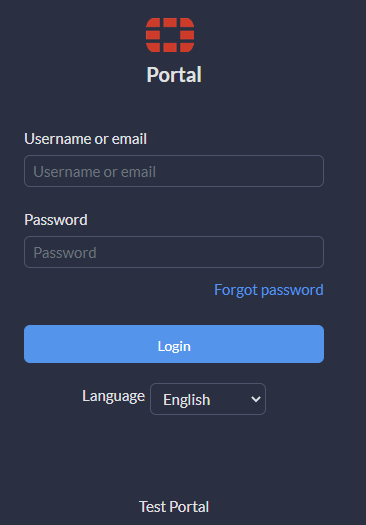
When you open FortiPortal to log in to the system, you see a custom landing page. The following figure shows a generic landing page:
If your service provider has set up SSO authentication, you can log in using the Login with Single Sign-On button.

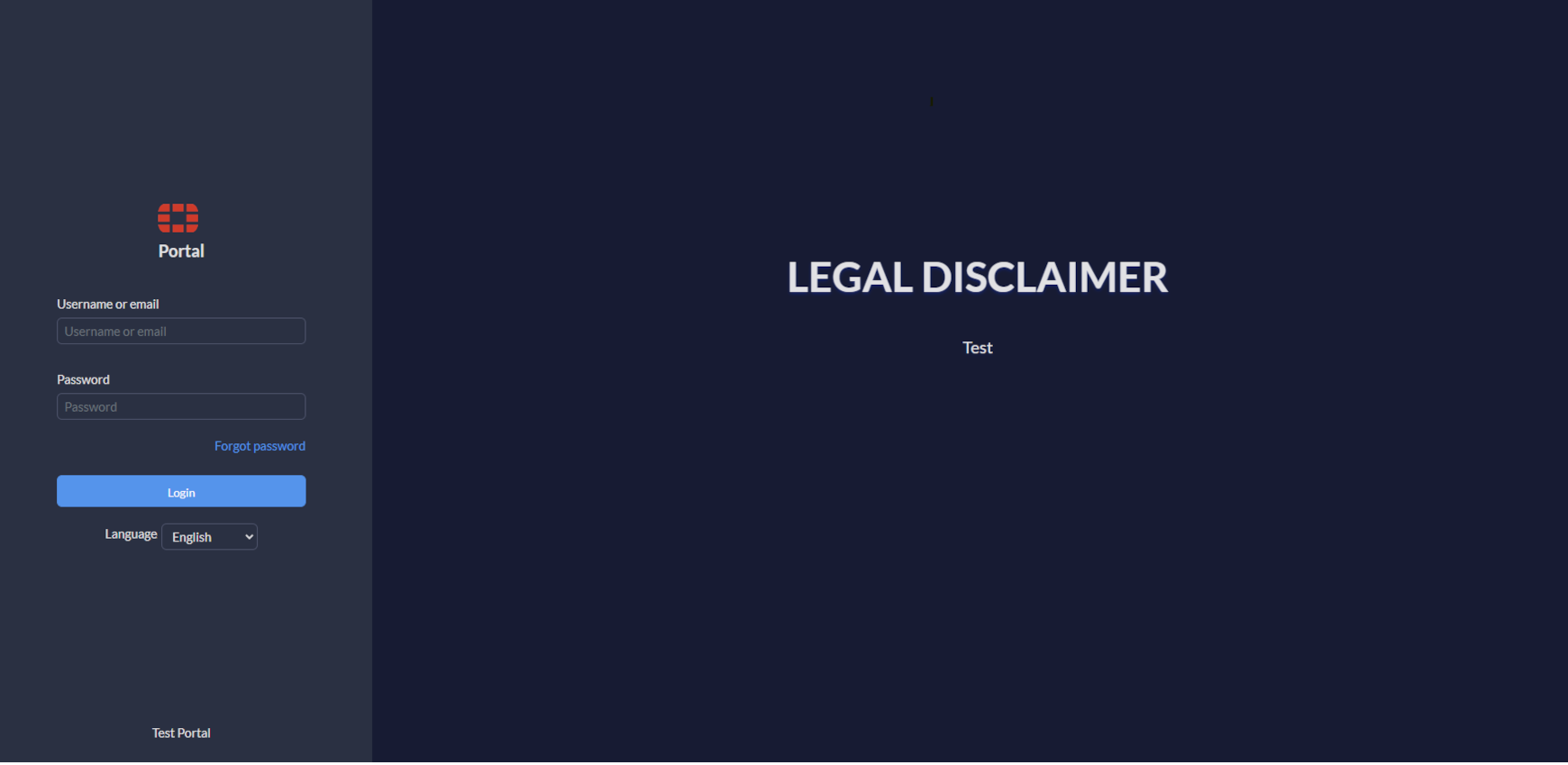
If your service provider has set up disclaimers, the landing page contains a text area for the disclaimer and it appears as follows:
A post-login disclaimer appears once you are successfully authenticated.
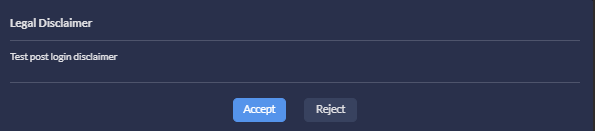
You must click Accept to access FortiPortal. If you click Reject, you are logged out immediately.

|
When a user logs in for the first time, a Change Password dialog appears asking the user to change the password. |
FortiPortal supports the following languages: English, French, German, Portuguese, Romanian, Spanish, and Italian.
|
|
The options in the Language dropdown on the login page applies to the login page only. |