Deleting archived campaigns
You can manually delete archived campaigns. After a campaign is deleted from the campaign, all the data related to the campaign is removed.

|
You can schedule archived campaigns to be automatically deleted at monthly intervals in the application settings page. See, Enable Auto Delete. |
To delete a campaign:
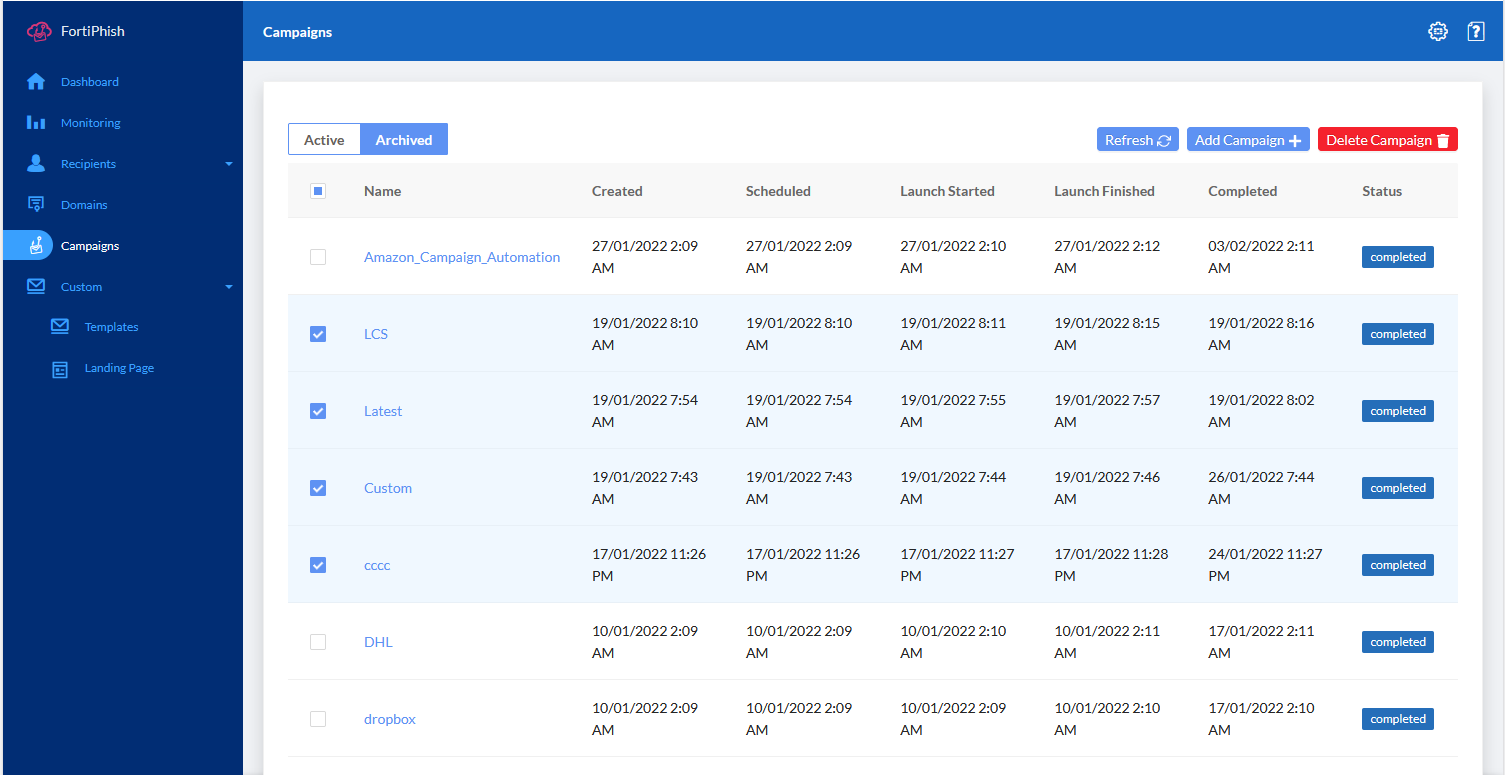
- Go to Campaigns > Archived.
- Select the campaign(s) you want to delete or click the Select All checkbox at the top page .
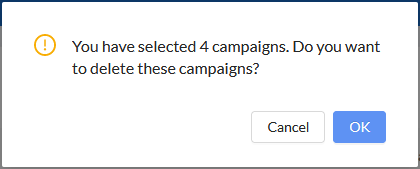
- Click Delete Campaign. The confirmation dialog opens. page opens.
- Click OK.