

Launching a secret for the SMB server using the Web SMB launcher
To launch a secret for the SMB sever:
-
In Secrets > Secret List, select the newly created secret, and select Launch Secret.
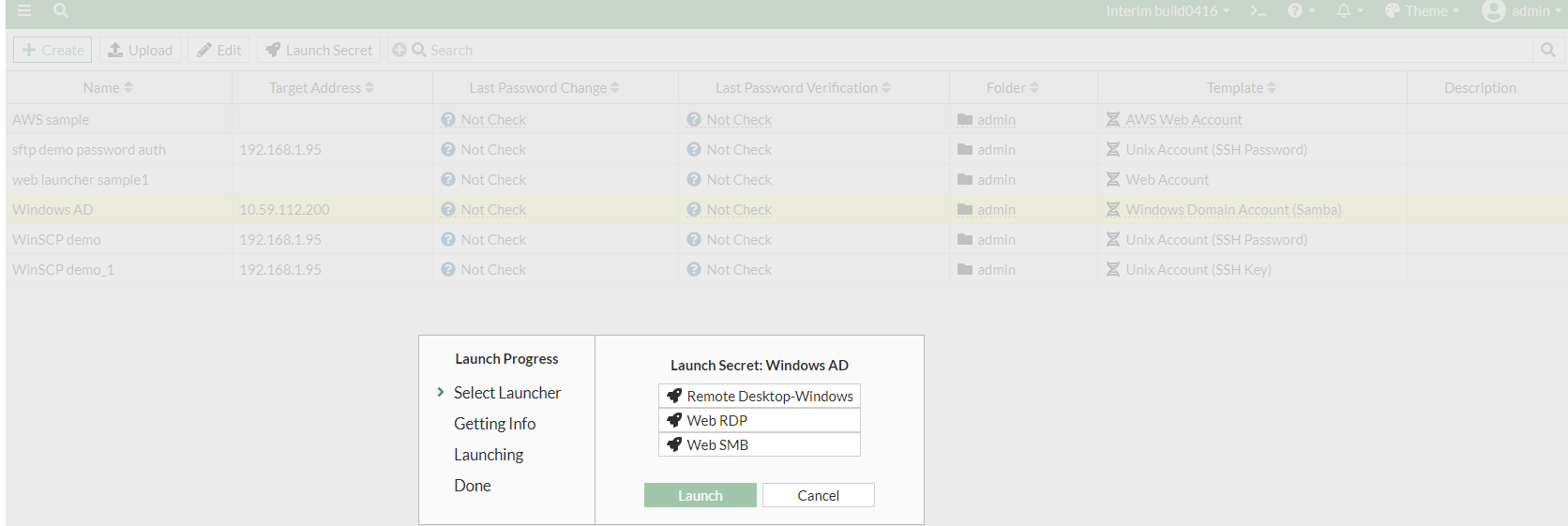
- In Launch Progress, select Web SMB launcher, and then select Launch.
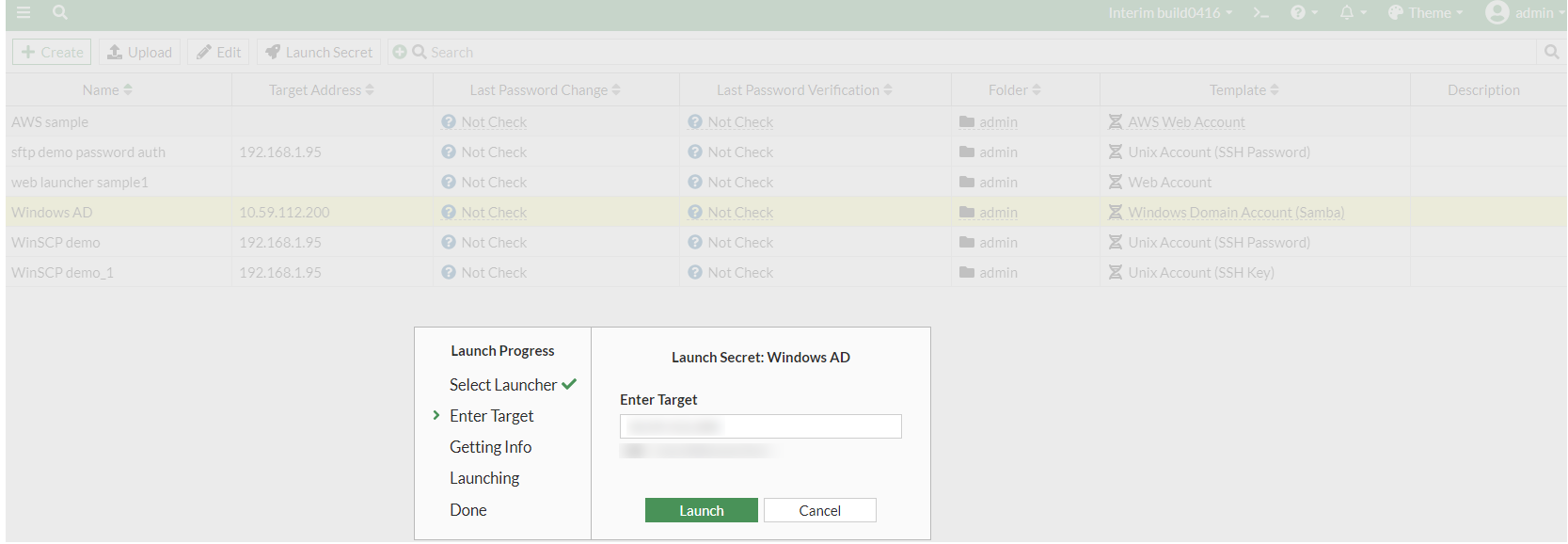
- Click Launch to gain access to the SMB server.
A new browser tab opens with Web SMB interactive UI. You can now modify files or folders from the SMB server according to your Windows account priviliges.
