
Fortinet white logo
Fortinet white logo

Examples

Registering FortiAnalyzer Cloud

Registering FortiAnalyzer Cloud

  1. Go to the FortiCare portal and create a new account or log in with an existing account.

    The Asset Management portal opens.
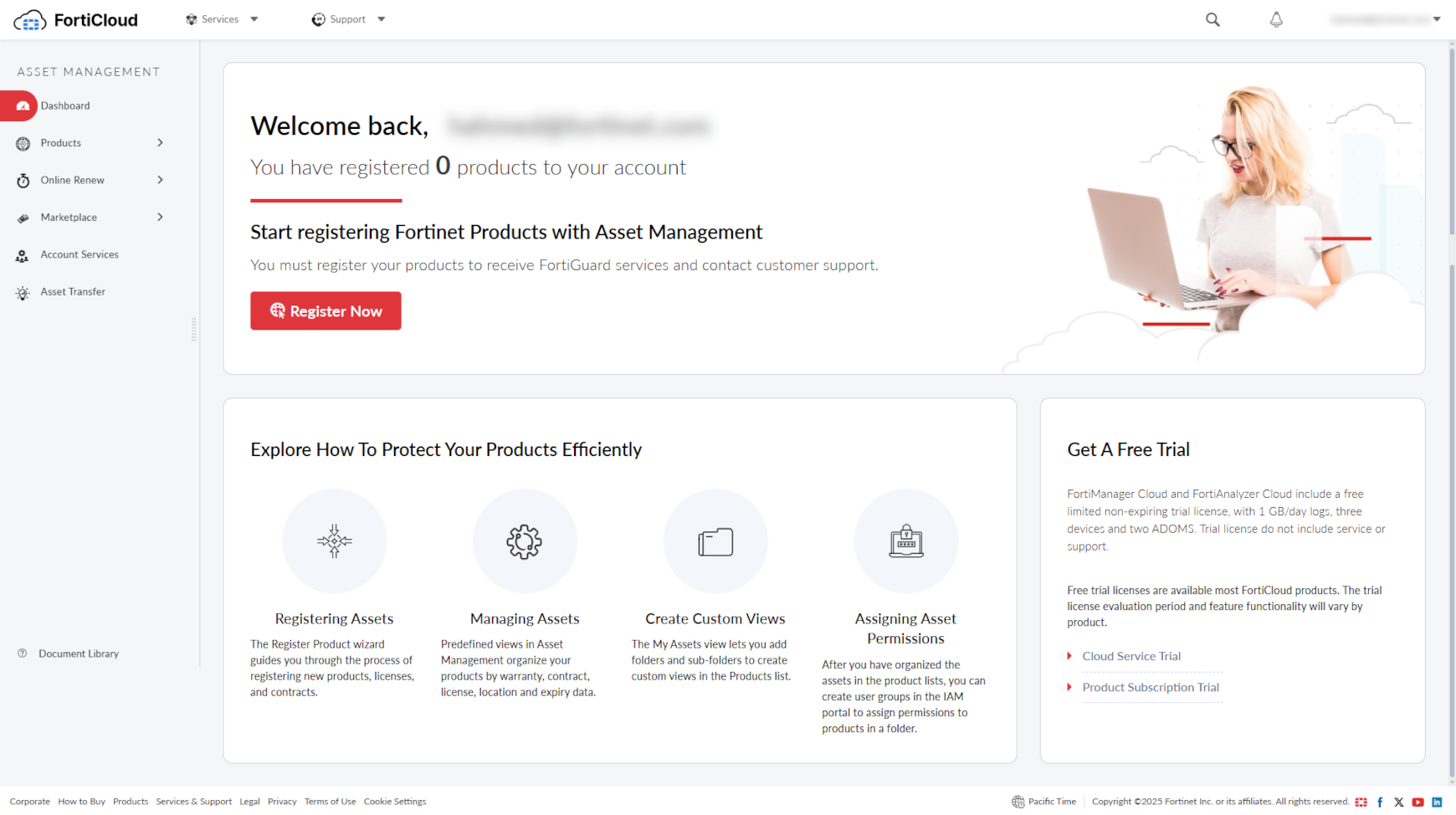
  2. On the Asset Management portal, click Register Now to register FortiAnalyzer Cloud.
  3. Provide the registration code:
    1. Enter the FortiAnalyzer Cloud registration code.
    2. Choose your end user type as either a government or non-government user.
    3. Click Next.
  4. The Fortinet Product Registration Agreement page displays.

    Select the check box to indicate that you have read, understood, and accepted the service contract. Click Next.

  5. The Verification page displays.

    Select the checkbox to indicate that you accept the terms.

    Click Confirm.

    Registration is now complete and your registration summary is displayed.

    See Registering assets in the latest Asset Management Administration Guide.

Registering FortiAnalyzer Cloud

Registering FortiAnalyzer Cloud

  1. Go to the FortiCare portal and create a new account or log in with an existing account.

    The Asset Management portal opens.

  2. On the Asset Management portal, click Register Now to register FortiAnalyzer Cloud.
  3. Provide the registration code:
    1. Enter the FortiAnalyzer Cloud registration code.
    2. Choose your end user type as either a government or non-government user.
    3. Click Next.
  4. The Fortinet Product Registration Agreement page displays.

    Select the check box to indicate that you have read, understood, and accepted the service contract. Click Next.

  5. The Verification page displays.

    Select the checkbox to indicate that you accept the terms.

    Click Confirm.

    Registration is now complete and your registration summary is displayed.

    See Registering assets in the latest Asset Management Administration Guide.