

Removing an endpoint
Both the FIC admin user and the end user can remove endpoints from the system.
Admin user
-
On the main menu, click Monitor >Endpoints.
-
Locate the device, click the tool icon (the three dots) and click Delete.
End user
-
On the End-User Portals, click Security to open the Security page.
-
At the bottom of the page, click the Delete icon.
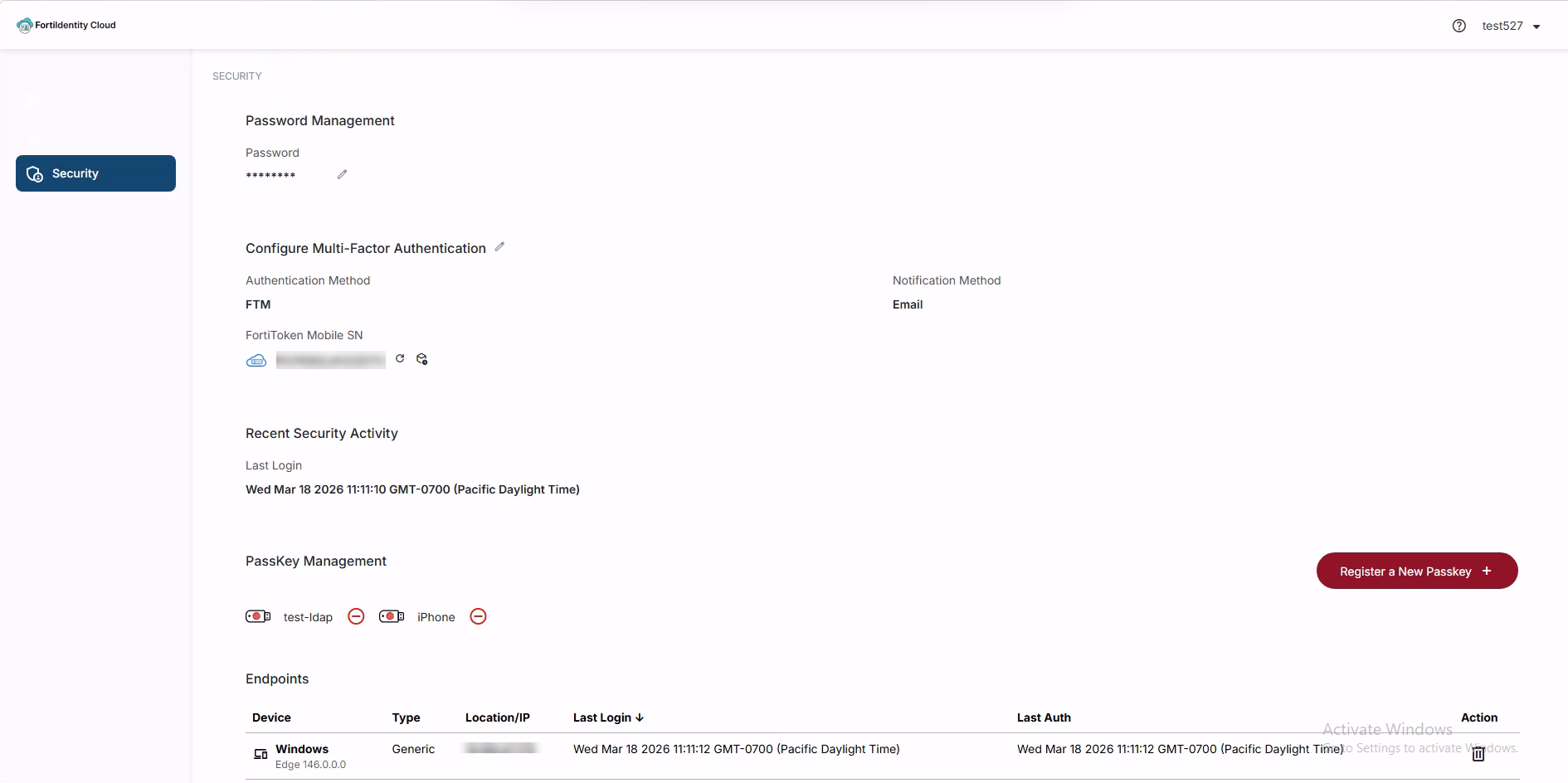

|
Once an endpoint has been deleted from the system, the end user will have to go through the same MFA authentication process when they try to log into the system using that endpoint. |