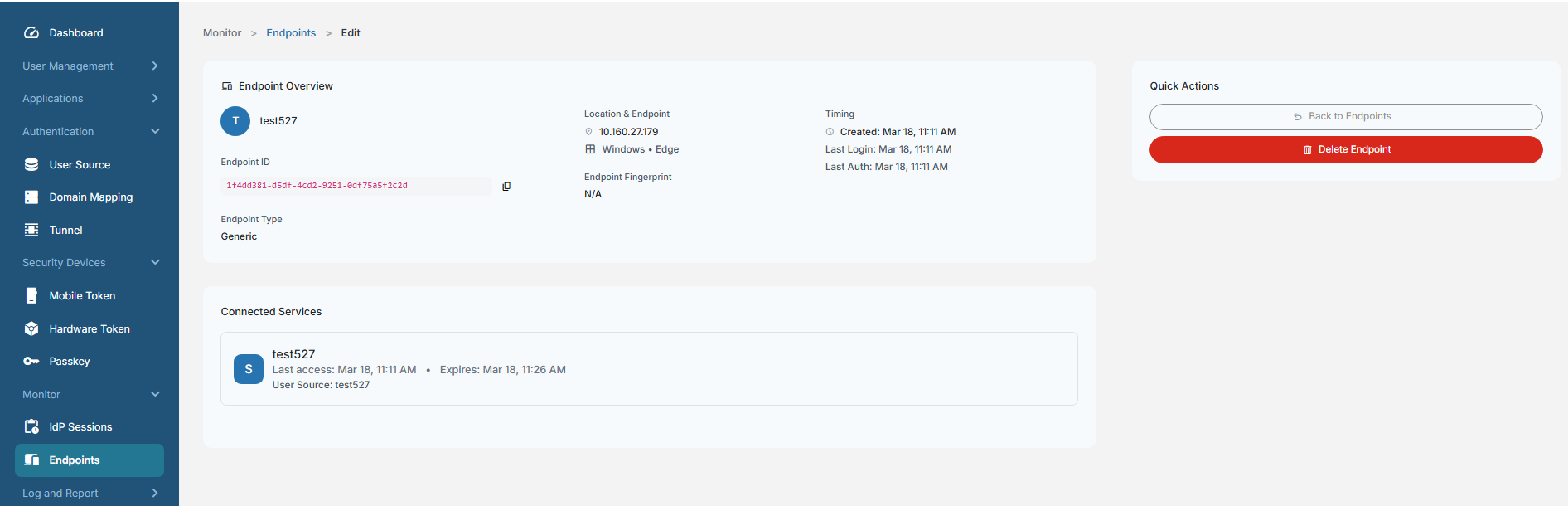
Viewing details of an endpoint
The FIC admin can view the details of an endpoint from the admin portal.
-
On the main menu, select Monitor > Endpoints.
-
Locate the endpoint, click the tool icon (three dots) and select View Details.