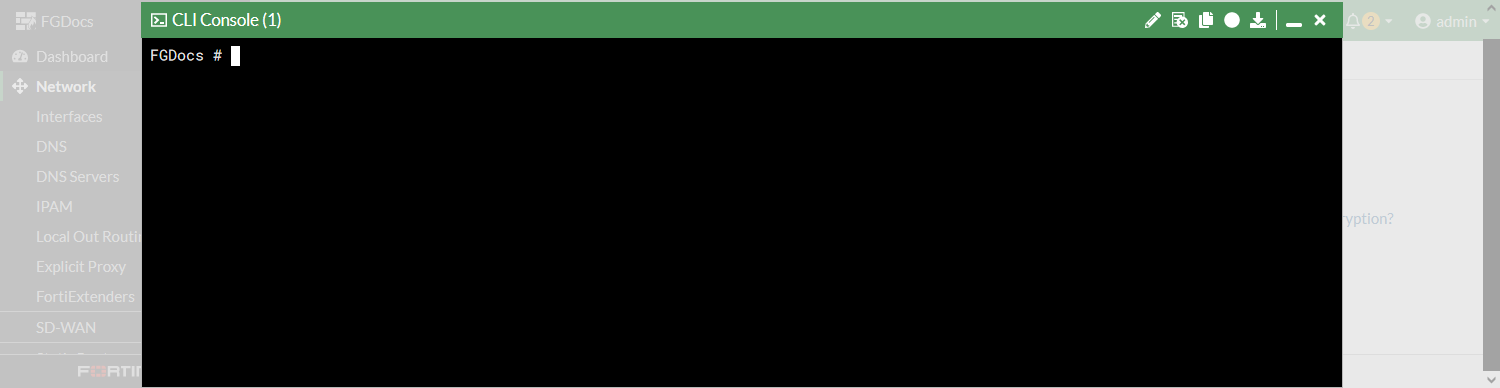
Command palette
The command palette is a keyboard shortcut menu that can be used to quickly navigate to GUI pages or run specific actions, such as opening the CLI console or restoring a system configuration.
To navigate to a new GUI page using the command palette:
-
Press
ctrl+p(orcmd+pfor Mac). The command palette is displayed with available navigation links.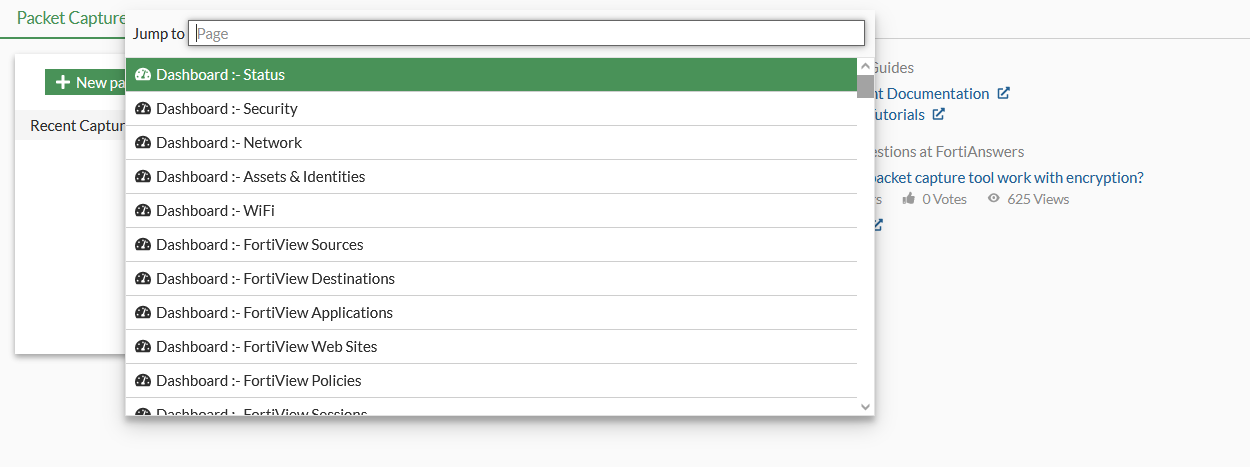
-
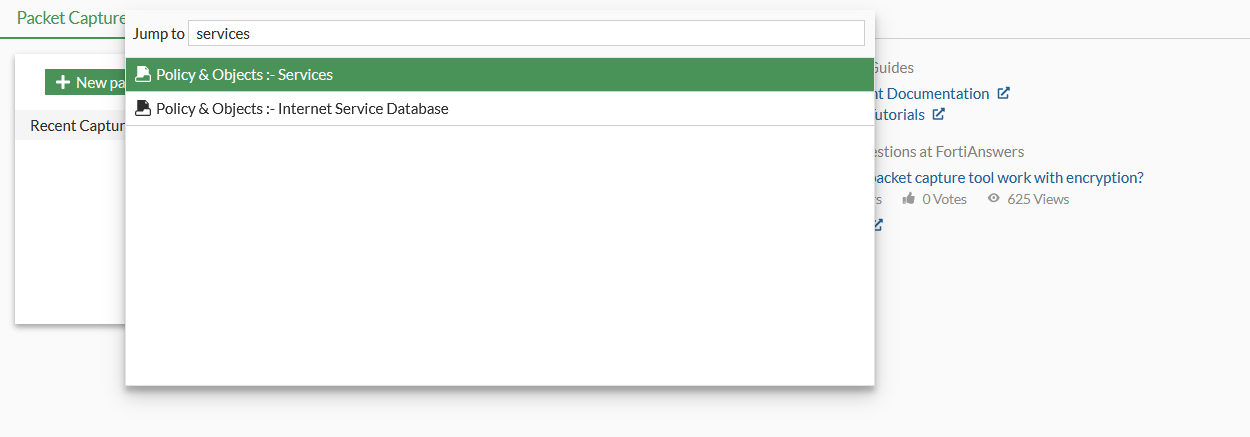
Enter the required destination.
-
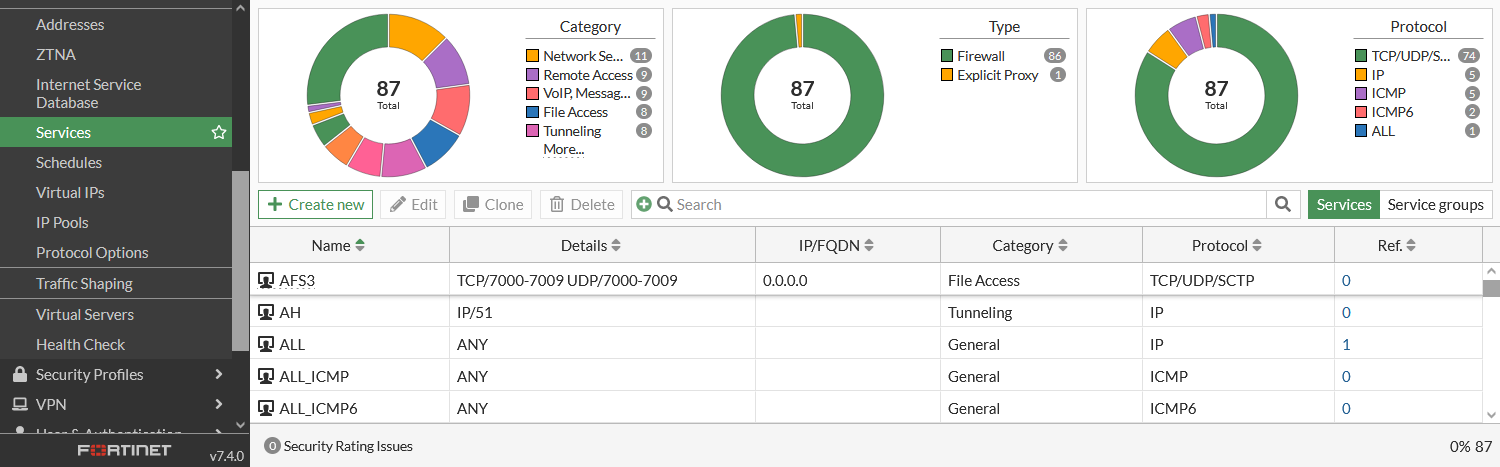
Press Enter to jump to the select GUI page.
To activate an action using the command palette:
-
Press
ctrl+p(orcmd+pfor Mac) and then enter a>. On supported browsers,ctrl+shift+p(orcmd+shift+pfor Mac) can be used.The command palette is displayed with a runnable command list.
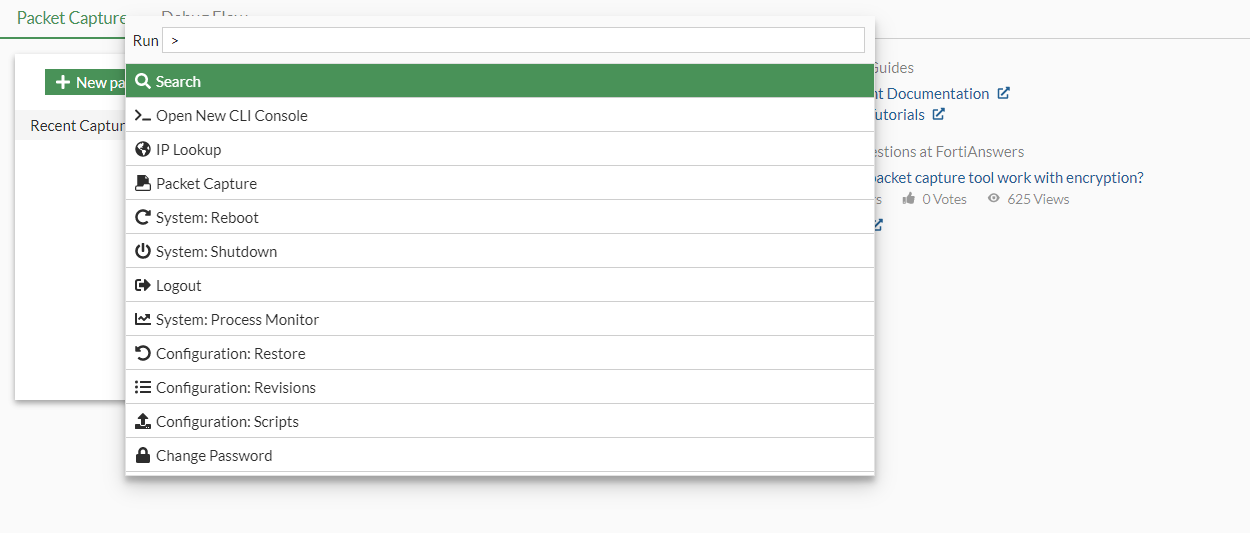
-
Enter the command key word.
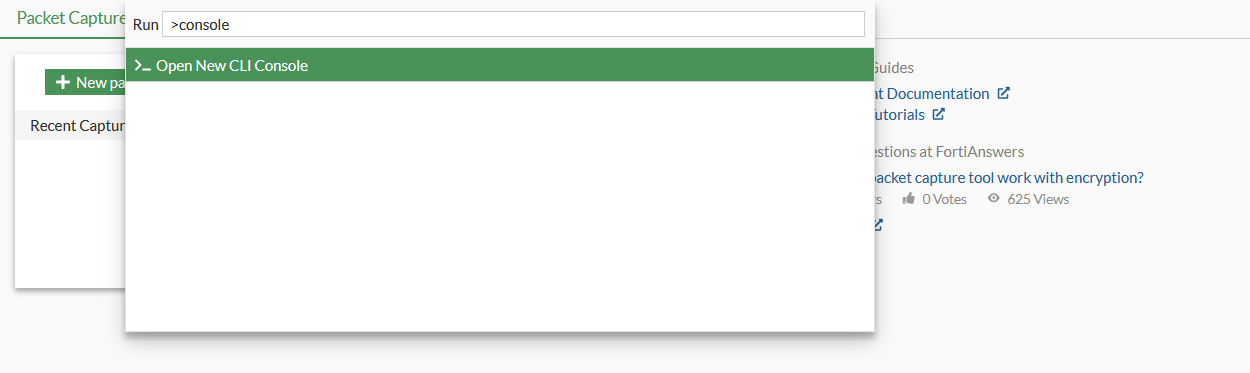
-
Press
Enterto run the action.