

Hyperscale sessions dashboard widget (NP7 performance monitoring)
On a FortiGate with a hyperscale firewall license, the Sessions dashboard widget shows Hyperscale sessions as well as CPU, offloaded SPU and nTurbo sessions. Current sessions shows the total number of sessions, CPU shows the percent of sessions handled by the CPU, SPU shows the percentage of these sessions that are SPU sessions, and Nturbo shows the percentage that are nTurbo sessions. Hyperscale SPU shows the percentage of the total sessions that are hyperscale firewall sessions.
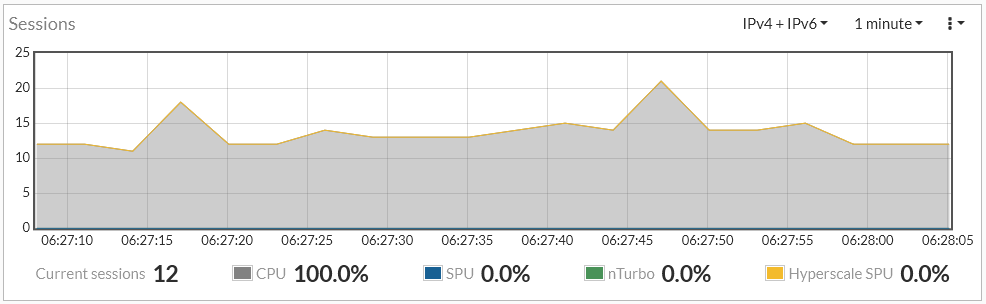
Hyperscale, SPU, and NTurbo sessions are displayed on the dashboard widget if NP7 per-session accounting is enabled. By default NP7 per-session accounting is enabled for all traffic accepted by firewall policies that have traffic logging enabled. You can use the following command to disable NP7 per-session accounting or enable per-session accounting for all traffic offloaded by NP7 processors.
config system npu
set per-session-accounting {disable | enable | traffic-log-only}
end
enable enables per-session accounting for all traffic offloaded by NP7 processors.
disable turns off per-session accounting.
traffic-log-only (the default) turns on NP7 per-session accounting for traffic accepted by firewall policies that have traffic logging enabled.
Enabling per-session accounting can affect NP7 offloading performance.