

Settings
Use System > Settings to configure the Host Name, set the system time and the idle timeout.
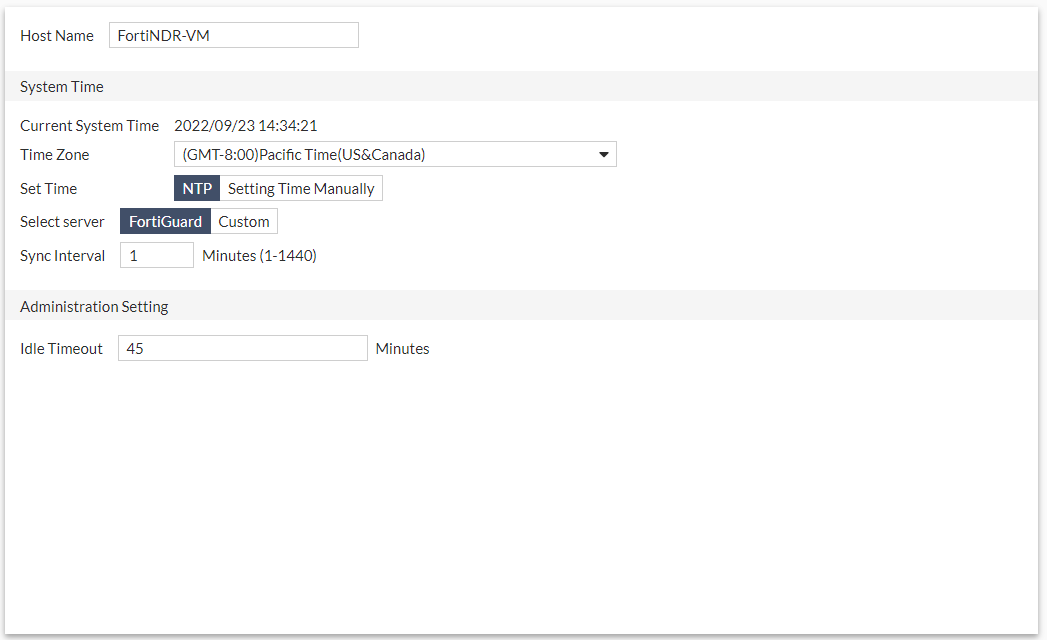
| Host Name | The Host Name for the device. |
|
System Time |
|
| Current System Time | The current system time. |
| Time Zone | Select the time zone from the drop down list. |
| Set Time | Select NTP or select Setting Time Manually and then enter the Date and Time. |
| Select Server | Select FortiGuard or select Custom to add or remover the Server. |
| Sync Interval | Select a value between 1-1440 minutes. |
|
Administration Setting |
|
| Idle Timeout | Enter the idle timeout value in minutes. |