

Filters
The Filters area enables you to define a query that filters the activity events to display in the result tables. It comprises the following filters:


|
This area also enables you to save queries and to redisplay saved queries, as described in Filters. |
|
Filter |
Description |
||
|---|---|---|---|
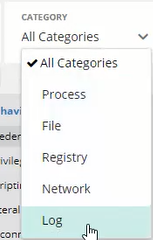
| Category |
The Category filter enables you to filter the activity events by their category.
|
||
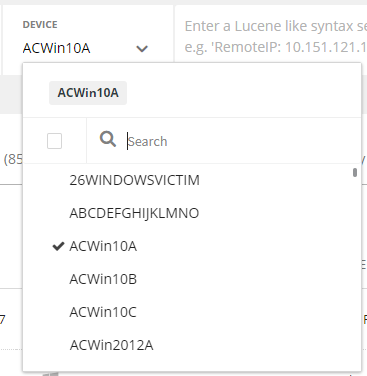
| Device |
The Device filter enables you to filter by a specific device[s].
|
||
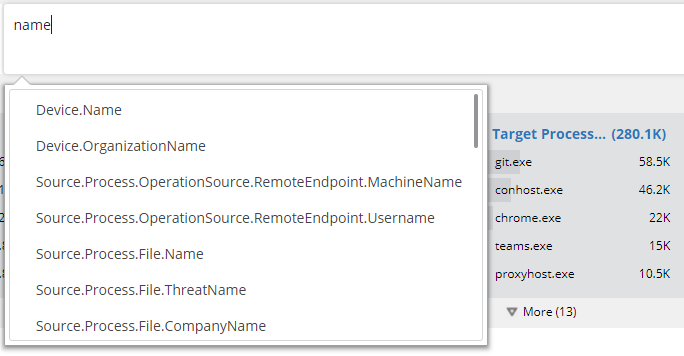
| Free-text Query |
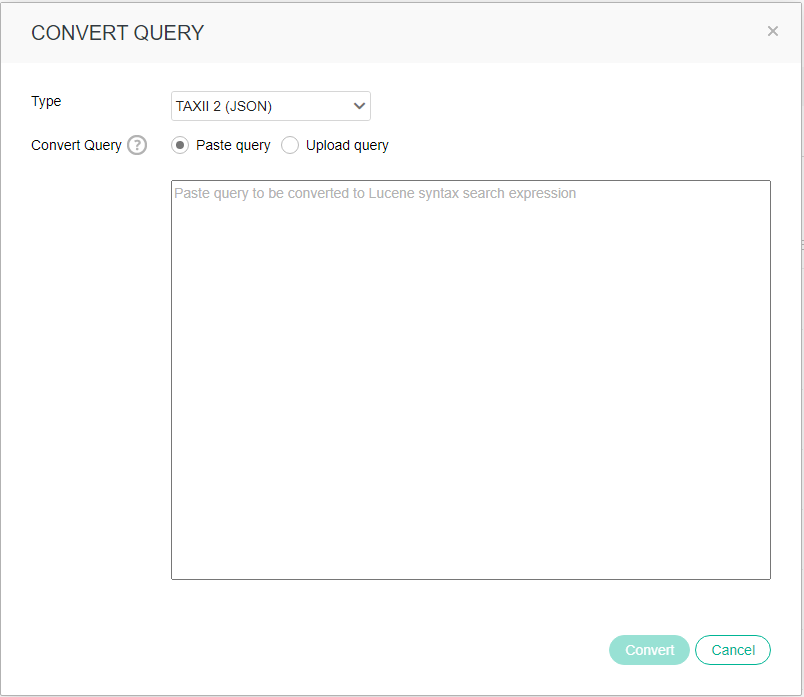
This filter enables you to specify a free-text Lucene-syntax query to filter the results. You can also convert STIX JSON and STIX XML syntax queries into Lucene syntax using the Convert Query button.
For Lucene-syntax queries, to simplify definition, the free-text query filter has an auto-complete helper dropdown list that contains all the available activity event fields, as well as available syntax operators. Simply start typing to see a dropdown menu of options. The automatic-complete helper guides you through the process of creating a query by displaying appropriate options in the dropdown menus, such as fields and operators when appropriate.
For JSON and XML syntax queries, use the Convert Query button to convert the query into Lucene syntax.
You can then select the file type and paste the query or upload a JSON or XML file in the CONVERT QUERY window. The following indicators are supported and will be translated into Lucene syntax: hashes, file names, files size, paths, IPs, usernames, registry keys, URLs and domain names.
|
||
| Time |
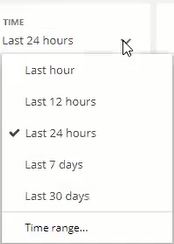
The Time filter enables you to filter for a specific time period. The default is the last hour.
|


To clear the contents of all the filters in the Filters area, at the far right of the page, click the eclipsis icon ( ) and select Clear all.
After filtering the activity events displayed in the result tables, you can save the query to be redisplayed when needed. Saving a query in this manner also enables you to define it as a scheduled query in order to automate the process of threat detection. See Saving and scheduling queries.