
Fortinet white logo
Fortinet white logo

User Guide

Wireless Security

Wireless Security

This dashboard provides network security information such as web applications, attacks, and viruses. The dashboard provides a summary of the 10,000 most recent security events for the chosen filters. For deeper insights into past events, please visit the Logs section for the event category of interest.

The dashboard is divided into the following panels. You can view and analyze the log trends graphically for all the above detected security anomalies over a period of time.
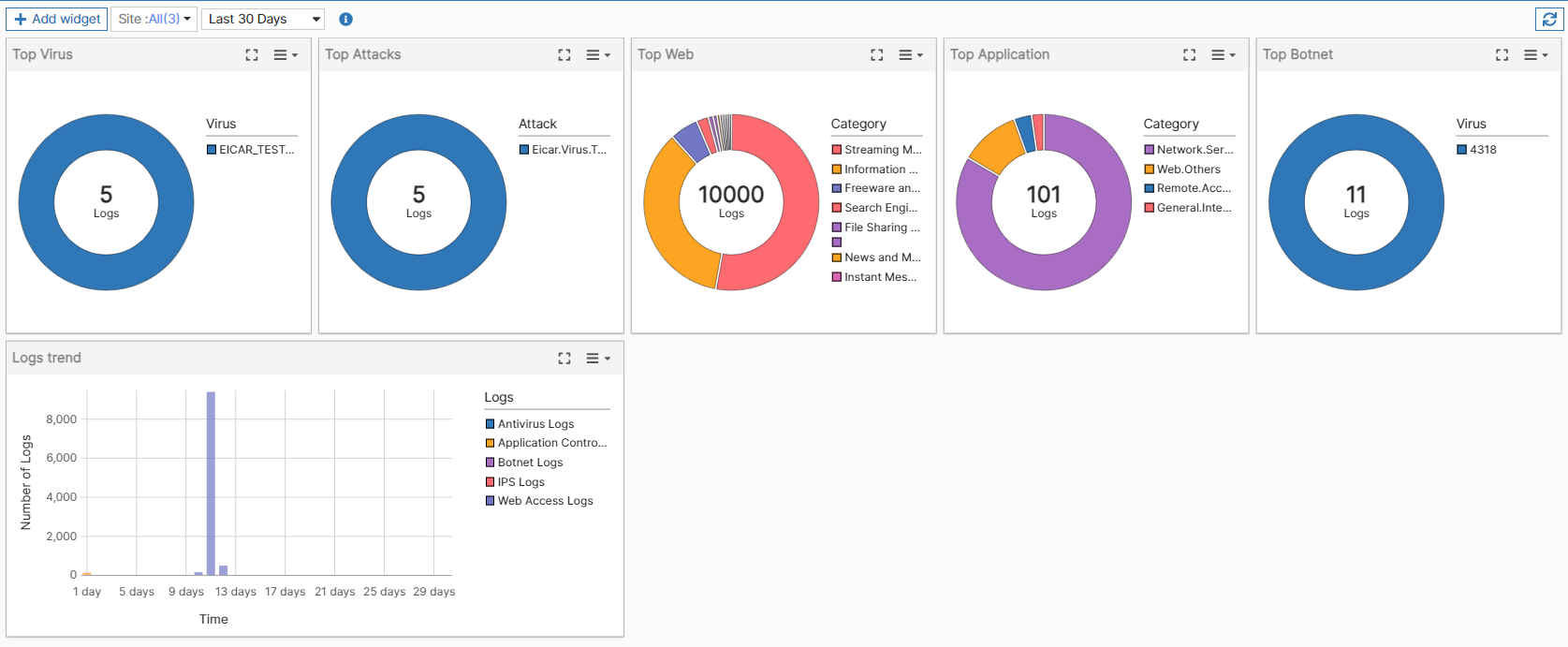
  • Top Web - The top ten web categories that are most frequently used.

  • Top Attacks - The top ten attacks that the FortiEdge Cloud's IPS most frequently prevents.

  • Top Viruses - The top ten viruses that the FortiEdge Cloud's AV most frequently detects.

  • Top Application - The top ten web categories that are most frequently used.

  • Top Botnet - The top ten bots that the FortiEdge Cloud’s monitoring function most frequently detects.

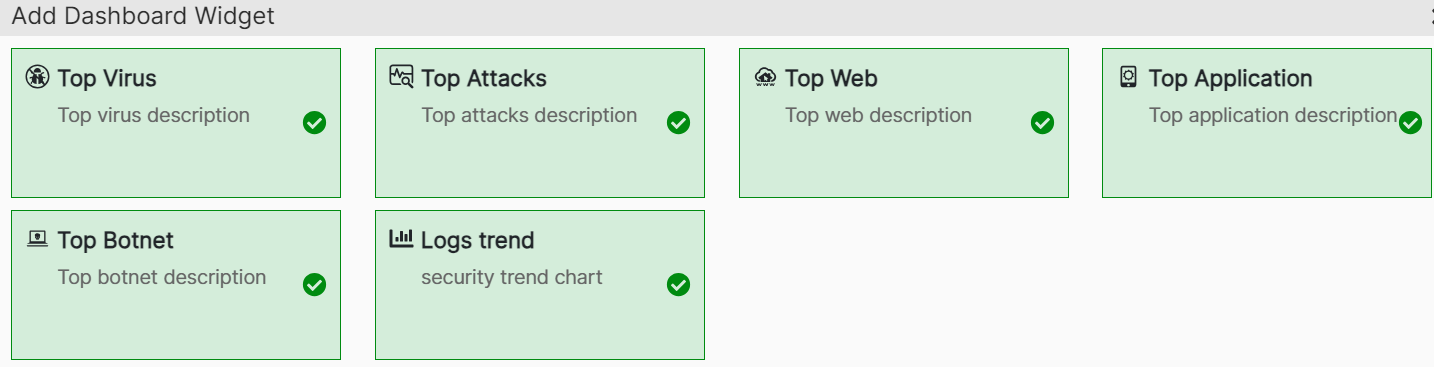
To add or remove the widgets from this page, click Add widget.
Wireless Security

Wireless Security

This dashboard provides network security information such as web applications, attacks, and viruses. The dashboard provides a summary of the 10,000 most recent security events for the chosen filters. For deeper insights into past events, please visit the Logs section for the event category of interest.

The dashboard is divided into the following panels. You can view and analyze the log trends graphically for all the above detected security anomalies over a period of time.

  • Top Web - The top ten web categories that are most frequently used.

  • Top Attacks - The top ten attacks that the FortiEdge Cloud's IPS most frequently prevents.

  • Top Viruses - The top ten viruses that the FortiEdge Cloud's AV most frequently detects.

  • Top Application - The top ten web categories that are most frequently used.

  • Top Botnet - The top ten bots that the FortiEdge Cloud’s monitoring function most frequently detects.

To add or remove the widgets from this page, click Add widget.