

Points calculator
The points calculator can be found in the Tools > Points Calculator page, on the Fortinet Developer Network (https://fndn.fortinet.net/index.php?/tools/fortiflex/) or accessed through an API endpoint. Accessing the calculator through an API endpoint provides the current price, latest price, and effective date for the latest price.
Use the points calculator to calculate how many points will be consumed before you create a new configuration.
If a FortiFlex Consumption Offer (FFCO) is available, the points calculator may display the following information:
-
MRSP Rate: The daily rate before the FFCO discount.
-
FFCO Value: The value of the FFCO discount.
-
Effective Rate: The daily rate after the FFCO discount.
If a new entitlement is created, the rate displayed includes the FFCO discount.
To calculate points for a configuration:
- Go to Tools > Points Calculator.
- From the list select on of the following options.
- FortiGate Virtual Machine - Service Bundle
- FortiGate Virtual Machine - A La Carte Services
- FortiWeb Virtual Machine - Service Bundle
- FortiManager Virtual Machine
- FortiClient EMS On-Prem
FortiAnalyzer Virtual Machine
FortiPortal Virtual Machine
FortiADC Virtual Machine
FortiSOAR Virtual Machine
FortiMail Virtual Machine
FortiNAC Virtual Machine
FortiGate Hardware
FortiAP
FortiSwitch
FortiExtender
FortiWeb Cloud - Private
FortiClient EMS Cloud
FortiSASE
FortiEDR-MSSP
FortiNDR Cloud
FortiRecon
FortiSIEM Cloud
FortiDLP
FortiManager Cloud
FortiDeceptor Cloud
- Configure the instance based on the service you selected. The configuration settings will vary depending on the service. For more information, see Service offerings
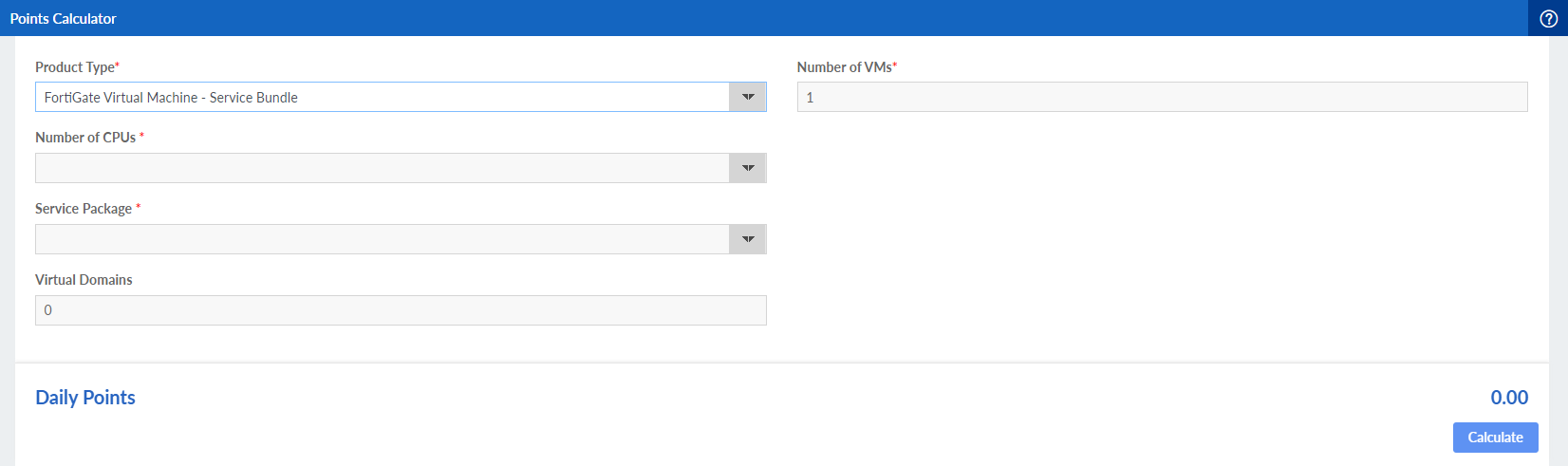
- From the number of Number of VMs dropdown, select the number of VMs.
- Click Calculate. The number of points is displayed.
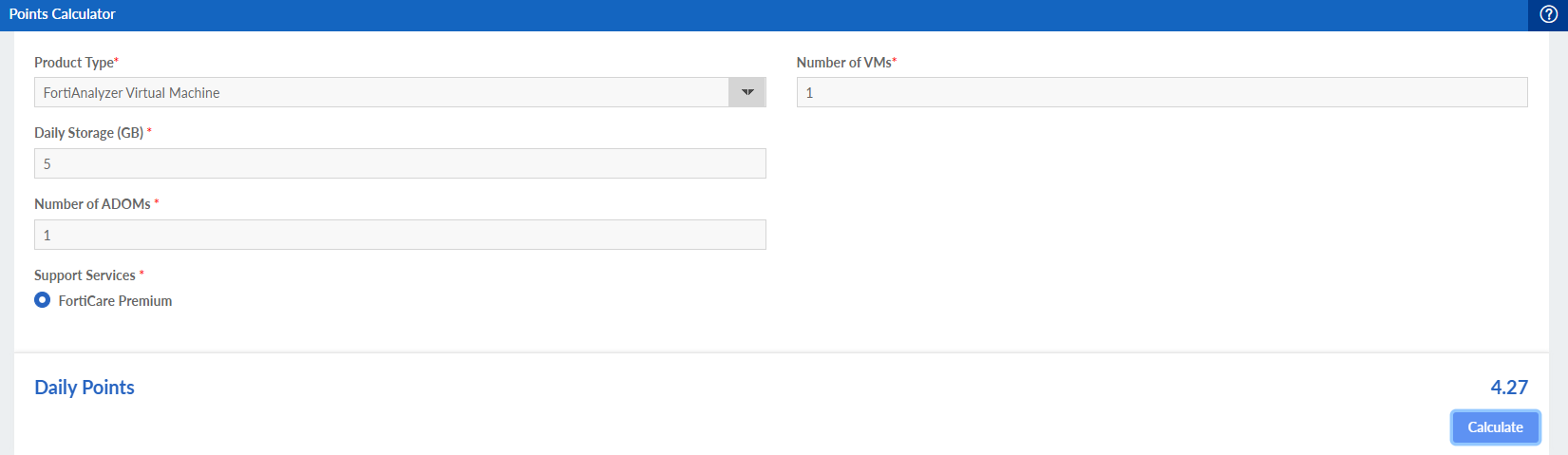
The Daily Points may display both current and latest pricing. See Daily points for more information.