

My Assets
The My Assets page lists devices currently registered to your account and the number of assessments conducted by the device.
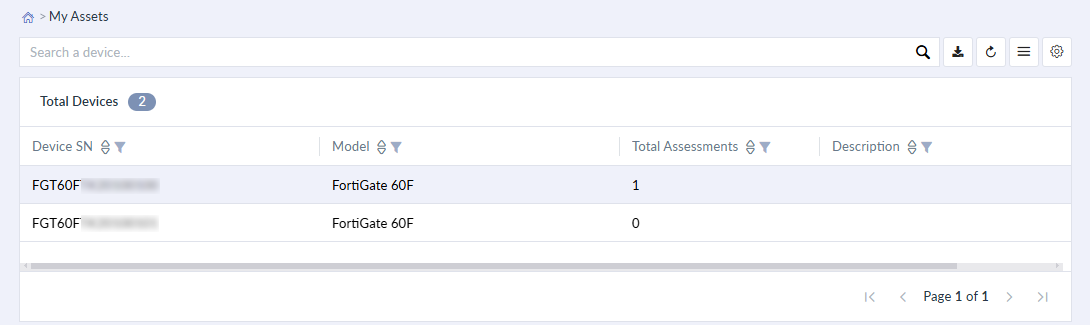
| Download | Download a list of the existing devices as an Excel (.xlsx) file. |
| Refresh | Refresh the list of devices, if needed. |
| Columns | Select the device detail columns visible in the table. Click Apply to display changes. |
|
Custom View |
After setting up the My Assets table and applying column visibility changes, save the view in the Custom View option. |