

Importing packages example
You can import packages that you exported from another FortiManager.
To import packages:
- Go to FortiGuard > Package Management > Receive Status.
- Click Import box.
The Import dialog box is displayed.

- Drag and drop the exported package onto the dialog box.
The dialog box updates.
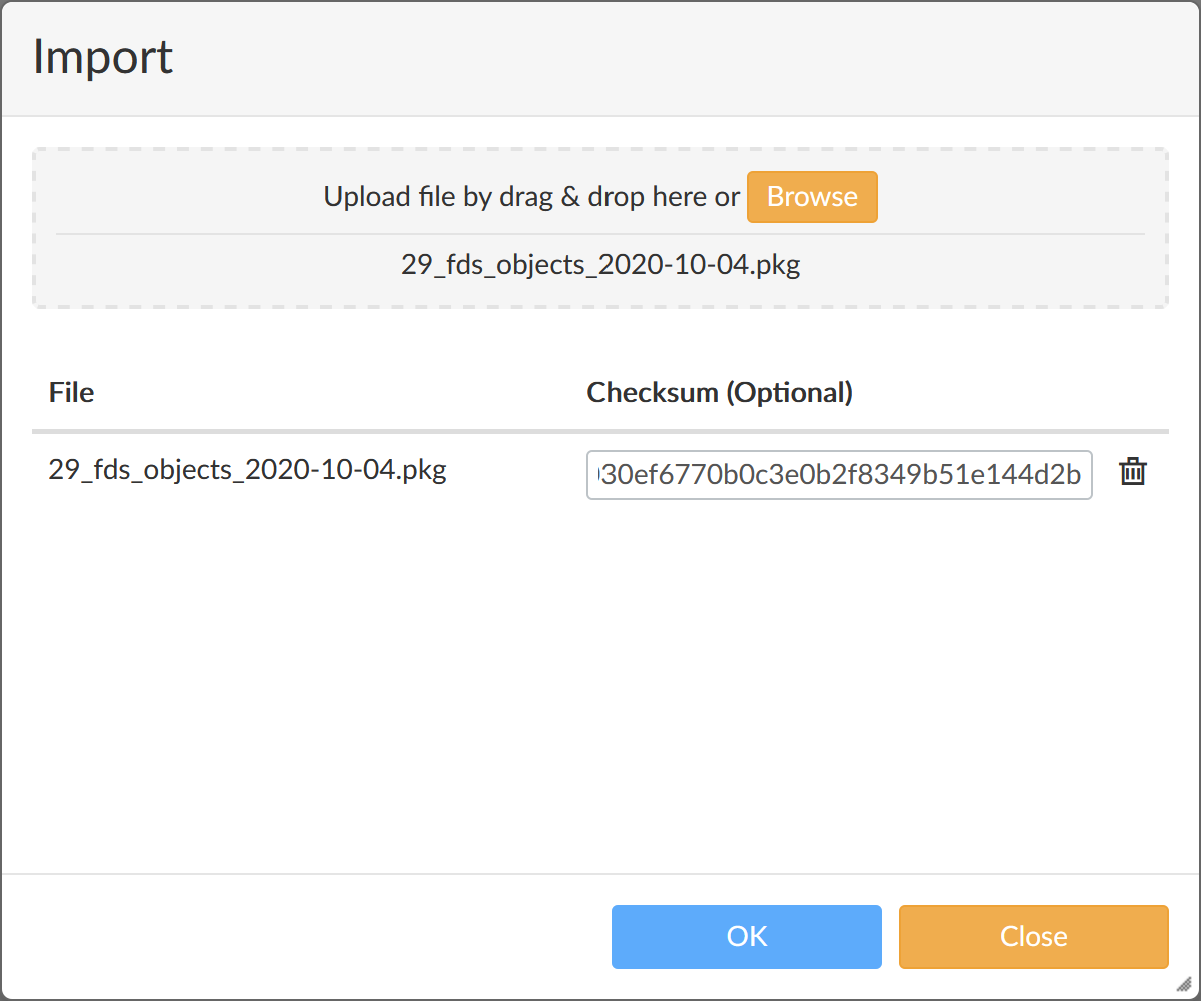
- Click OK.
A confirmation dialog box is displayed.

- Click OK.
The progress of the process is displayed while the object is imported to FortiManager.
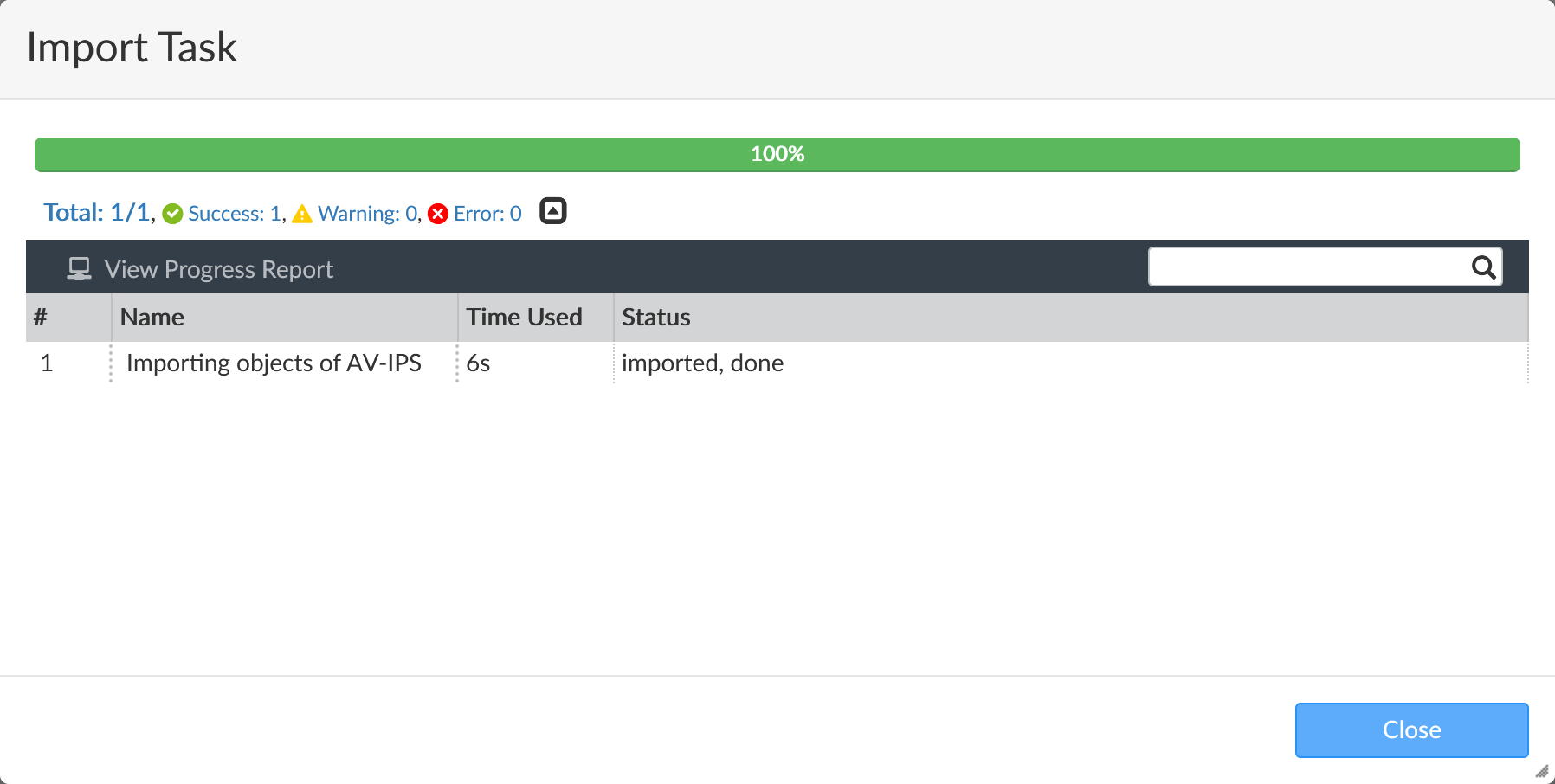
- Click Close.