

Getting started
The FortiVoice Admin app allows you to monitor your FortiVoice
The app complements the admin portal by supporting you with some administrative tasks while you are away from your desk.
For more information about the admin portal, see the FortiVoice Cloud Advanced Administration Guide.
|
Action |
How to |
|---|---|
|
Installing the app |
Go to the Google Play Store and search for FortiVoiceAdmin The app has been tested on Android 9.0 and later. |
|
Logging in for the first time |
To obtain the login credentials
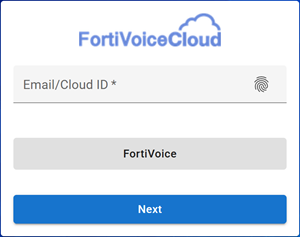
To log in
The web app opens to the Dashboard where you can review your system information, system resources, and license information.
|
 .
.
|
No. |
Action |
How to |
|---|---|---|
|
1 |
Using biometric authentication |
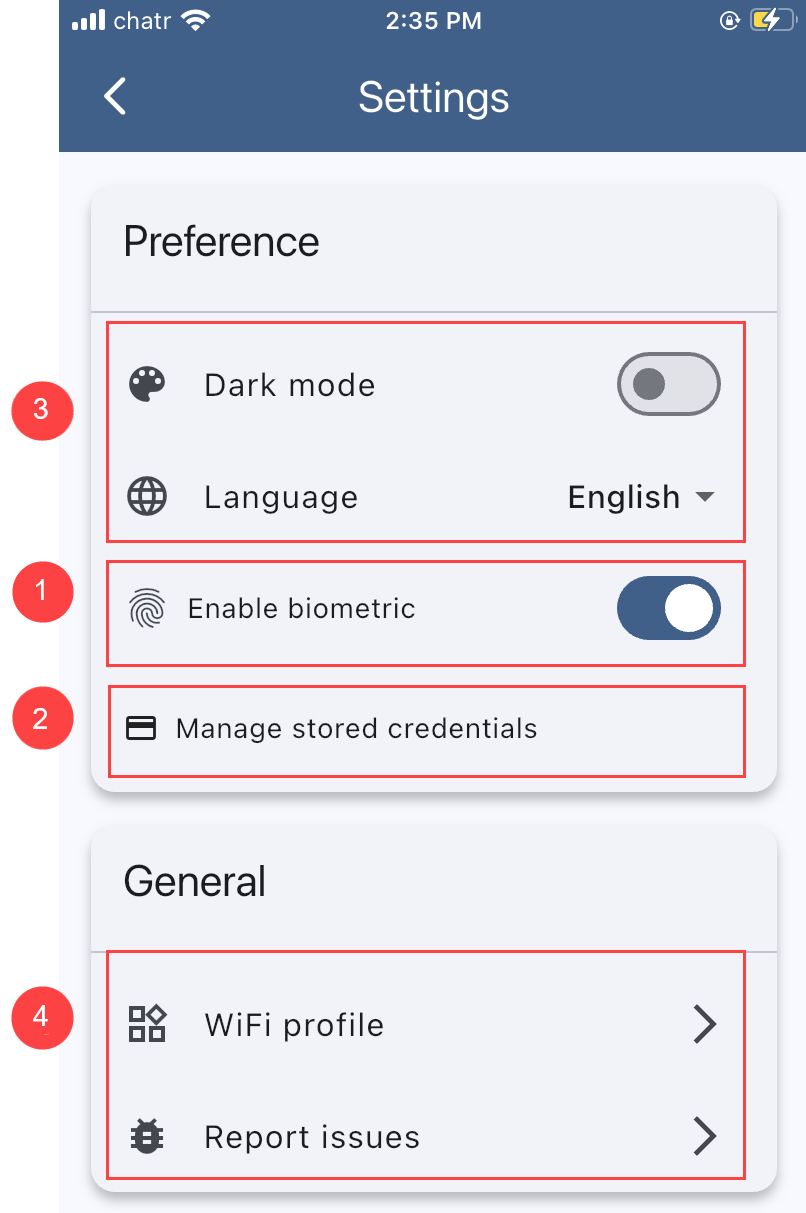
On your mobile phone, ensure that you have completed the biometric setup to register your fingerprint. To login using the fingerprint recognition After logging in for the first time in the Admin app, you can store login credentials. For subsequent logins, you can use the fingerprint recognition to easily access your saved credentials and quickly login.
To disable fingerprint authentication
|
|
2 |
Managing stored login credentials |
To remove login credentials saved on the phone
|
|
3 |
Managing your preferences |
In Settings > Preference, you can adjust your screen display and select the language. |
|
4 |
Managing WiFi profiles |
In Settings > General, you can manage WiFi profiles for FortiFone FON-W80B or FON-780B phones |
|
5 |
Logging out securely |
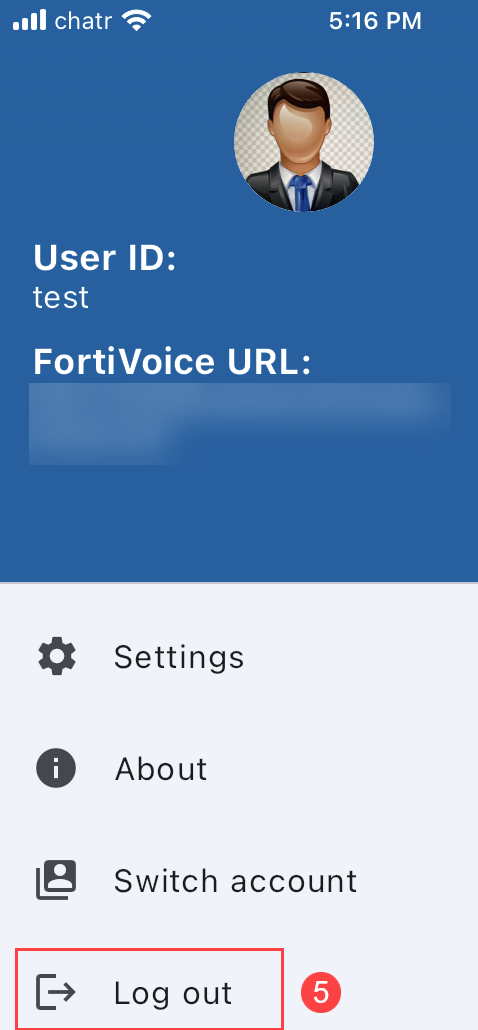
To log out of the app
|
 .
.