

Upgrade information
The FortiSOC GUI displays a notification in the banner when a new version of FortiSOC is available.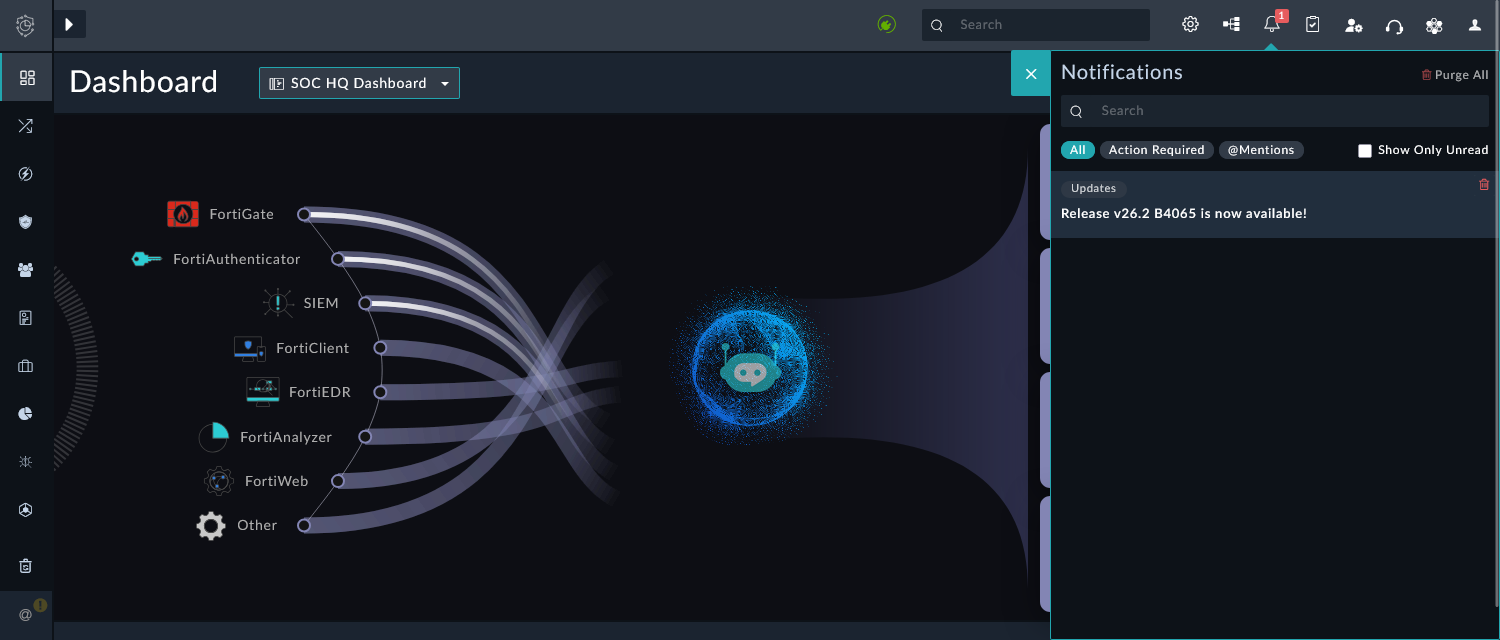
An alert is also provided in the bottom left of the GUI for users with the Full Admin role. Click the alert to view the build information and schedule the upgrade.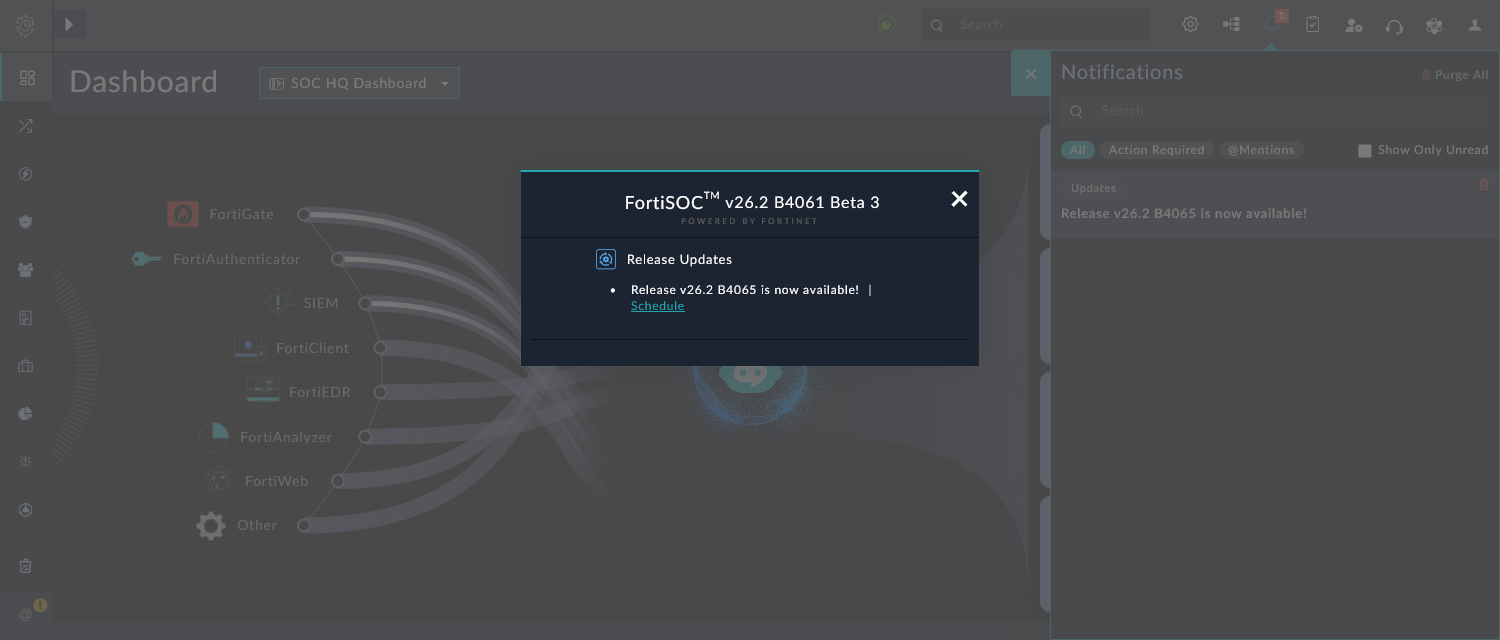
To schedule an upgrade for FortiSOC:
-
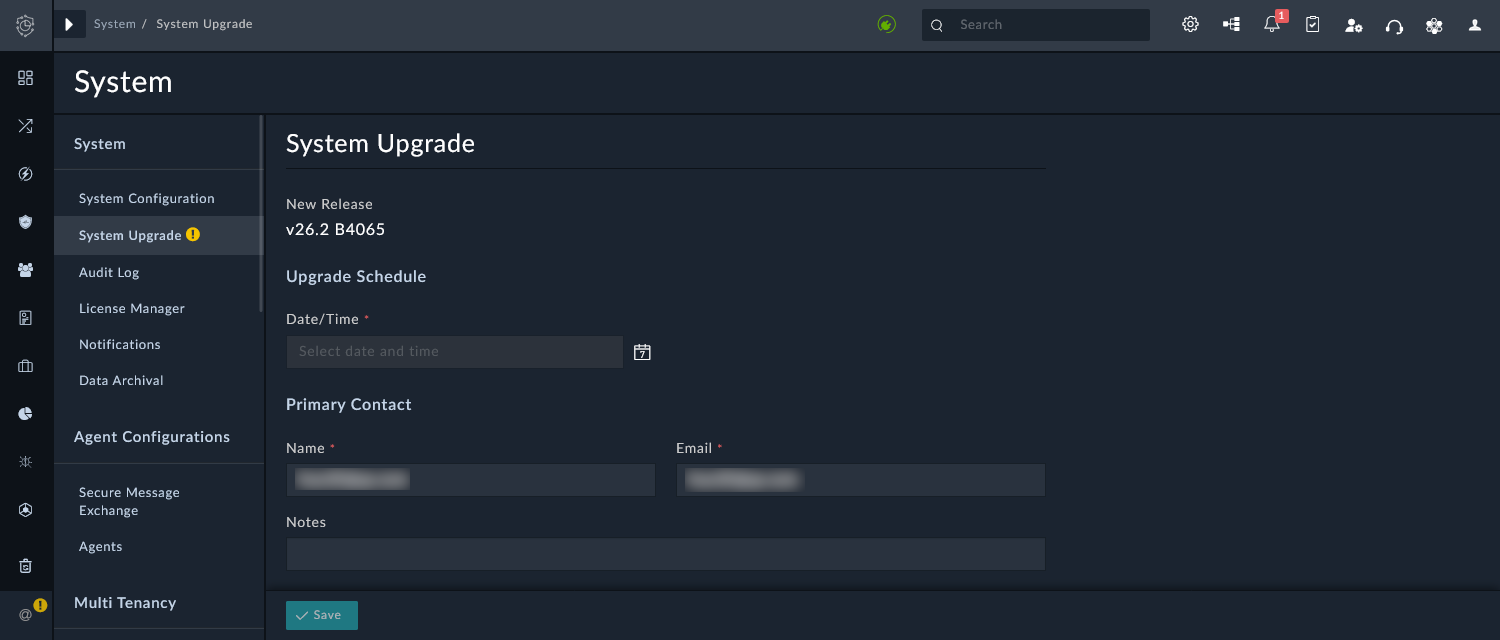
When a new version of FortiSOC is available, go to Global Settings > System > System Upgrade.
-
For the Date/Time field, select a date and time to complete the upgrade.
You can select a date/time within the following three weeks.
-
Confirm the prepopulated Name and Email for the primary contact.
-
In the Notes field, enter any special notes for the FortiSOC operations team.
-
Click Save.