

Scheduled Upgrades
FortiEdge Cloud lets you schedule device firmware upgrades for a later time. Once you've scheduled your upgrade, you can view and edit the scheduled upgrade from the Scheduled Upgrade page.
-
Navigate to Scheduled Upgrade and click a row to enable or disable each upgrade.

-
Click View to see which devices are included in the batch.
From this section, you can perform multiple actions.
- Edit: Change the upgrade time or selected firmware version.
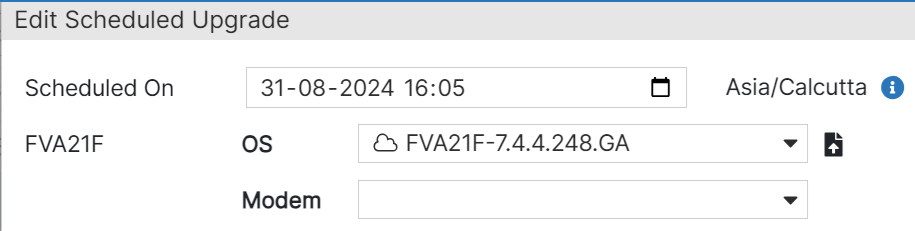
- Delete: Delete the scheduled upgrade.
- Add Devices: Add devices to the scheduled upgrade.
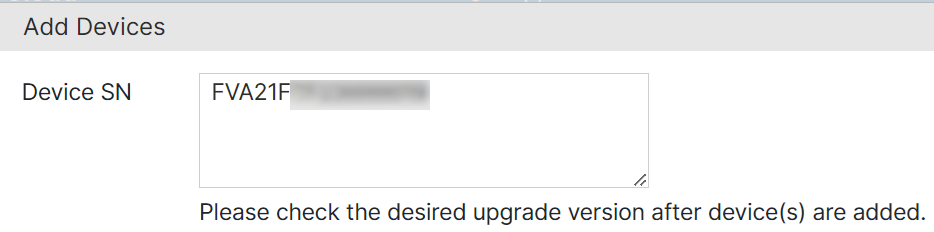
- Remove Devices: Select and remove devices from the scheduled upgrade.
- Edit: Change the upgrade time or selected firmware version.
-
When you are finished, click Apply to save your changes.