

2. Activating
 Activate your FortiCloud Services instance by doing the following:
Creating a FortiCloud account
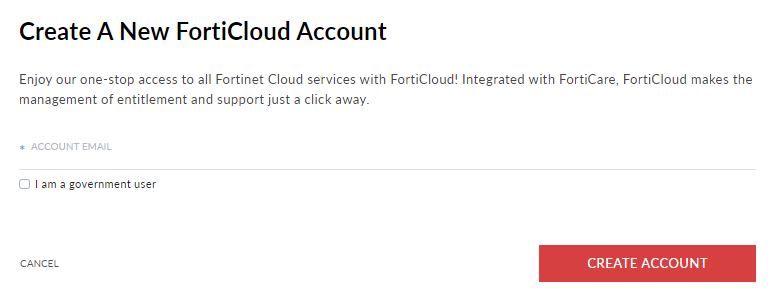
Activating FortiCloud Services requires a FortiCloud account, a centralized login system provided by Fortinet. Go to www.forticloud.com and click Create Account. Follow the instructions to create your FortiCloud account. See the FortiCloud Account guide for more information.
Logging into your account
Once you have created your account, you can log into the account using the account email address at www.forticloud.com.
Account users, such as IAM users or Organization members can access the account with additional steps. See Adding users and Creating an Organization.
Add users to your account and control their permission.
Adding users
You can register users to the account and control their permissions within the account and its assets. FortiCloud Services supports IAM users, API users, external IdP roles, and legacy sub users.
Permissions are controlled by assigning permission profiles. Permission profiles define the level of portal access and permissions a user has. Permission profiles allow you to explicitly enable or disable access to FortiCloud portals and grant portal-specific permissions for the enabled portals.
See Permission profiles and Users for more information.
To add users to the account:
-
In the Identity & Access Management (IAM) portal, go to Permission Profiles.
-
Create a permission profile and define the portals available to the user and their level of access.
-
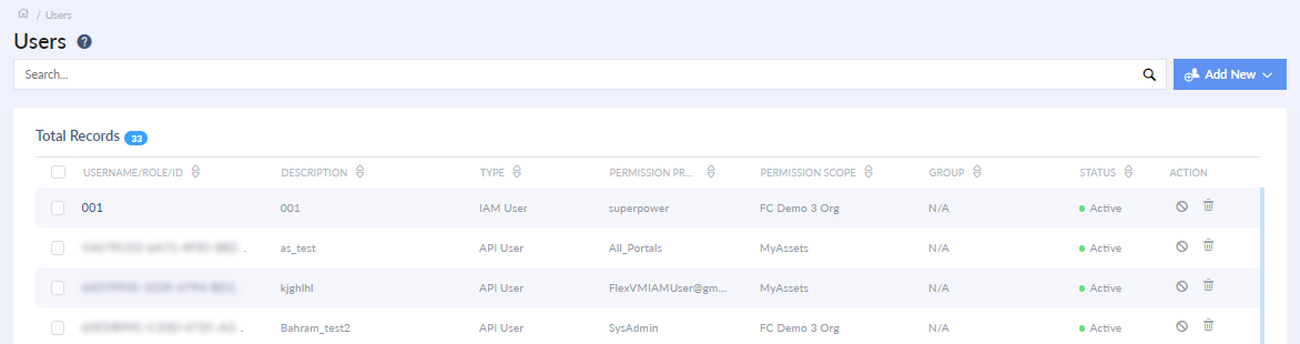
Go to Users.
-
Click Add New and select the user type.
-
Configure the user details, permission scope, and permission profile.
-
Provide the user account information to the user.