

Example 2: Launching the secret
To launch the secret:
- Go to Secrets > Secrets.
- From the Secrets List, double-click to open the secret created in Example 2: Creating a secret using the Target Only template .
- From the top, select Web Launcher.
The Launch Progress dialog opens.
- Enable SSO User.
- Click Launch to access the target.
- On the target login page, select Fill Credentials to fill in the login credentials.
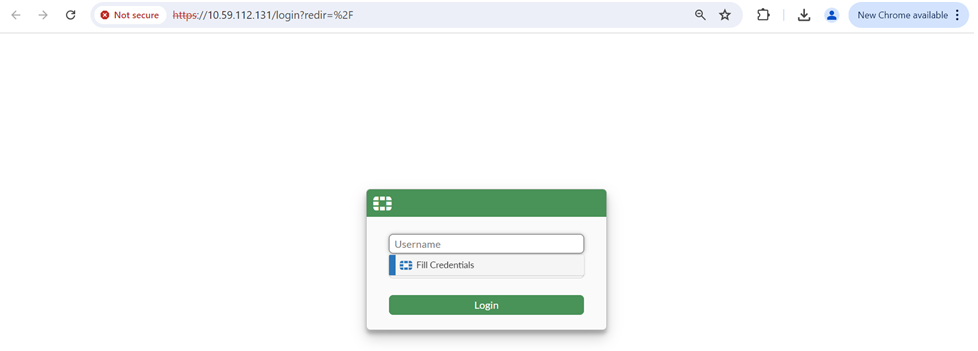
- Click Login to log in to the target.