
Fortinet white logo
Fortinet white logo

Examples

Example 2: Launching the secret

Example 2: Launching the secret

To launch the secret:
  1. Go to Secrets > Secrets.
  2. From the Secrets List, double-click to open the secret created in Example 2: Creating a secret using the Target Only template .
  3. From the top, select Web Launcher.

    The Launch Progress dialog opens.

  4. Enable SSO User.
  5. Click Launch to access the target.
  6. On the target login page, select Fill Credentials to fill in the login credentials.
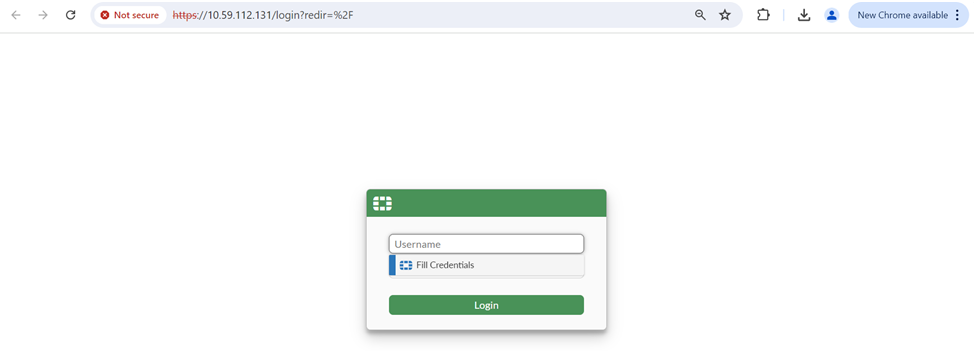
  7. Click Login to log in to the target.

Example 2: Launching the secret

Example 2: Launching the secret

To launch the secret:
  1. Go to Secrets > Secrets.
  2. From the Secrets List, double-click to open the secret created in Example 2: Creating a secret using the Target Only template .
  3. From the top, select Web Launcher.

    The Launch Progress dialog opens.

  4. Enable SSO User.
  5. Click Launch to access the target.
  6. On the target login page, select Fill Credentials to fill in the login credentials.

  7. Click Login to log in to the target.